Every unanswered patient message should have one accountable owner, a defined next action and a backup when that owner is unavailable. A shared inbox alone does not provide this accountability. If everyone can see a request but nobody is responsible for completing it, the practice can mistake visibility for follow-through.
Ownership does not mean one employee must personally answer every part of a message. It means one person remains responsible for moving the request to the appropriate authorized staff member and confirming that the administrative loop is closed.
Define what counts as unresolved
A message remains unresolved when the requested action has not happened or the sender has not received the appropriate next-step information. “Read,” “assigned” and “a reply was drafted” are intermediate states. None necessarily means the patient has a usable answer.
Separate a conversation's status from the underlying task. A staff member may have replied that a cancellation request is being reviewed, while the calendar still shows the appointment. Closing the conversation at that point would conceal unfinished work.
Use an ownership agreement
Write a small rule table for common situations. These are operating rules to implement or test, not claims about a particular inbox interface.
| Situation | Accountable person | Required next action |
|---|---|---|
| New unassigned inquiry | Current intake coordinator | Classify and assign |
| Scheduling request | Named scheduling owner | Check authority and appointment state |
| Billing question | Authorized billing owner | Review the account-specific issue |
| Clinical content | Practice-designated clinical route | Follow the approved clinical procedure |
| Owner absent | Named coverage person | Accept reassignment |
| Overdue thread | Supervising administrator | Resolve the ownership gap |
Keep response expectations realistic and make them visible to staff. Do not describe a response as immediate if the practice only checks the queue during office hours. Clinical urgency and emergency handling need the practice's approved clinical procedures; administrative AI should not improvise clinical triage.
A hypothetical Friday message
At a fictional counseling center, a patient sends a message at 4:40 p.m. asking to move Monday's appointment. The scheduling owner leaves at 5 p.m. and is out Monday morning. If the owner only marks the message “seen,” nobody has accepted responsibility for the remaining work.
Under a defined coverage process, the owner records that no calendar change has occurred and reassigns the task to Monday's coverage person. The coverage person accepts it and follows the practice's response procedure. If the practice cannot act before the appointment, the message should not imply that rescheduling has already succeeded.
This example concerns task accountability, not a promised response time or a recommendation about cancellation fees.
Make reassignment an observable event
A useful handoff records the current state, the last action, the next action and the receiving owner. Avoid vague notes such as “please handle.” They force the next employee to reread the entire thread and can leave both employees assuming the other has acted.
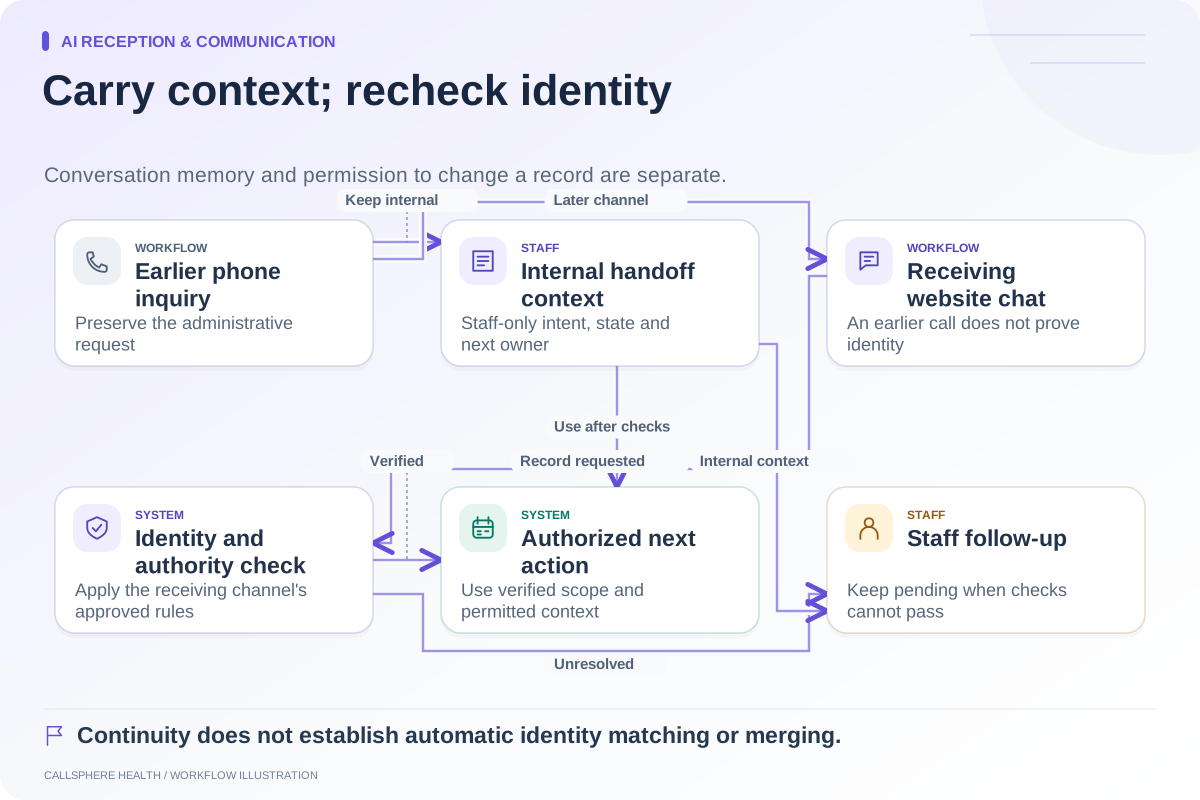
If your software does not support explicit acceptance, establish a manual acknowledgment process inside an approved staff system. Do not move patient details into an unrestricted team chat simply because it is convenient. The phone-to-chat continuity guide describes a minimal administrative context record.
For vendors that handle patient information on the practice's behalf, review the applicable arrangements described in HHS business-associate guidance. A routing feature alone does not settle the practice's privacy responsibilities.
Review the queue by outcome
During an operational check, look for unassigned items, tasks owned by absent staff, repeated reassignments and closed conversations with unfinished calendar or billing work. Use aggregate counts for management reporting; authorized staff can investigate individual cases within the protected system.
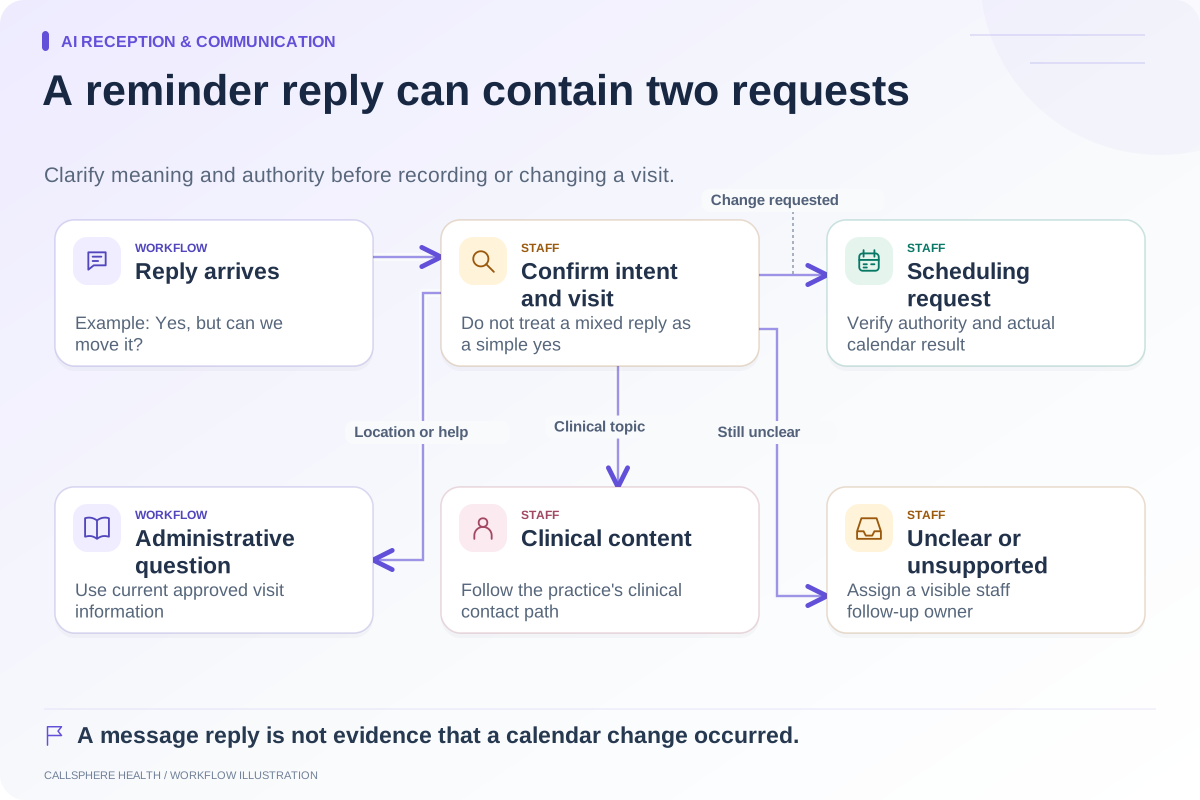
Ask a vendor to demonstrate one message that changes owners twice and one reminder reply that contains a question rather than a confirmation. The reminder reply workflow helps distinguish these intents.
CallSphere Health connects messaging and administrative workflows in its practice-management platform, and its configured AI receptionist can record staff follow-up requests. Those records should not be described as completed human responses or automatic answers to every secure message. Verify the actual assignment behavior in your setup before relying on it.
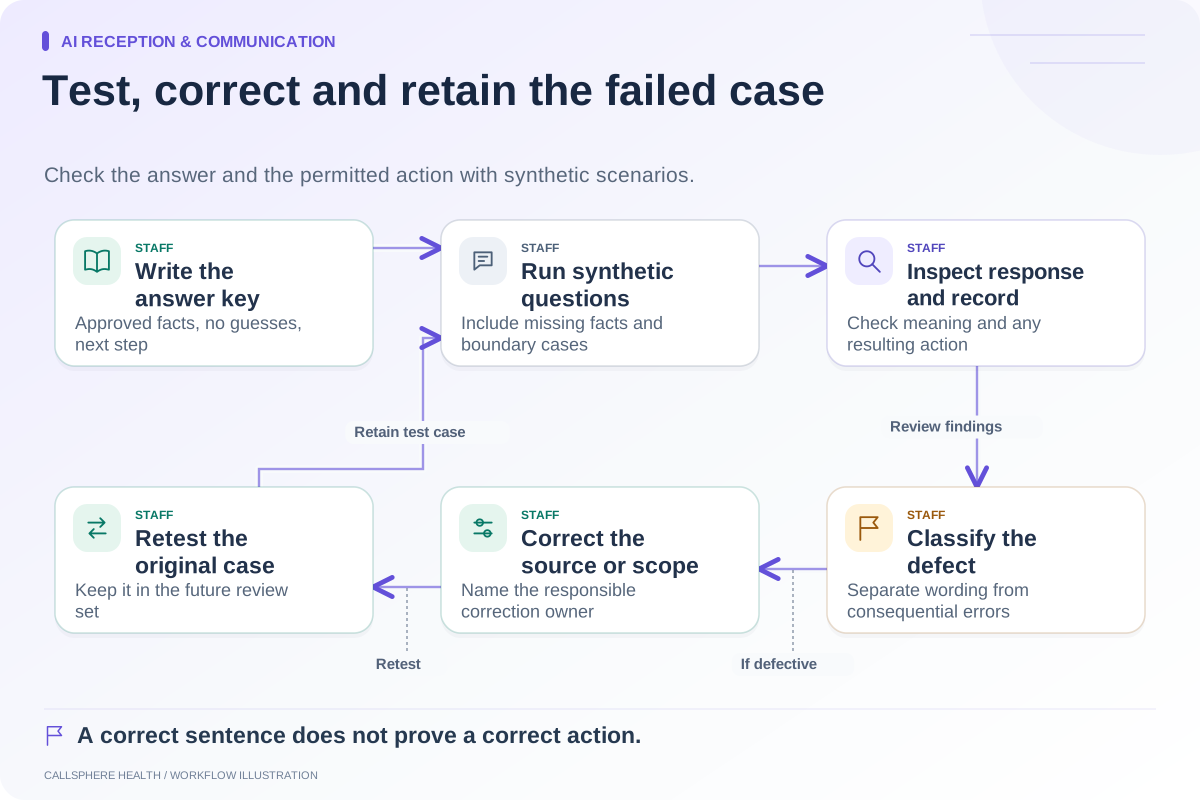
Use a demo to trace a synthetic request from arrival to a confirmed outcome, then explore AI reception and communication guides for related procedures.
Sources and product scope checked September 9, 2026.