A self-pay estimate workflow needs an owner, a reliable handoff from scheduling, and a record of what the practice sent. A price on a website or a balance in an EHR does not by itself demonstrate that the practice has completed the applicable estimate process.
This guide proposes an administrative checklist for U.S. therapy practices. It does not determine an individual practice's legal obligations or claim that CallSphere automatically generates compliant estimates. The practice should use current CMS provider guidance on patient payment resolution when establishing its procedure. Source reviewed September 9, 2026.
Assign the decision before assigning the form
Start with two distinct responsibilities. A trained staff member determines which estimate process applies using the practice's approved policy. Another named person, who may be the same employee in a small practice, prepares and checks the information that will be delivered. Software can record a task, but an unassigned task has no accountable owner.
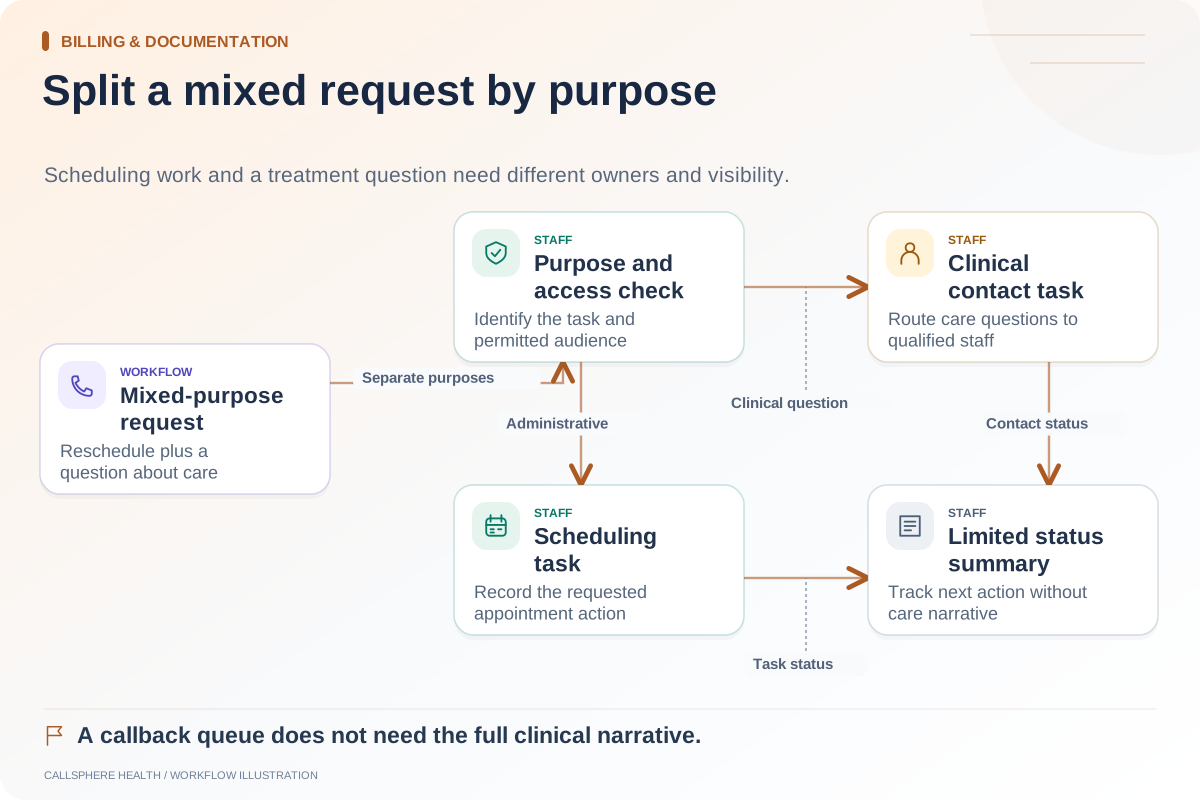
Scheduling staff need a small set of administrative facts: the requested service, scheduled date if known, the relevant payment arrangement and a reliable communication route. They should not improvise coverage advice or promise a final bill from a conversation about fees. Questions outside the written policy go to the designated billing lead.
Use a register that records more than completion
An estimate register can be a controlled workflow in the practice's approved system. Avoid collecting extra clinical information simply because a field is available.
| Checkpoint | Record | Staff decision |
|---|---|---|
| Request received | Request time, service and assigned owner | Which approved process applies? |
| Information gathered | Required fee and scheduling inputs | Is any information missing? |
| Estimate prepared | Version and preparation date | Has the responsible person checked it? |
| Delivered | Approved channel, date and delivery result | Does a failed delivery need follow-up? |
| Service changed | Changed input and previous version | Does the estimate need review? |
| Question received | Contact request and responsible staff member | Who can answer the question? |
Do not treat a checked box as proof that a document reached the intended recipient. Keep the document version connected to the delivery record so staff can explain what was sent without recreating it from memory.
Walk through a change in the requested service
Hypothetical example: A prospective client asks about an individual consultation and later schedules a different appointment type. The front desk notices that the appointment changed after an estimate was prepared. Instead of editing the old document silently, staff open a review task linked to the original version.
The billing lead checks the changed service and the practice's applicable procedure. If an updated estimate is needed, staff prepare it, retain the earlier version and record delivery. The scheduling screen should show that the review remains open until the responsible staff member resolves it. It should not display an unexplained “done” status merely because the appointment exists.
Keep AI fee answers within approved information
An administrative assistant can explain published practice fees from maintained information, but that answer should not become an individualized coverage determination. A caller asking “Will this be everything I owe?” needs the practice's approved financial explanation and, where appropriate, staff review.
CallSphere includes billing and account communication workflows; the capabilities overview explains their configuration and staff boundaries. Automated good-faith-estimate generation was not established in this product review. Ask to see the exact estimate preparation, revision and delivery process before treating it as a purchased capability.
Test the handoffs before using the workflow
With synthetic data, test a first request, a changed service, a missing address, an unsuccessful delivery and a staff absence. For each scenario, identify who sees the unresolved work and what evidence closes it. A useful acceptance criterion is that another authorized employee can explain the current state without asking the original scheduler.
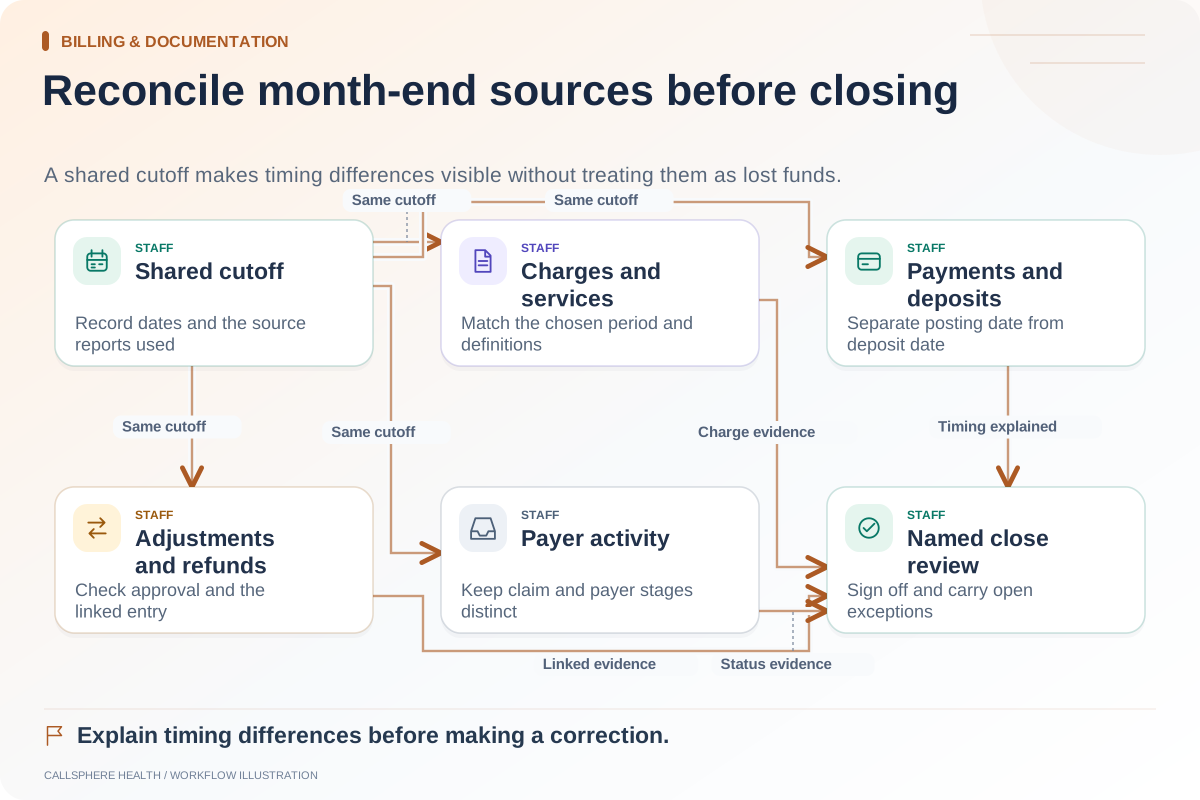
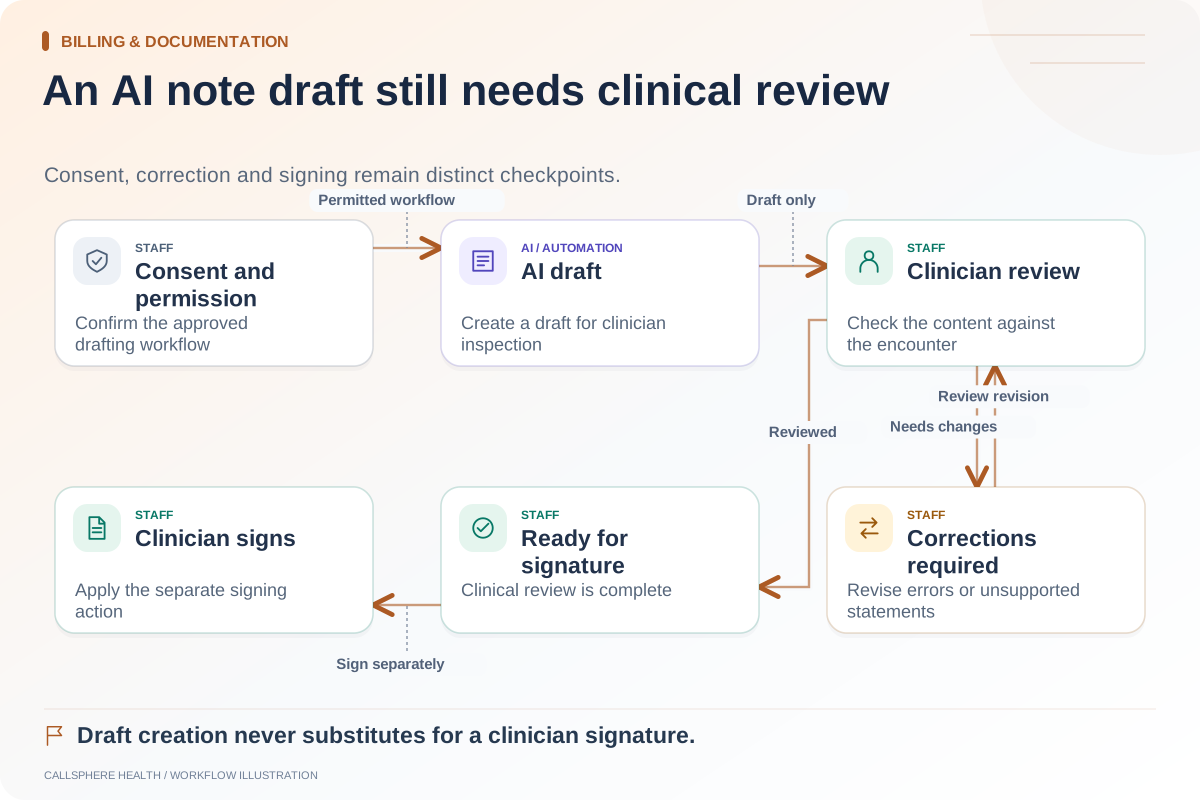
This task sits within billing and documentation operations. Connect it to your month-end reconciliation procedure so open financial questions have owners, and use the administrative-note distinction when deciding what to record. Bring one synthetic estimate-change example to a CallSphere workflow demo rather than assuming a feature label covers the entire process.