Clinical notes and administrative notes serve different purposes. Clinical documentation supports the clinician's record of care. Administrative notes help staff coordinate tasks such as returning an inquiry, correcting a contact route or explaining a scheduling status. The practice should define where each belongs and who may read or change it.
The distinction is practical as well as sensitive: an office employee should not have to search a clinical narrative to learn whether a callback is still needed. This guide offers an operational classification exercise, not a legal definition of particular record categories or access rights.
Classify the work before choosing the text box
A software screen may offer several places to type. Choose based on the purpose and approved access, rather than whichever field is nearest.
| Information | Operational purpose | Suggested review question |
|---|---|---|
| “Requested a callback about appointment times” | Track unresolved contact | Who owns the callback and when is it due? |
| “Preferred contact route updated after verification” | Maintain administrative preferences | Which system is the source of truth? |
| A description of the clinical encounter | Document care | Which authorized clinician reviews and signs? |
| A request for a record copy | Route a records request | Who handles the practice's release process? |
| A billing question awaiting review | Coordinate account follow-up | Which billing role can resolve it? |
These examples are hypothetical. They are not instructions to move real information into a new system without a practice-approved policy.
Make the next action explicit
An administrative entry should help the next authorized employee act. It normally needs a task category, an owner, an open or resolved state and enough context to avoid asking the client to repeat the administrative request. Collecting a detailed account of symptoms usually does not help a scheduler answer a question about office hours.
A useful entry is “Scheduling callback requested; assigned to front desk; approved contact route on file.” A less useful entry is a long transcript with no owner or state. The second may contain much more information while providing less operational clarity.
For privacy and access-policy background, use HHS Security Rule guidance, reviewed September 9, 2026. The field examples in this article are proposed working practices, not a claim that one template satisfies every obligation.
Rehearse a mixed-purpose conversation
Hypothetical example: A caller asks to move an appointment and then asks a question about treatment. The administrative workflow can capture the scheduling request within the permitted process. The treatment question needs the appropriate clinical contact route; the AI should not answer it as a clinician.
Staff should be able to see that a scheduling task exists and that a separate clinical follow-up is needed, without copying unnecessary clinical details into an unrestricted operations board. The exact separation depends on the product's roles and the practice's policy. Confirm it with synthetic data rather than assuming a label such as “contact note” settles access.
Keep summaries attached to their purpose
AI summaries can be useful for administrative handoffs, but they may omit a detail or introduce an error. A summary is not automatically a clinical note, a verified identity record or proof that a staff member received the request. The responsible person should verify the details needed for the action.
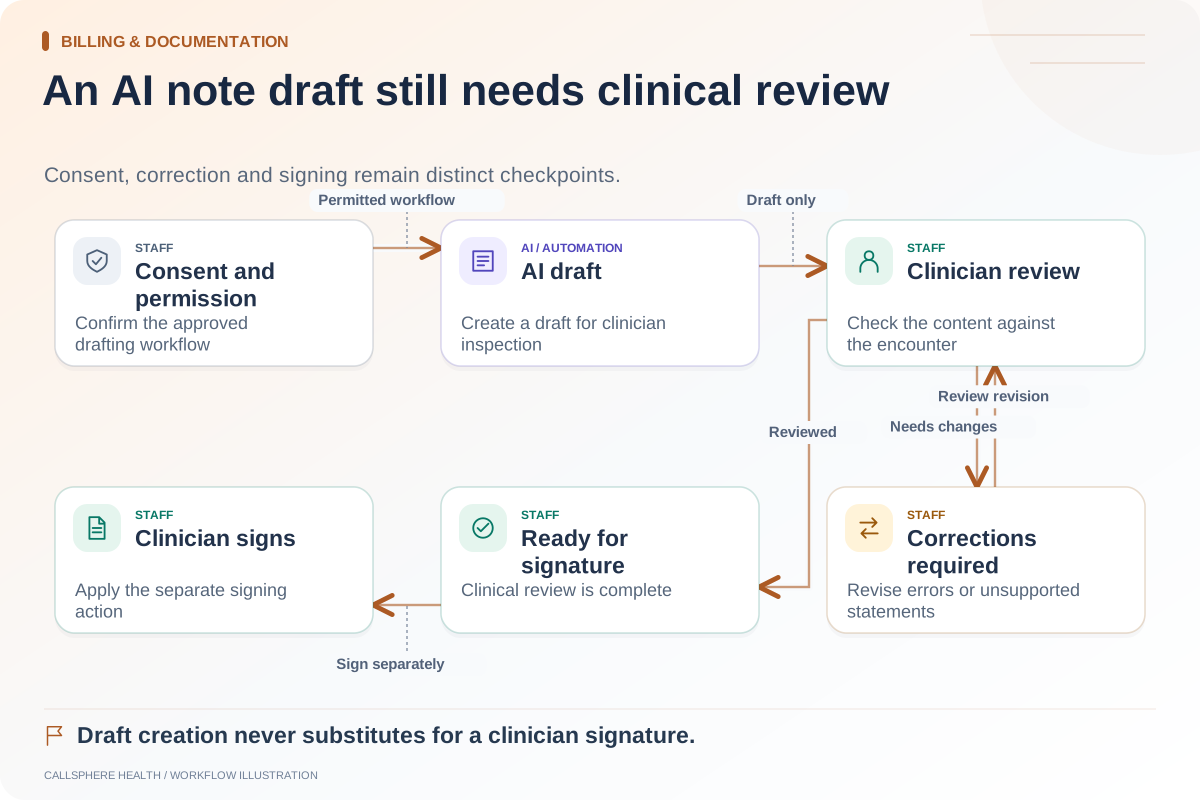
CallSphere's AI front desk can record callback or handoff requests; this does not establish a completed warm telephone transfer. Its scribe prepares clinician-reviewed drafts through a separate workflow. The capabilities page explains these distinctions without treating all generated text as equivalent.
Test visibility with different roles
Create a synthetic scheduling message and a synthetic draft note. Ask a scheduler, clinician and administrator to perform only their intended tasks. Record what each can view, what each can edit and whether the assigned owner remains visible. A successful administrator login is not evidence that role boundaries are correct.
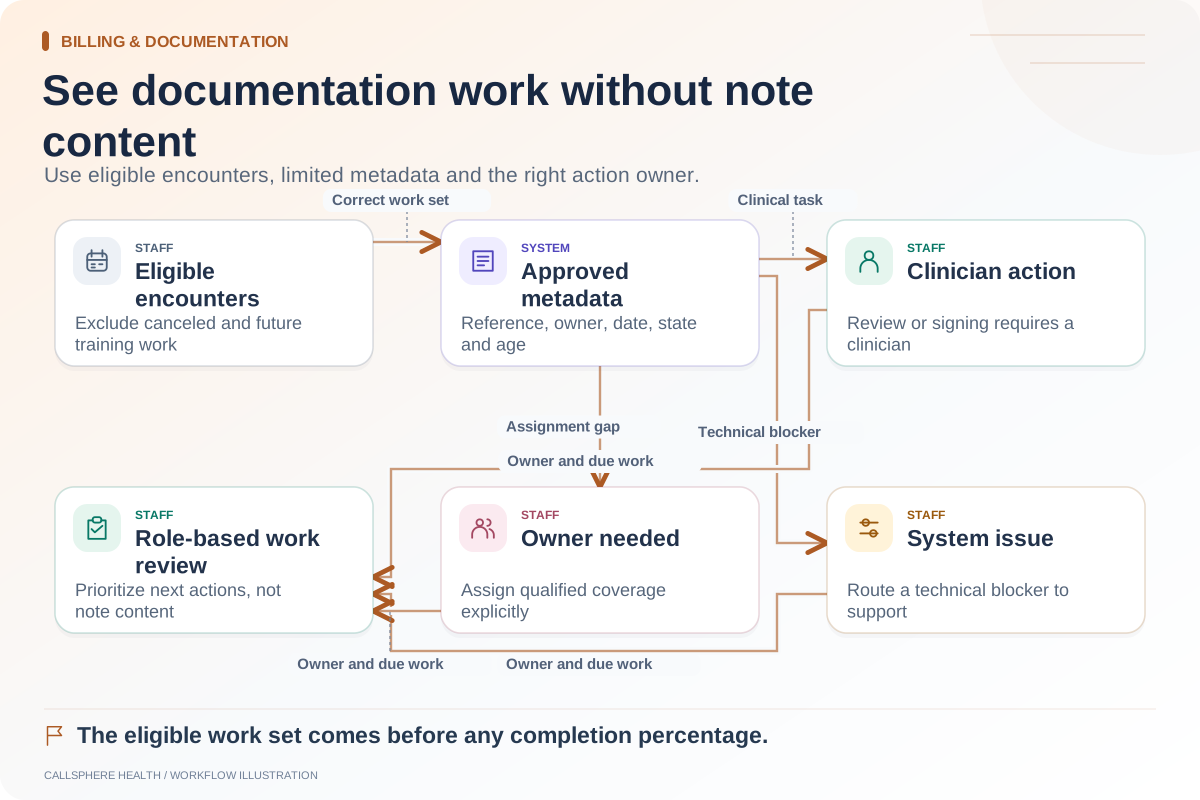
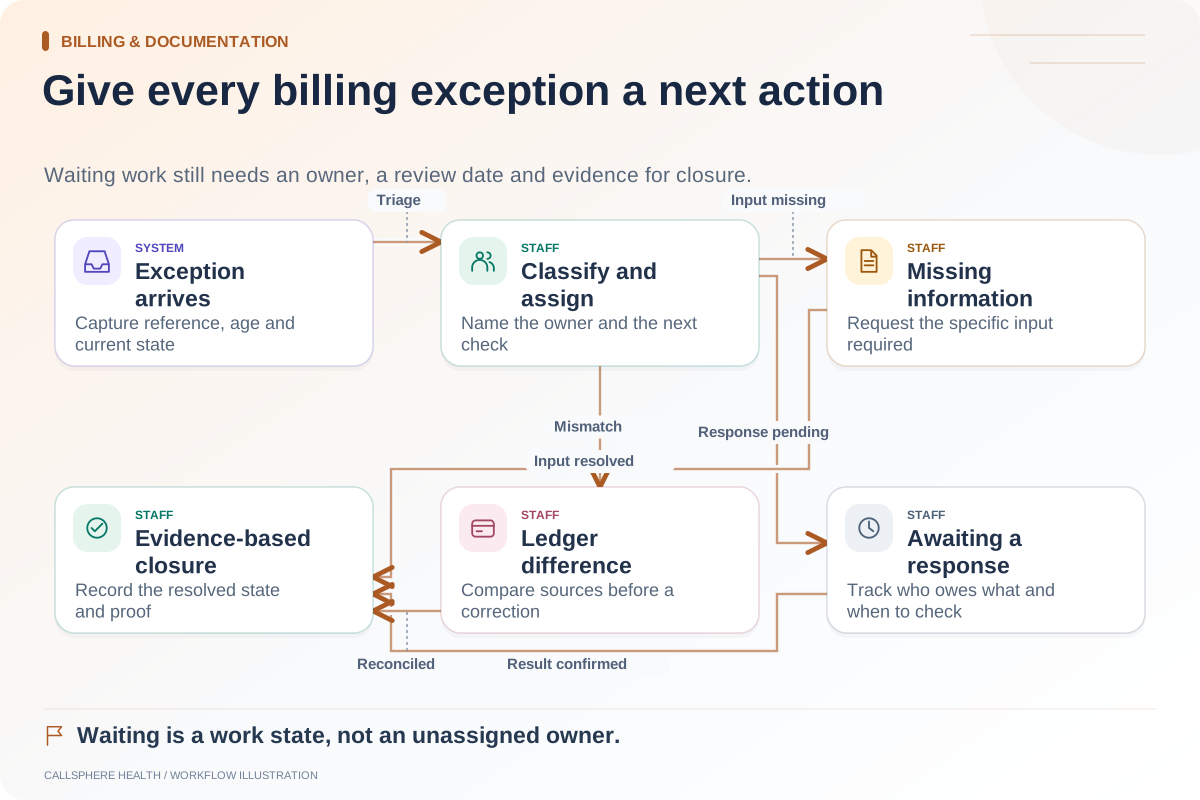
For related process design, use the AI draft review checklist and metadata-only backlog guide. Browse billing and documentation workflows, then bring one mixed-purpose synthetic conversation to a product demonstration.