A documentation backlog should show which work is unfinished, how long it has been open and who is responsible. An operational report does not need to reproduce clinical narratives to answer those questions. Begin with a small set of approved metadata and test the report under each intended staff role.
The purpose is to make outstanding work visible and manageable. It is not to score clinical quality from completion speed or encourage staff to sign unfinished notes just to improve a dashboard.
Specify the smallest useful report
Write the report specification before asking a vendor for a dashboard. Include the fields needed to route work and exclude fields that add exposure without changing the administrative decision.
| Field | Why it helps | Boundary to define |
|---|---|---|
| Internal encounter reference | Connects the task to its source | Show only to authorized users |
| Assigned clinician | Identifies the responsible reviewer | Define how assignment changes |
| Encounter date | Establishes the age of the work | Use the practice's consistent date convention |
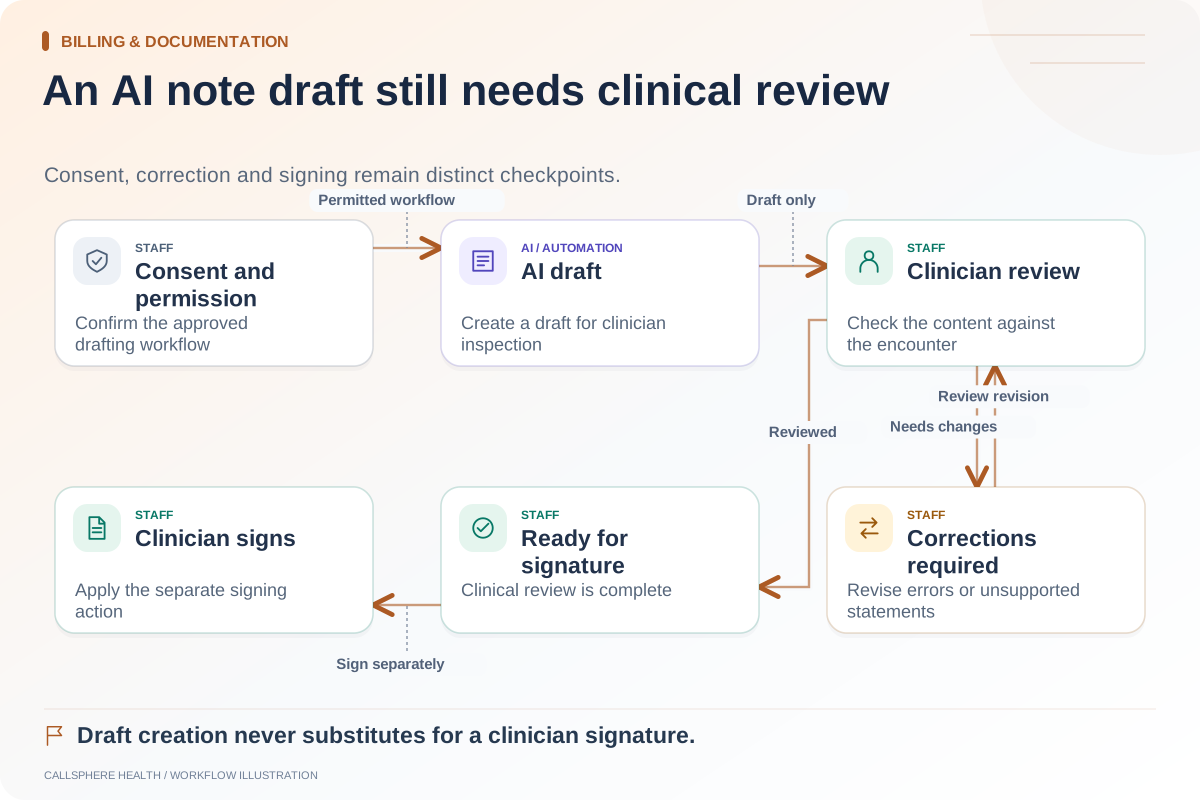
| Documentation state | Distinguishes draft, review and signed | Agree on state definitions |
| Last workflow update | Helps detect stalled work | Do not confuse a view with completion |
| Exception category | Explains why the task is blocked | Avoid copying clinical narrative |
Even metadata can be sensitive. The practice should determine which roles need each field and how access is controlled. HHS security guidance, reviewed September 9, 2026, is relevant background for that access review.
Use separate queues for separate problems
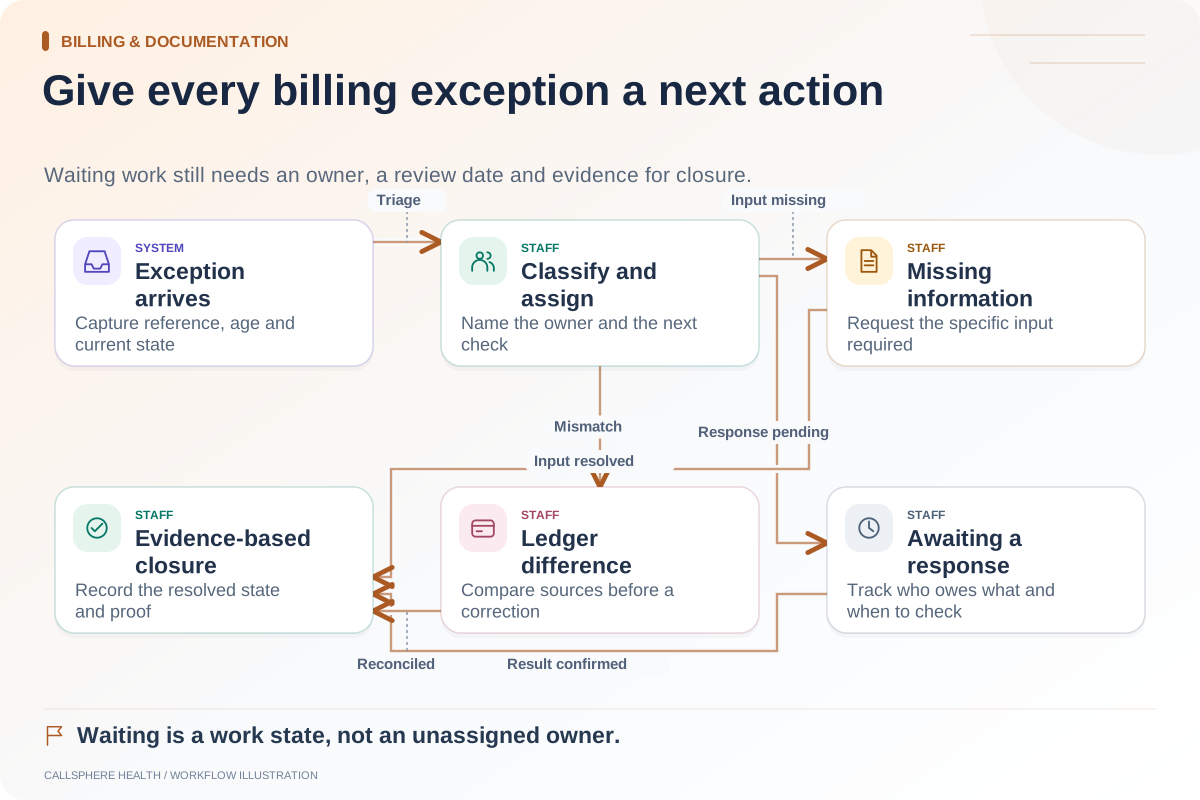
A note awaiting the clinician's review is different from a missing encounter association, a failed draft request or a task assigned to a departed employee. Mixing them into a single “late notes” count leaves the manager with a number and no action.
A proposed queue design has three views: work awaiting clinician action, work blocked by an administrative or system issue, and items requiring assignment review. The owner of the report can direct each category without interpreting the content of care. Do not assume a particular product includes these exact views; use them as evaluation requirements.
Check the denominator before using a percentage
If the practice reports a completion percentage, define which encounters belong in the denominator. Cancelled visits, training encounters, imported historical records and appointments not yet held can distort the result. Use a documented inclusion rule and retain the raw counts beside the percentage.
Hypothetical example: A training report lists 20 encounters, of which two were cancelled and three are scheduled for tomorrow. Treating all 20 as documentation due would create a misleading backlog. After applying the practice's defined rule, the report shows 15 eligible encounters. The team then checks their states instead of declaring the missing five notes overdue.
This arithmetic is illustrative, not a benchmark or a CallSphere customer result.
Define a useful daily review
The manager checks for unassigned items and system exceptions. Clinicians review their own outstanding documentation through authorized workflows. A designated clinical lead handles questions about signing or documentation responsibility. The operations team records the issue category and next owner without reproducing clinical details in an email or support ticket.
Keep a short correction log for report errors. If a cancelled appointment repeatedly appears as overdue, fix the inclusion logic; do not ask staff to manufacture a note to clear the count.
Verify the view in a synthetic demo
CallSphere supports clinical notes and AI draft preparation, but a specific backlog report and role configuration should be demonstrated before purchase. Ask to see a draft, a signed note, a cancelled encounter and a generation failure under the intended roles. Review the capabilities and limits, then compare the requested report against what is actually available.
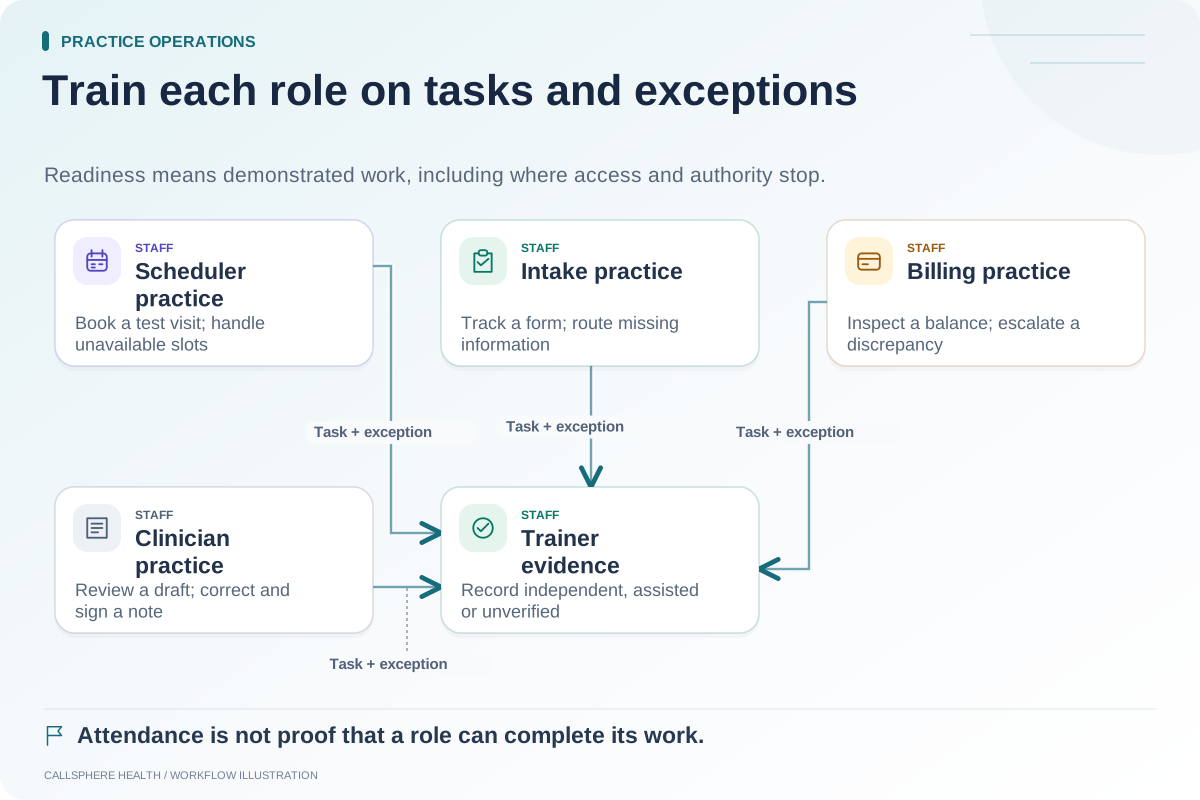
The AI note review workflow defines useful states, while the role-based training guide helps assign the right practice tasks. More guides are available in billing and documentation.