Choose an AI note taker when your main problem is preparing documentation. Evaluate an AI-powered EHR when you also need to coordinate records, scheduling, intake, communication, and other practice work. The labels overlap: an EHR can include a note tool, and a separate note tool can connect to an EHR. Ask which tasks are completed, where information lands, and who reviews the result.
For a practice owner, the meaningful distinction is the work boundary. A draft progress note does not answer a missed call. An appointment booking does not establish that the clinical note is accurate. Both may be useful, but they need different acceptance tests.
Separate the two queues on your desk
Imagine a hypothetical two-clinician practice. The clinicians finish appointments on time but have a backlog of unfinished notes. Meanwhile, a part-time administrator spends the morning returning inquiries and chasing intake forms. These are two queues with different owners.
For the note queue, evaluate how a draft is produced, how it reflects the encounter, and how a clinician edits and signs it. For the inquiry queue, evaluate whether software answers approved administrative questions, takes a callback message, checks availability, or creates a supported appointment. Improving one queue does not prove improvement in the other.
| Work item | Evidence needed from a note tool | Evidence needed from an administrative workflow |
|---|---|---|
| Completed session | Editable draft and clinician review | Appointment status available to appropriate staff |
| New inquiry | Usually outside the note task | Accurate routine answer and next action |
| Appointment change | Connection to relevant encounter if supported | Correct calendar changes and communication |
| Missing intake | Do not assume a note tool manages it | Missing-item status and assigned follow-up |
| Uncertain request | Clinician corrects or rejects draft content | Staff receives a clearly labeled exception |
This table defines evaluation questions. It does not imply that every product in either category includes every function.
Existing EHRs already offer AI tools
Avoid assuming that AI means replacing an established EHR. Official product sources describe SimplePractice Note Taker, Jane AI Scribe, and TherapyNotes TherapyFuel. Their availability, pricing, and supported note workflows differ, so inspect current documentation instead of treating them as interchangeable. See SimplePractice's Note Taker FAQ, Jane's AI Scribe page, and TherapyFuel's overview. Sources reviewed September 9, 2026.
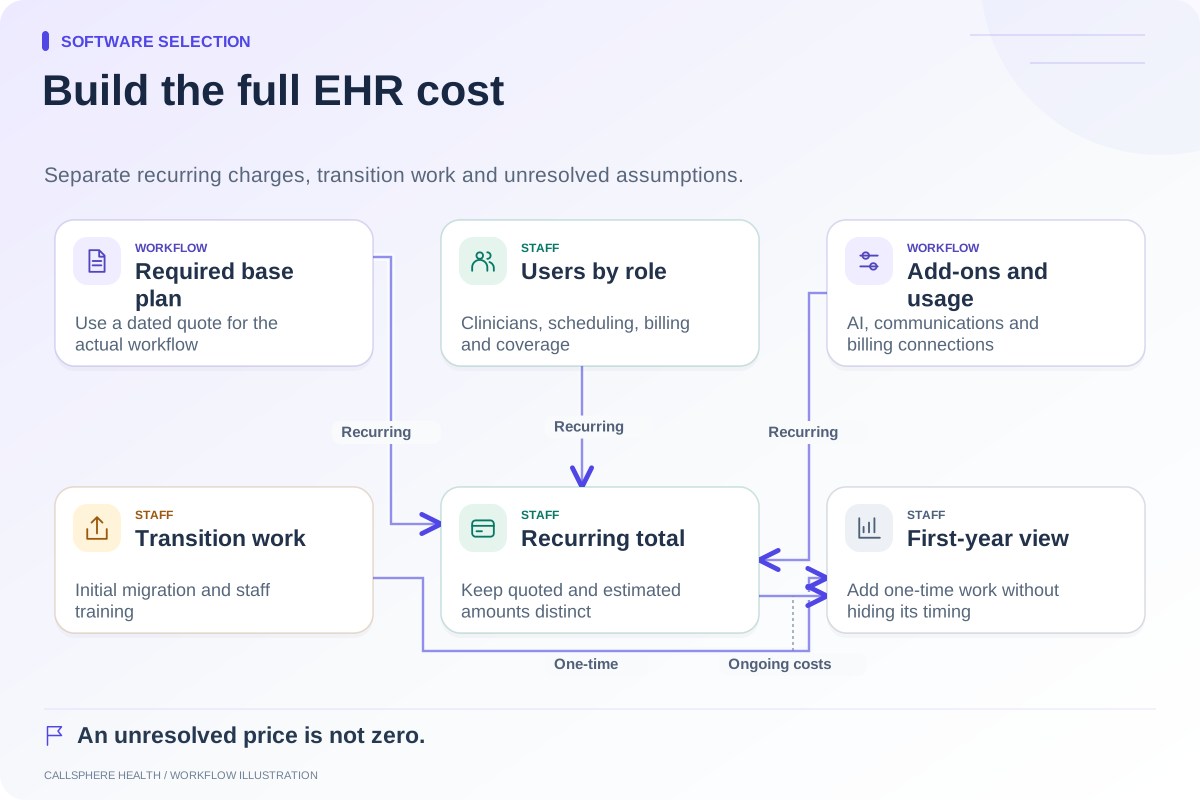
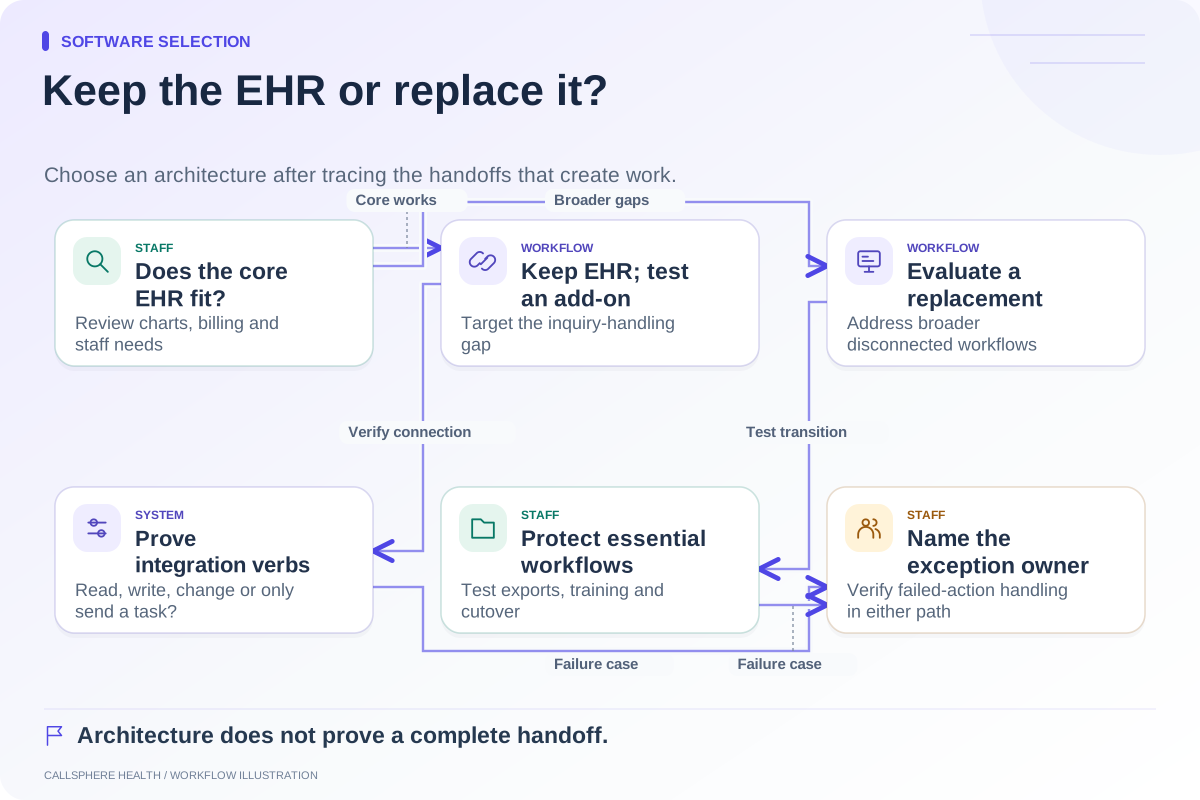
If your current scheduling, portal, and billing workflows are effective, adding a documentation tool may involve less operational change than migrating the whole practice. If staff are repeatedly moving information between disconnected systems, a broader platform evaluation may be justified. Neither choice wins solely because of an AI label.
Follow the information after generation
Ask where source material is processed, where the draft is saved, which staff can view it, and how corrections work. A copy-and-paste workflow has different responsibilities from a supported integration. Verify whether imported text is an editable draft, a document attachment, or a finalized entry. Do not allow marketing language to obscure that distinction.
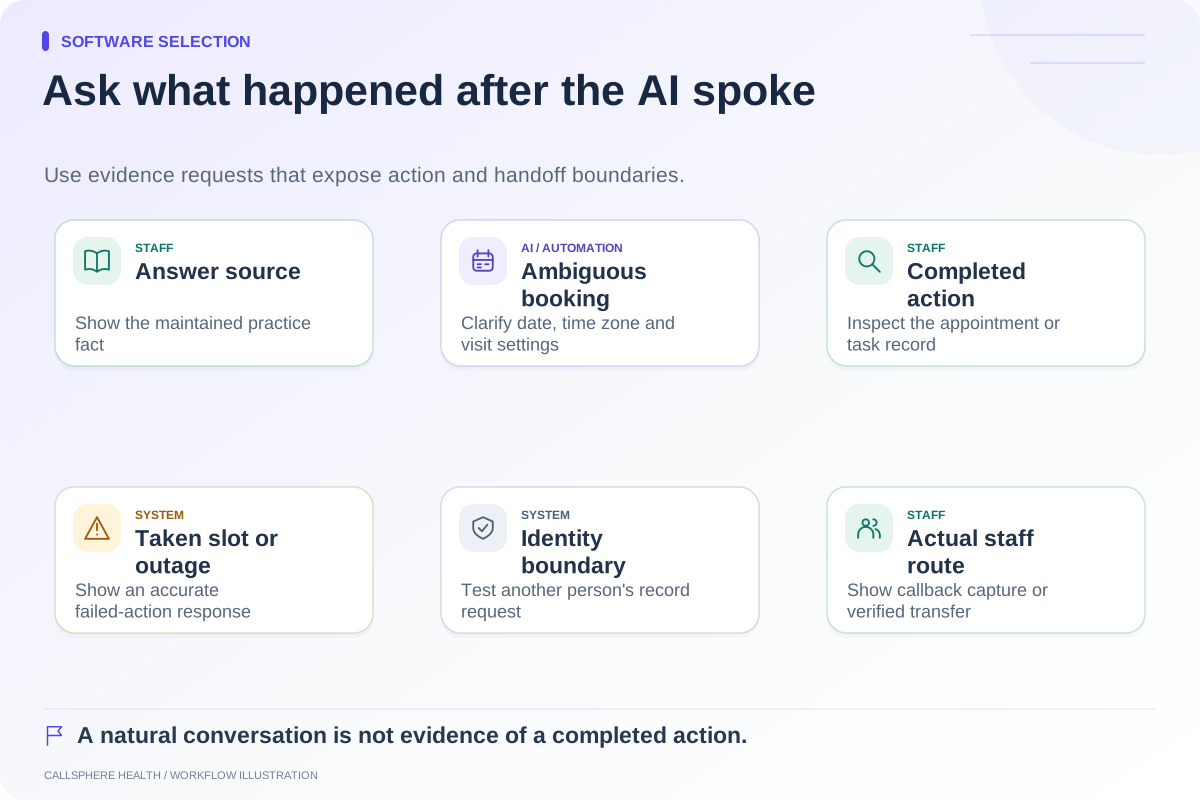
For an administrative action, inspect the resulting appointment or task. If the system could not finish, the record should say so. A friendly answer that leaves no reliable next step may simply move the work to another inbox.
What CallSphere Health supports
CallSphere Health combines EHR and practice-management workflows with AI front-desk capabilities. Its AI scribe prepares SOAP or DAP drafts for clinician review. The front desk supports configured routine inquiries and appointment actions, while staff maintain practice information and handle exceptions. These are separate capabilities with configuration and service dependencies.
A practice considering both should test them separately, then test the handoff between them. Automatic clinician matching and a fully connected call-to-completed-intake sequence should not be assumed. The capability overview identifies current boundaries for a demonstration.
Bring a documentation reviewer and an administrator into the purchase decision. Use a hypothetical session or vendor-provided synthetic material for note testing and fictional inquiry details for front-desk testing. Compare the resulting work, review burden, and unresolved tasks. The integrated EHR versus separate receptionist guide can help if your main question is how much of the existing system to replace.
Browse more guides to software selection.