Give billing staff access according to the work they need to perform, then test the boundaries with synthetic accounts. Viewing a balance, correcting insurance information, submitting a claim and exporting data are different permissions. A role called “billing” does not by itself explain what the account can do.
The practice should decide the permitted scope with its responsible privacy, security and operational reviewers. This article provides a demonstration worksheet, not a legal determination that a particular permission set is sufficient.
Start with tasks rather than titles
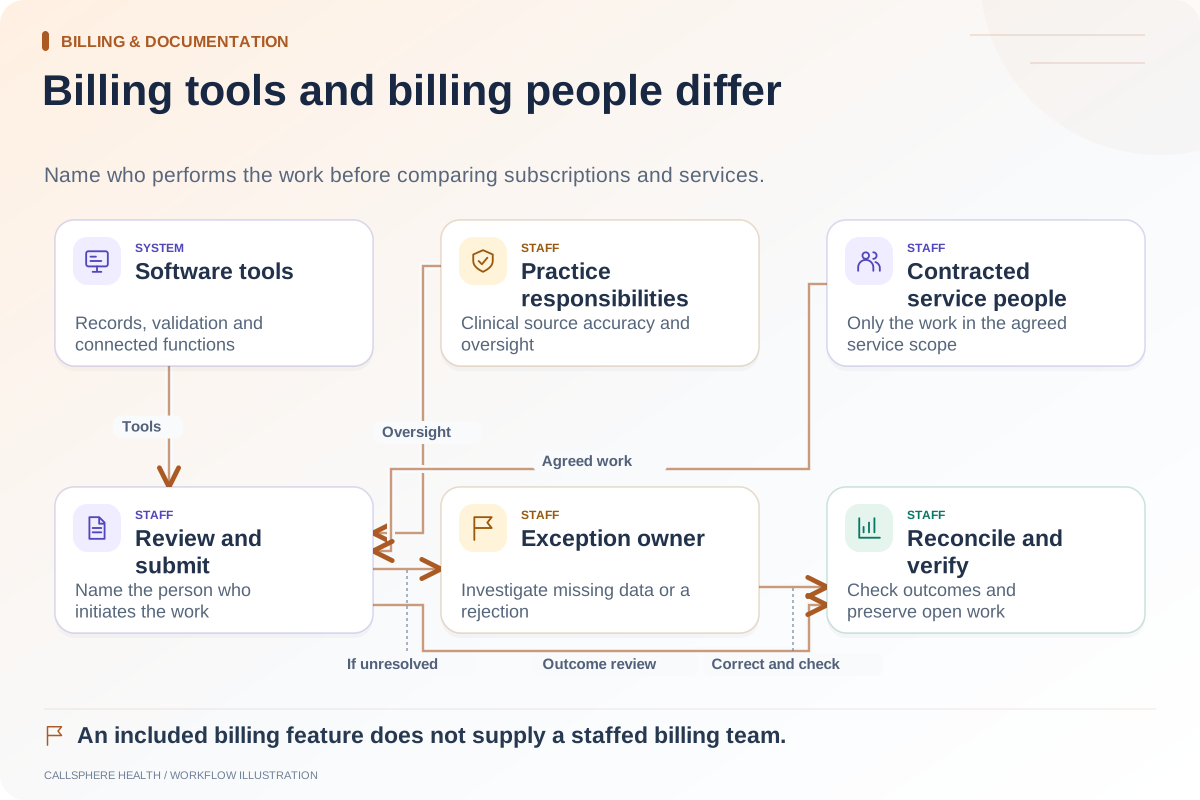
Two billing staff members may have different responsibilities. One answers administrative account questions; another reconciles remittances or manages provider setup. An external billing organization may need a separately controlled role and an explicit access-removal process.
HHS minimum-necessary guidance addresses identifying workforce access needed for duties, with specified exceptions. Apply that guidance through your practice’s policies rather than assuming every employee needs either unrestricted access or none.
Build a role-task worksheet
| Task | Decide separately | Evidence to request |
|---|---|---|
| View account balances | Which records and details are visible? | Allowed test view and denied unrelated view |
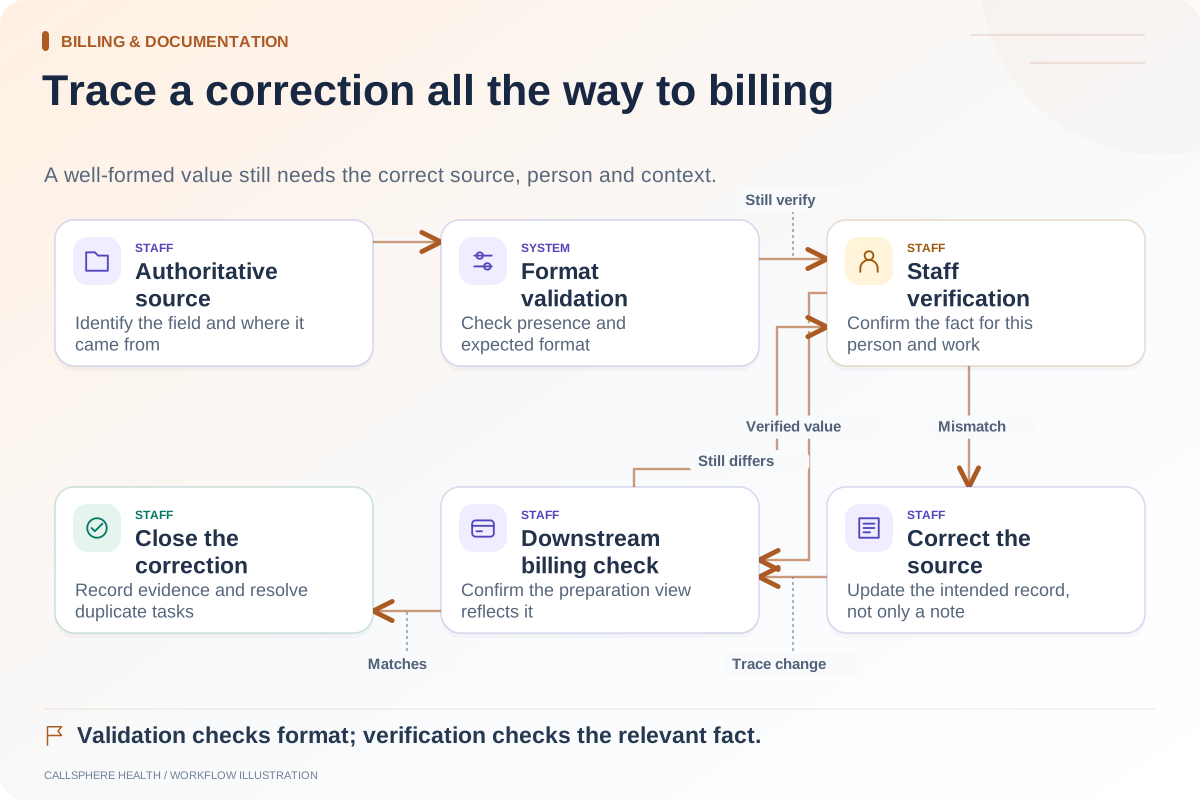
| Edit insurance details | Which fields and corrections are permitted? | Change history and validation |
| Prepare billing documents | Can the role draft without submitting? | Separate preparation and approval actions |
| Submit claims | Who may initiate external effects? | Server-enforced permission and attribution |
| Reconcile payments | Which ledger actions need review? | Controlled adjustment history |
| Export information | What data and scope may leave the system? | Permission, output scope and audit evidence |
| Read clinical content | What information is needed for assigned duties? | Appropriate limits and approved exceptions |
The table intentionally asks questions instead of prescribing a universal role. Your organization’s requirements and the product’s supported controls determine the configuration.
Use a synthetic access test
Create an approved test account for each proposed role and synthetic records in the intended scope. Confirm both allowed actions and denied actions. A missing button is useful interface behavior, but the system must also refuse unauthorized access when the underlying route is requested through a supported test method.
Ask the vendor or authorized technical tester to demonstrate this safely. Do not attempt unauthorized production access or use real patient records to probe a permission boundary.
After changing a role, sign out and back in as the test user. Check whether access reflects the updated permission and whether prior sessions behave according to the documented policy. Record the result, not just the setting shown to the administrator.
A hypothetical external-biller review
A practice hires an outside billing service. The proposed user can view financial work and correct permitted insurance fields, but should not automatically gain authority to alter clinical notes or manage every staff account.
The practice tests the actual role, verifies which functions are available and records any gaps. If the product bundles more access than desired, the team treats that as an unresolved requirement rather than hiding the concern behind a role name. The service agreement and operational procedure must align with the configuration.
This is an illustrative evaluation, not a statement about a particular vendor’s available permission granularity.
Plan for access changes
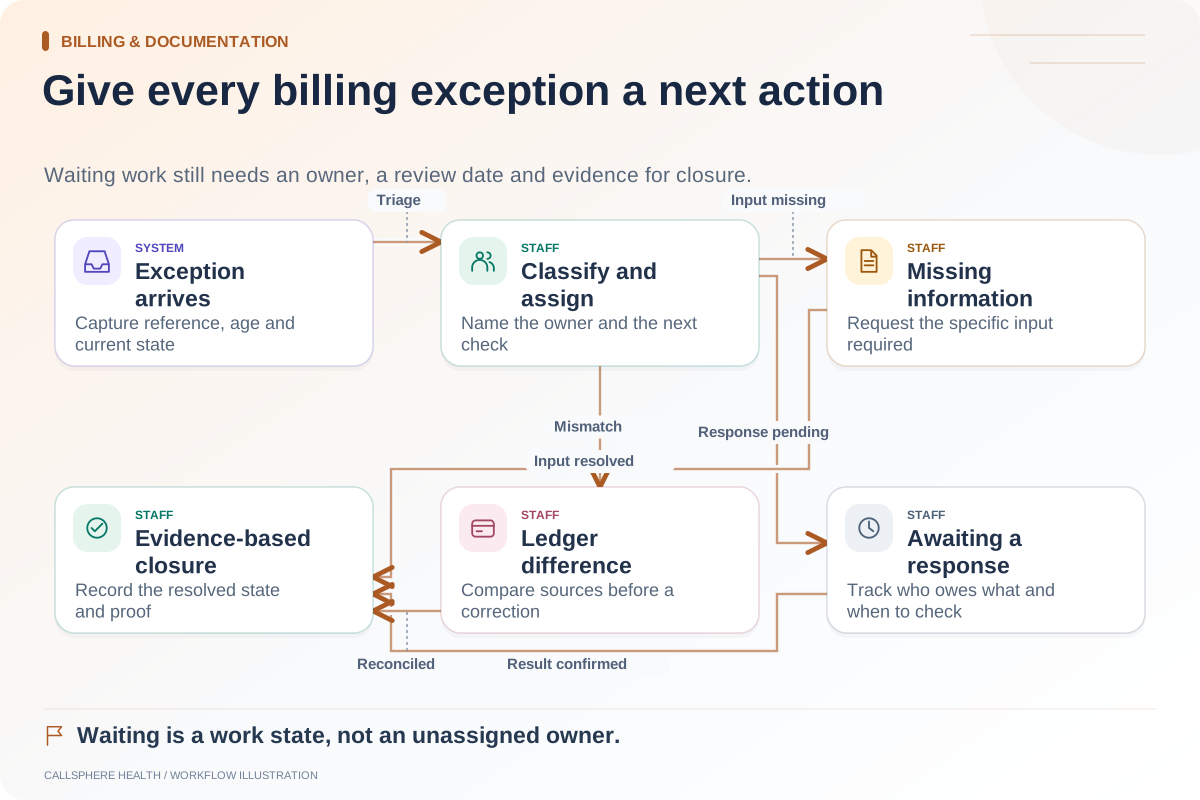
Assign an owner for onboarding, periodic review and removal. Record who approves a new user and who checks that departures or contract changes lead to appropriate access updates. A shared account makes attribution and removal harder to evaluate.
Check exports and saved reports as part of the process. Revoking application access does not automatically retrieve previously exported information. Review handling and retention responsibilities through the appropriate agreement and policies.
Evaluate CallSphere’s controls directly
CallSphere’s security overview describes role permissions, tenant scoping and audit controls. The capabilities page keeps clinical signing and billing review with authorized people. These are product controls, not an independent compliance certification.
Bring the worksheet to a platform demo with distinct synthetic users. Ask to see one permitted financial action, one denied clinical action and one role change. The resulting evidence should show whether the product supports your staffing model without relying on a label alone.
Continue the workflow
Explore billing & documentation: Billing software or a billing service: understand the boundary · Check intake data before it reaches billing · Create an owner-based queue for billing exceptions.
Research reviewed September 9, 2026. Organizational authorship: CallSphere Health. Examples are hypothetical; this is operational guidance, not individualized clinical, legal or billing advice.