A good administrative call summary tells staff what the caller wanted, what the system actually did, and what needs to happen next. Review it for accuracy, status, and ownership—not simply whether it reads smoothly. A polished summary that describes a failed booking as confirmed can create more work than a short, accurate callback note.
The quality process should use authorized access and appropriate safeguards. For initial evaluation, use fictional conversations in a controlled environment so you can check the entire workflow without exposing patient information.
Use a six-part review rubric
| Dimension | A useful summary contains | Defect to flag |
|---|---|---|
| Intent | The specific administrative request | A vague “called about services” |
| Relevant facts | Necessary scheduling/contact details as provided | Invented or unnecessary sensitive detail |
| Completed action | Only actions supported by the resulting record | Treating an attempt as success |
| Pending work | What still needs review or completion | Missing an unresolved request |
| Uncertainty | A clear label for incomplete or unverified facts | Converting a preference into a confirmed fact |
| Next owner | The role responsible for follow-up | No person or queue accountable |
Score each item as clear, incomplete, or incorrect. Treat an incorrect action state or unauthorized disclosure as more consequential than a stylistic issue. A single average score can hide an important failure, so keep the defect type visible.
Compare a weak and useful hypothetical summary
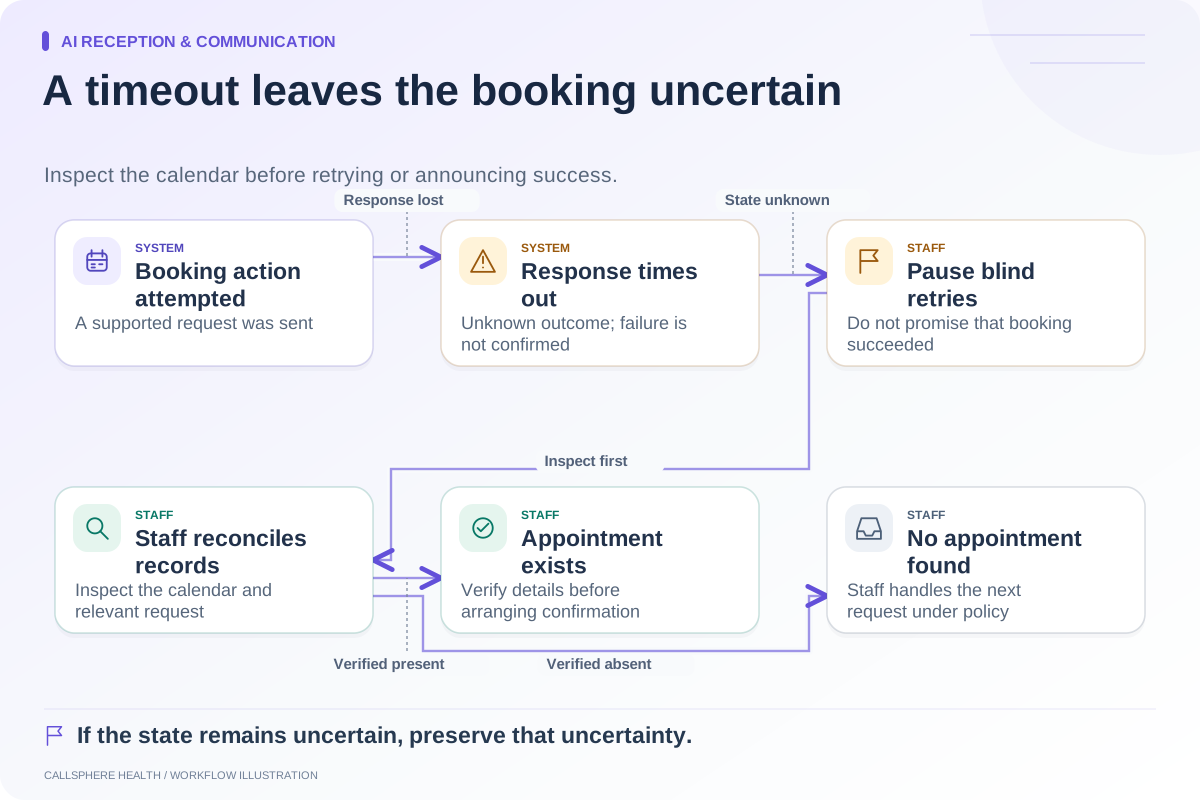
A fictional caller asks for an evening intake. The availability lookup fails, and the assistant records a callback request.
A weak summary says: “Caller scheduled an evening appointment and needs intake.” That invents a successful booking and leaves staff searching for a calendar event that does not exist.
A more useful version says: “Caller requested an evening intake. Availability could not be confirmed. Callback request recorded for scheduling staff; no appointment created. Staff should verify contact details and review available intake options.”
The better summary does not need a long transcript or a sales-style description of the conversation. It preserves the facts that affect the next administrative action.
Check the summary against two sources
First compare it with the authorized source interaction: what was actually requested and confirmed? Then compare it with the system state: did the appointment, message, or task exist? Both checks matter because a spoken confirmation can itself be wrong.
If a record shows an action failed, the summary should not infer success from the assistant's intended action. If the caller mentioned a preference, the summary should not convert that preference into an approved clinician match or a verified account fact.
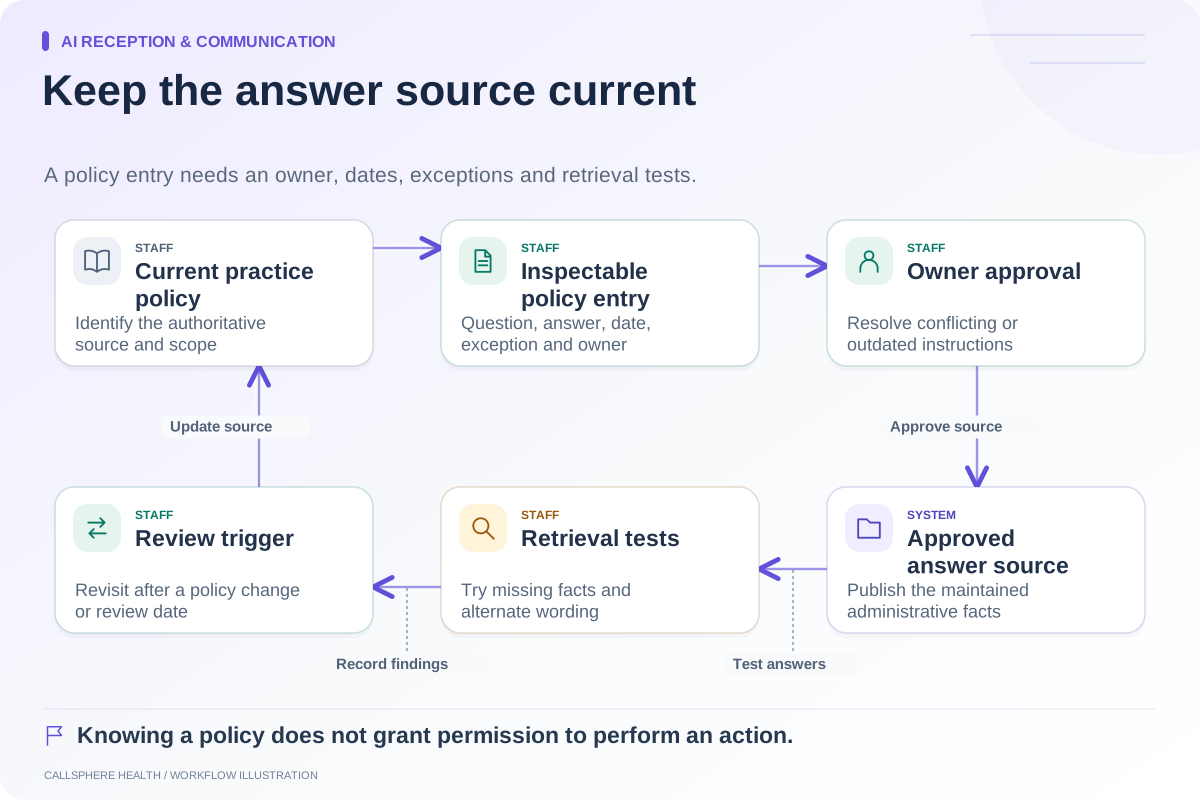
CallSphere Health's supported callback and appointment tools have configuration and service dependencies. Recording a callback request does not establish staff acknowledgement, and complex clinician matching should not be assumed. Use the capability overview when defining expected results.
Keep the summary appropriate for its destination
An administrative queue needs the information required to complete administrative work. It should not automatically receive a detailed clinical narrative. Decide which roles can see the summary and how staff handle a conversation that included information outside the front desk's scope.
HHS's cloud-computing guidance is relevant to reviewing data handling and responsibilities with qualified staff. Source reviewed September 9, 2026. The rubric here is an operational quality tool, not a compliance certification.
Sample by failure type during a pilot
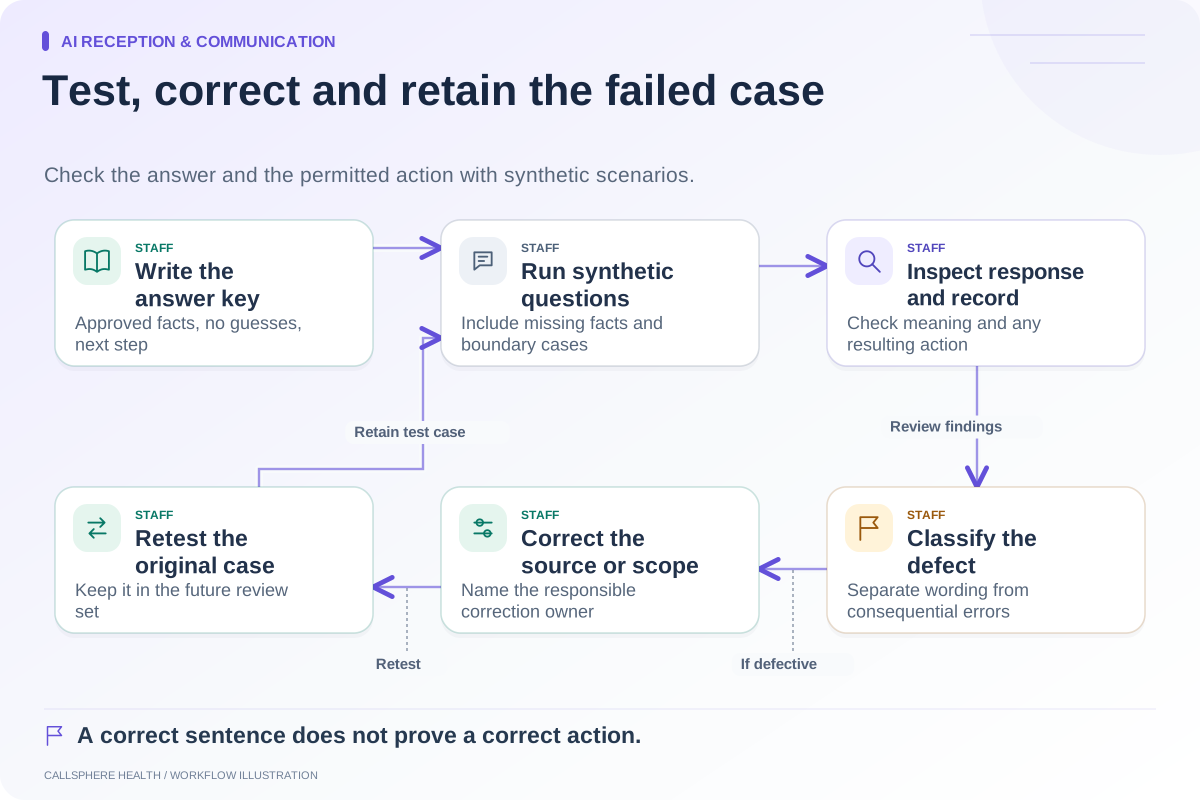
Include successful bookings, failed bookings, routine answers, identity-check boundaries, and callback requests in the synthetic test set. A batch of easy questions can make summaries look accurate while missing the exceptions that matter most to staff.
Record the exact defect and the correction needed. Examples include “omitted that appointment remained unchanged,” “invented a provider preference,” and “no follow-up owner.” Separate missing source information from a summarization error: if the conversation never captured a necessary administrative detail, the workflow may need a better question rather than a longer summary.
Let staff close the review loop
Have the role receiving the summary explain the next action without looking at the full interaction. If they cannot, identify the missing field. Then verify that a revised process produces a better result on another fictional case, rather than merely editing one example manually.
Track defect categories and review workload over time using actual counts. Do not claim a general accuracy percentage from a handful of synthetic conversations. State the size and scope of any test results you use internally.
The human handoff guide supplies a packet structure, and the AI receptionist overview can anchor a focused demonstration. A useful summary earns trust by making the next staff action clear and accurately representing what has happened.
Browse more guides to AI reception and communication.