Turn missed calls into an accountable callback queue by giving every actionable request an owner, a current status, and a next step. Keep call attempts separate from completed conversations and resolved requests. A call log tells you that something happened; a work queue tells your team what to do about it.
For a therapy practice, the queue should support administrative follow-up while limiting unnecessary access to sensitive information. It should not require staff to infer a caller's clinical needs from a recording or let a generic label decide clinical urgency.
Define which entries need work
Not every missed call is an unresolved inquiry. Some may be duplicates, wrong numbers, or calls followed by a completed conversation. Establish a review step that links related events where appropriate and preserves uncertainty when the match is unclear.
A practical entry contains a timestamp, channel, caller-provided callback detail, request category if known, current owner, last attempt, next action, and closure reason. Avoid copying unnecessary narrative into a broadly visible administrative list.
| Status | What it means | What it does not mean |
|---|---|---|
| New | The request has not been assessed | A callback has been promised |
| Assigned | A staff role owns the next action | The person has been reached |
| Attempted | An approved contact attempt occurred | The request is resolved |
| Awaiting response | Staff need the caller's reply | The item can be forgotten |
| Resolved | The administrative request has a recorded outcome | Every related clinical issue is settled |
| Closed | No further action under the practice's process | Successful contact necessarily occurred |
Use a reason when closing without contact. The practice's policy should determine any further attempts rather than an arbitrary rule in this article.
Walk through a hypothetical morning
A scheduler opens five fictional overnight events. Two are from the same caller, one is a wrong number, one became a confirmed appointment through another channel, and one asks for a callback about an intake.
The useful workload is not “five missed calls.” The scheduler should reconcile the related events, verify the completed appointment, and assign the remaining inquiry. If the intake caller cannot be reached, the item moves to attempted or awaiting response with a next action. It should not disappear simply because someone dialed the number.
This example is a workflow illustration, not a claim about typical call patterns or CallSphere customer results.
Write contact attempts for the next staff member
Record the action and outcome plainly: “Called controlled test number; no answer; no appointment changed.” If a message was left, note the approved message type and next step without copying sensitive details unnecessarily.
Use the caller's verified communication preferences and the practice's policies. HHS's voicemail guidance advises limiting information left in messages as a privacy safeguard. Source reviewed September 9, 2026. Have appropriate staff review the wording and process for your practice.
Set a backup rule before an absence
The primary owner may be in appointments, on leave, or unavailable when the queue opens. Define a backup role and a visible reassignment process. A shared inbox with no assignment can make everyone assume someone else is acting.
At a brief daily review, inspect unassigned items, requests with no next action, and entries older than the practice's chosen response window. Use a practice-defined window that staff can support; do not publish a promise merely because the software can display a timer.
Connect AI capture carefully
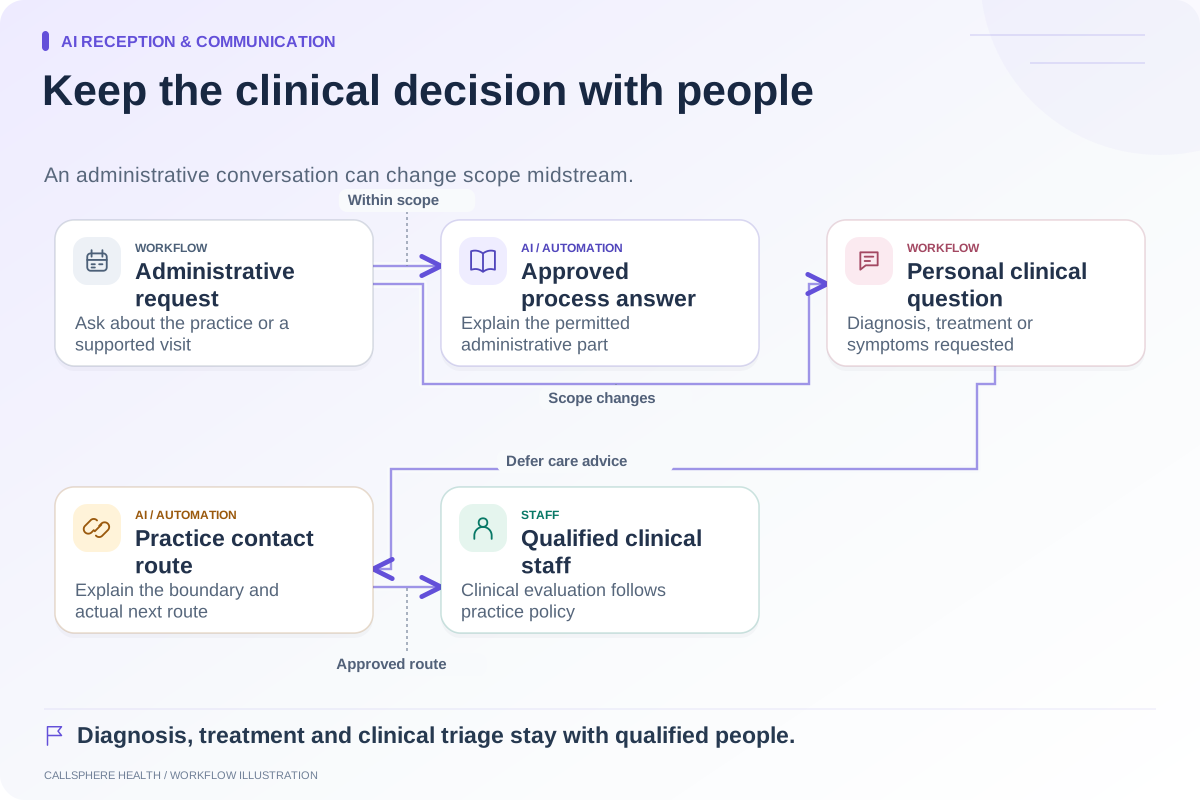
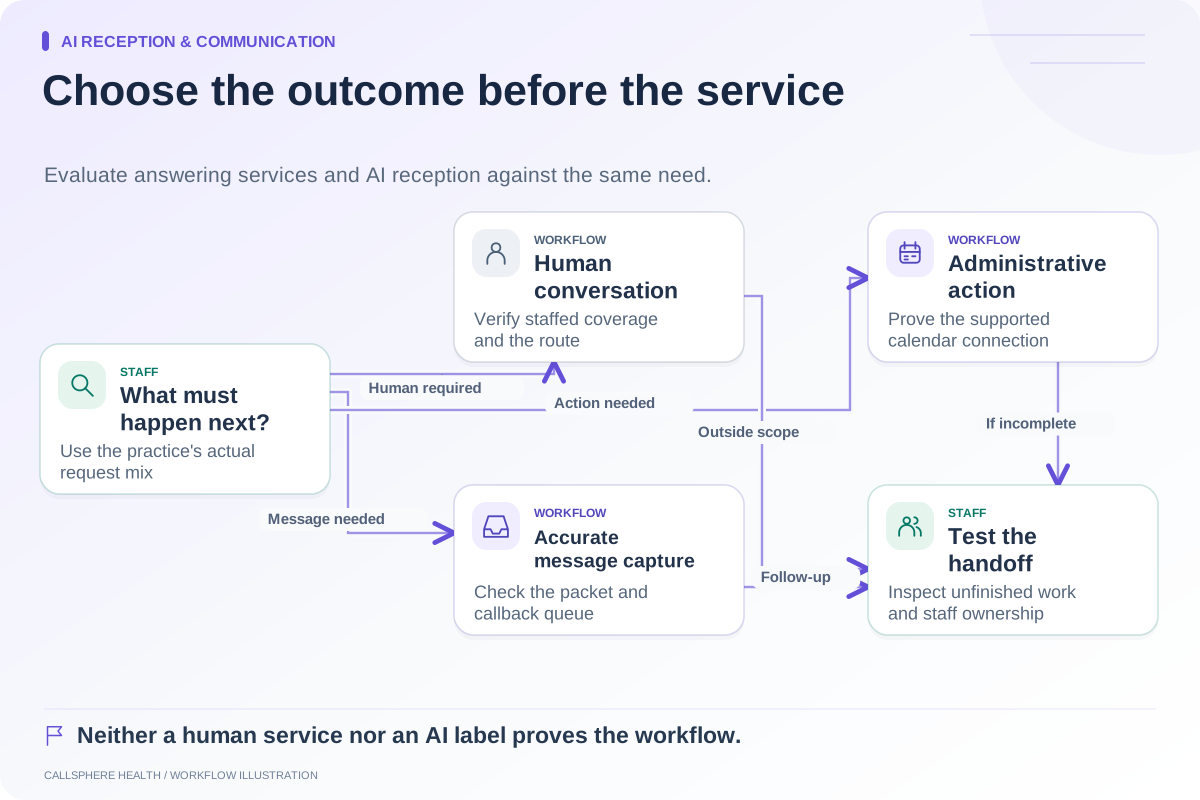
CallSphere Health's AI front desk can record callback requests and provide configured staff contact information. That can supply useful administrative context, but recording a request is not proof of a staff acknowledgement, warm transfer, or completed callback. Verify where your team sees the request and how it enters the operating queue. See the capability overview.
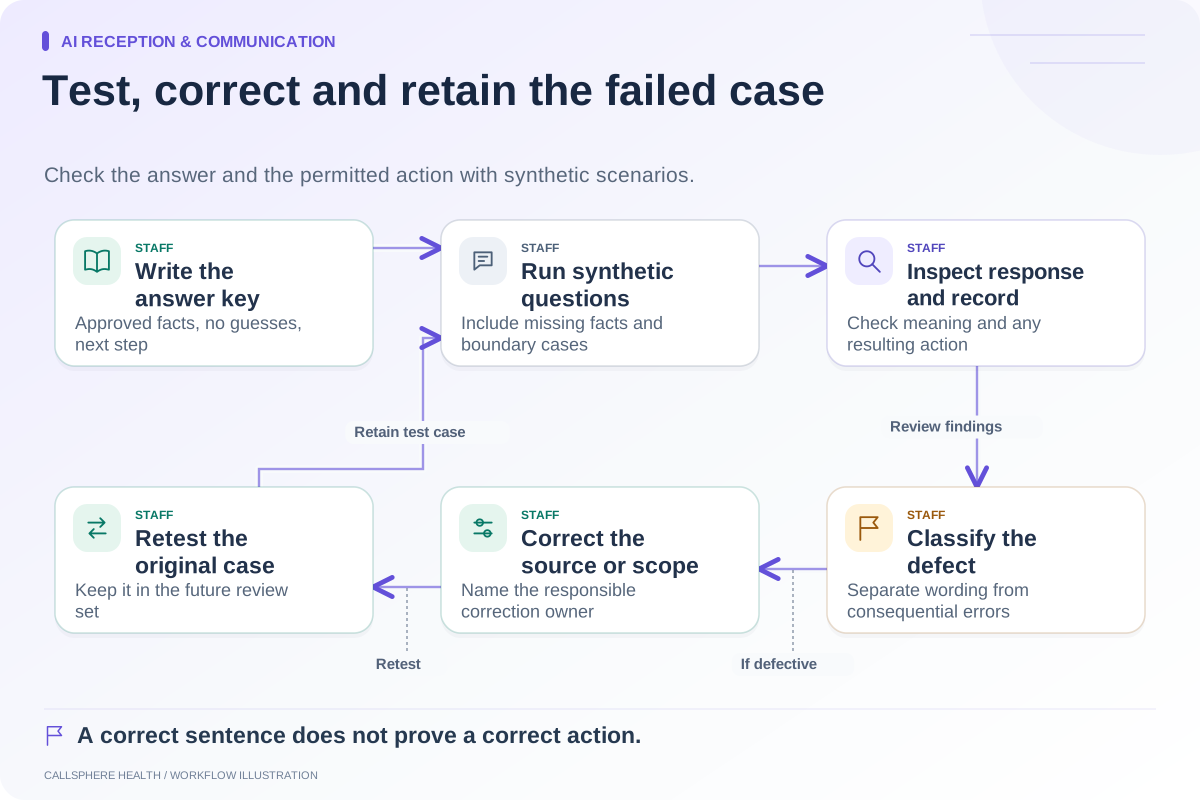
Use one fictional missed-call scenario to test the full path. Confirm the timestamp, contact detail, current state, and ownership. Then submit a related fictional website inquiry to see whether staff can identify it without making an unsafe identity assumption.
Measure work closed, not just calls counted
Track actionable requests received, attempts made, contacts completed, and requests resolved over the same period. Keep duplicate and nonactionable entries identifiable so denominators remain understandable. If you measure response time, state whether it begins at the original inquiry or queue assignment.
The after-hours guide can help define opening coverage, and the AI receptionist overview provides a focused starting point for a callback-capture demonstration.
Browse more guides to AI reception and communication.