Keep clinical questions out of an AI front-desk workflow by defining what the assistant may answer, what it must leave to qualified staff, and how the next contact step works. Administrative AI can explain office processes and supported appointment options. It should not diagnose, recommend treatment, provide therapy, or replace clinical triage.
The boundary needs to appear in practice instructions, vendor configuration, and testing. A single disclaimer does not fix a workflow that continues into personal health advice after the caller asks a follow-up question.
Distinguish a process question from a care question
An administrative question asks how the practice works. A clinical question asks what a person's health information means or what care they should receive. Some requests contain both, so the assistant should answer only the permitted administrative part and preserve the staff route for the rest.
| Fictional request | Administrative response scope | Staff-owned part |
|---|---|---|
| “How do I request an intake?” | Explain the approved request process | Clinical assessment when appropriate |
| “Do you have evening appointments?” | Explain documented hours or configured availability | Determine clinical/provider fit |
| “Which treatment should I choose?” | Explain how to contact the practice | Treatment recommendation |
| “Can I change my appointment?” | Supported change after required checks | Any clinical implications of the change |
| “What do these symptoms mean?” | State the administrative boundary and contact route | Clinical evaluation |
The examples show scope, not suggested medical advice. They should be adapted and reviewed by the practice's qualified staff.
Avoid hidden clinical decisions in scheduling language
A system can appear to stay administrative while making an unsupported judgment about the “right” clinician or the appropriate urgency of care. Ask what rules it uses to offer a visit and which decisions staff must confirm.
For a hypothetical new caller, collecting an evening preference is an administrative step. Concluding that a particular clinician is clinically suitable from a brief conversation is a different activity. If staff review is required, the appointment message should describe that pending step rather than imply that suitability has been established.
CallSphere Health's current booking tools use configured provider settings. They do not establish automatic matching across every specialty, age, insurance, and modality consideration. The capability overview identifies this limitation.
Define an honest transition to staff
If a caller asks a personal clinical question, the assistant can explain that it handles administrative matters and provide the practice's approved contact route. If it records a callback request, it should say so. It should not claim a clinician has been alerted or a live transfer is occurring unless that action is actually supported and verified.
The practice should define any emergency contact guidance through appropriate clinical and legal review. Do not market the administrative tool as a crisis service, guaranteed risk detector, or system that contacts emergency responders. Those are materially different claims.
Keep the handoff focused on purpose
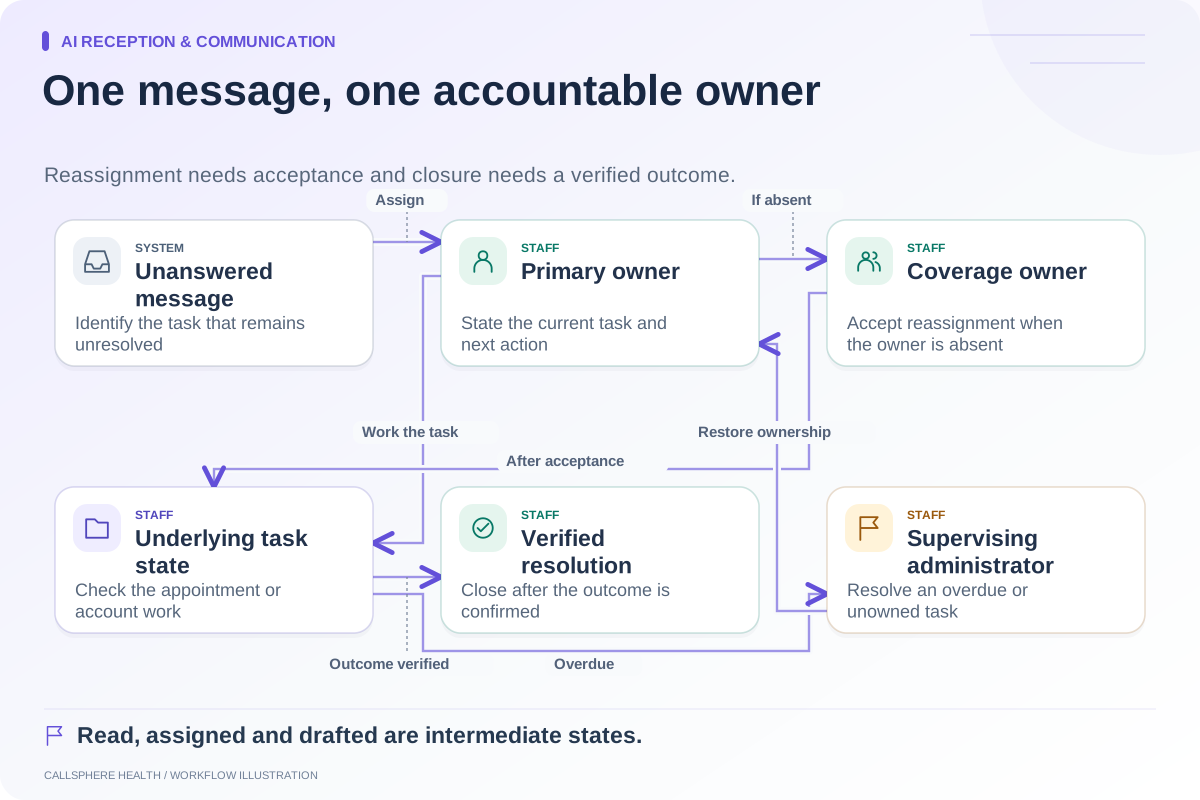
A staff request should identify that qualified review is needed without turning a broadly accessible administrative queue into a detailed clinical narrative. Decide which information belongs in which system and which roles can see it. Use the practice's approved process for any sensitive information already received.
HHS's business-associate guidance helps frame review of third-party services handling protected health information. Source reviewed September 9, 2026. It does not approve an AI tool's clinical behavior or replace assessment of the actual workflow.
Test a conversation that changes direction
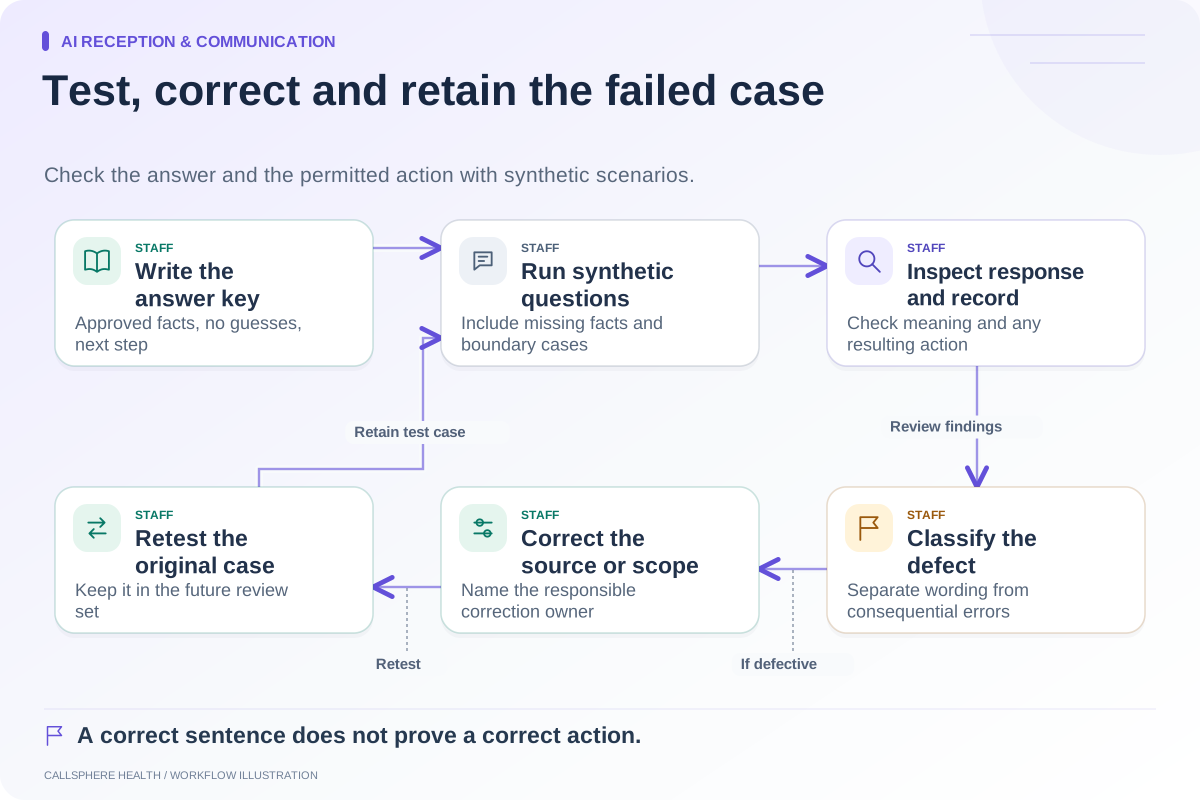
Start a synthetic interaction with an ordinary scheduling question, then introduce a fictional personal health question. Observe whether the assistant maintains the boundary, gives the appropriate configured route, and avoids carrying on with advice disguised as general information.
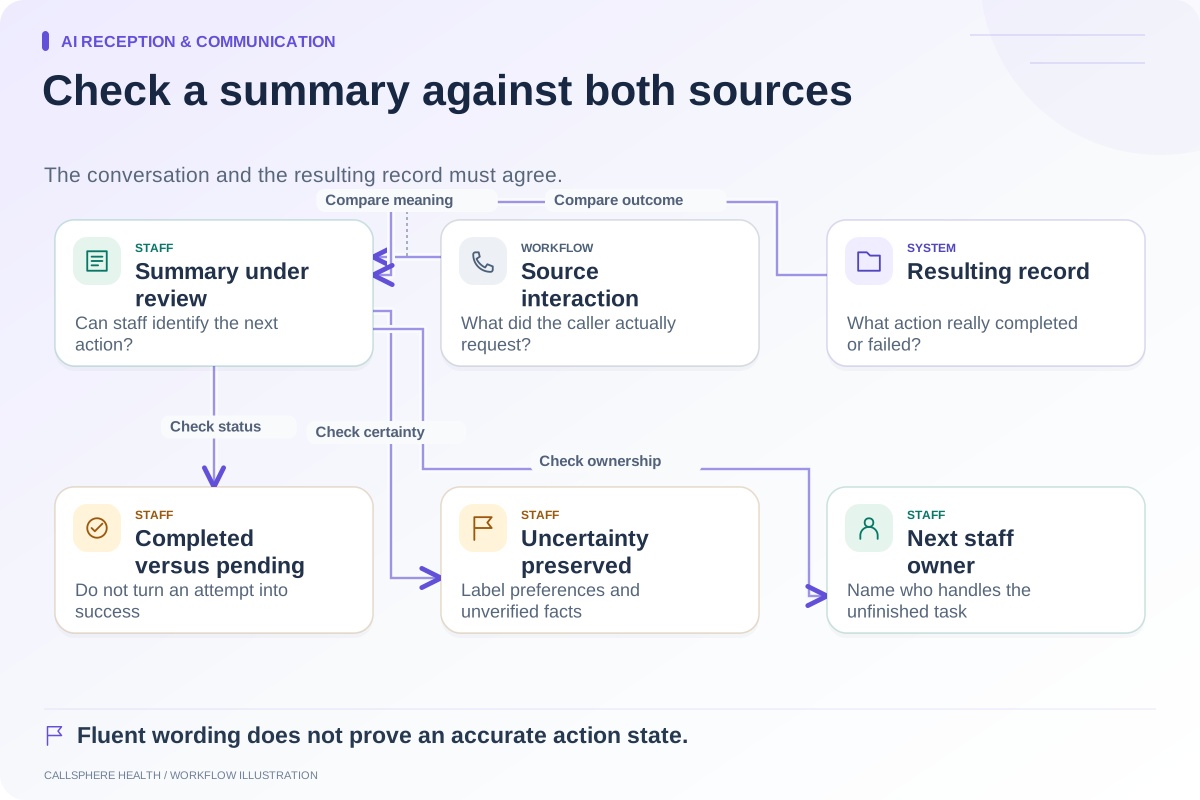
Next, ask for a staff member. Inspect whether the resulting action is a saved request, a contact instruction, or another supported mechanism. Have the staff owner verify what they receive. Do not treat a polite ending as evidence that a person has acknowledged the request.
CallSphere Health's administrative AI policy excludes medical advice, diagnosis, therapy, and clinical triage. Clinicians also retain review and signing responsibility for separate AI note drafts. These boundaries should remain clear in any AI receptionist demonstration.
Review boundary failures as workflow defects
During a controlled pilot, record the fictional prompt, the inappropriate step if any, the intended response, and the responsible reviewer. Correct the underlying instructions or capability scope before expanding use. Do not rely on staff catching every problematic answer after it has been given.
The phone greeting guide and human handoff guide help make the scope understandable at both ends of the conversation. A useful front desk reduces administrative confusion while preserving clinical responsibility.
Browse more guides to AI reception and communication.