Set a patient communication channel policy by deciding which kinds of work belong in each channel, who monitors it, and what happens when a message is inappropriate for that channel. Record patient preferences and use the practice's approved safeguards. The policy should help staff choose a next step consistently; it should not make broad claims that one technology is suitable for every conversation.
The practice owner should coordinate the operational design with clinicians and qualified privacy or legal reviewers. This article provides a workflow framework, not a legal determination about a specific messaging setup.
Give each channel a job
Start with purpose rather than a list of apps. Separate routine public information, scheduling, reminders, account-specific questions, forms, and clinical communication. Ask which system supports the needed identity checks and access controls for each purpose.
| Purpose | Channel decision to document | Staff question |
|---|---|---|
| General practice information | Approved public phone/chat answers | Who maintains the source? |
| Appointment request | Configured booking or staff queue | Is it requested or confirmed? |
| Reminder | Approved delivery channel and preference | What happens to replies? |
| Existing account question | Appropriate verified route | What must be checked first? |
| Intake document | Approved form/portal workflow | Who checks completion? |
| Clinical question | Practice's designated clinical route | Who owns review and response? |
The matrix does not prescribe a universal channel. It makes the missing decision visible before staff improvise.
Write response expectations that reflect staffing
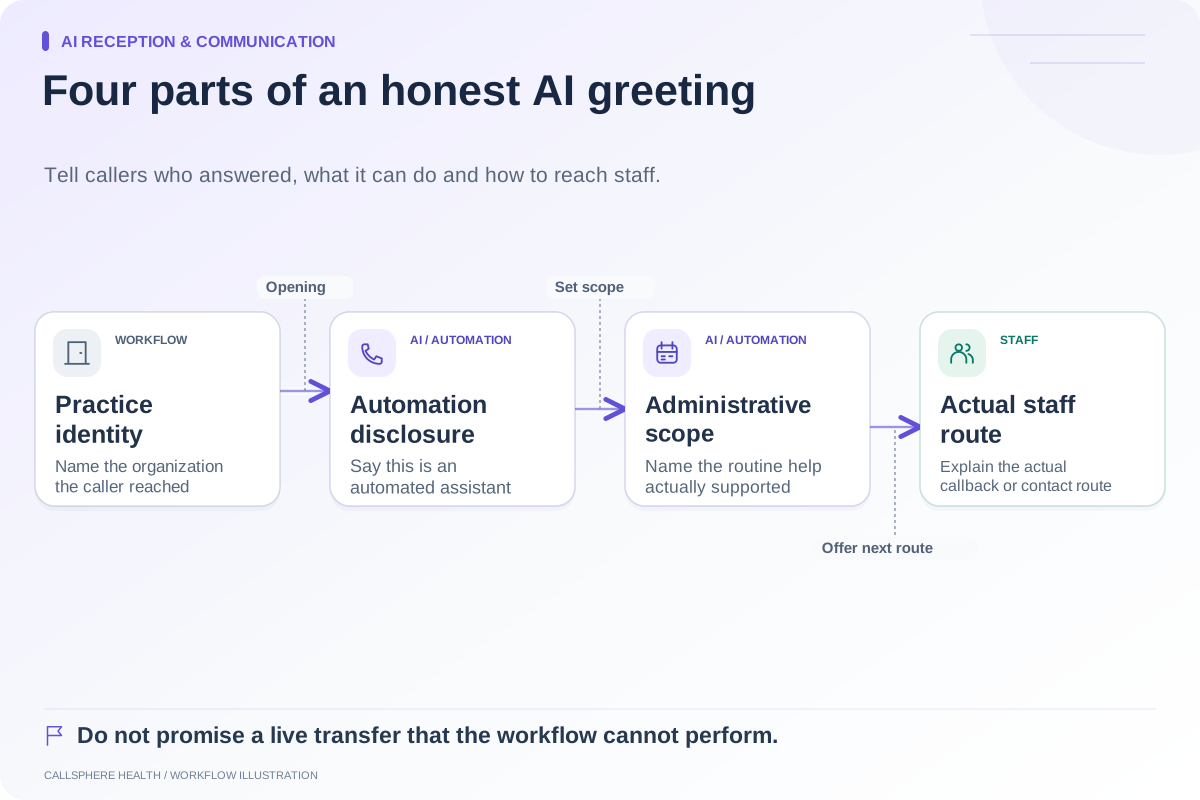
For each monitored channel, state the staffed hours and ordinary response process. Avoid promising immediate replies through a channel that staff review only periodically. Explain how requests outside the channel's purpose should move to the appropriate route.
A hypothetical practice checks administrative portal messages twice during the workday. Its policy should explain that operating pattern and assign a backup reviewer for absences. It should not imply that a message is continuously monitored simply because a submission form is always available.
Keep emergency and clinical-contact instructions aligned with the practice's approved procedures. An administrative AI channel should not be presented as a substitute for clinical care or crisis services.
Capture preferences without treating them as a universal permission
Record the person's preferred contact route using the practice's approved process. Confirm changes before using them for sensitive account communication. A preference for one channel does not by itself settle every question about message content, identity, or permitted use.
HHS discusses safeguards and reasonable communication alternatives in its email guidance. Its voicemail guidance also addresses limiting disclosed details. Sources reviewed September 9, 2026. Have qualified reviewers apply the guidance to your actual services and policies.
Define what staff do when a message arrives in the wrong place
Imagine a fictional visitor sends an account-specific billing question through a public website chat. The workflow should avoid disclosing account details on the strength of the visitor's statement alone. It can explain the appropriate verified route or record a limited callback request.
Staff should not copy the entire conversation into every system. Preserve the administrative purpose, relevant status, and next owner, then use the approved workflow for identity and account access. If the matter is clinical, the administrative channel should not attempt to resolve it.
Include AI as one part of the communication system
CallSphere Health supports patient portal, messaging, forms, and reminder workflows with configured services. Its AI front desk can answer routine practice questions and support permitted administrative actions. This does not mean every incoming secure message receives an AI response, or that all channels have identical permissions and delivery behavior.
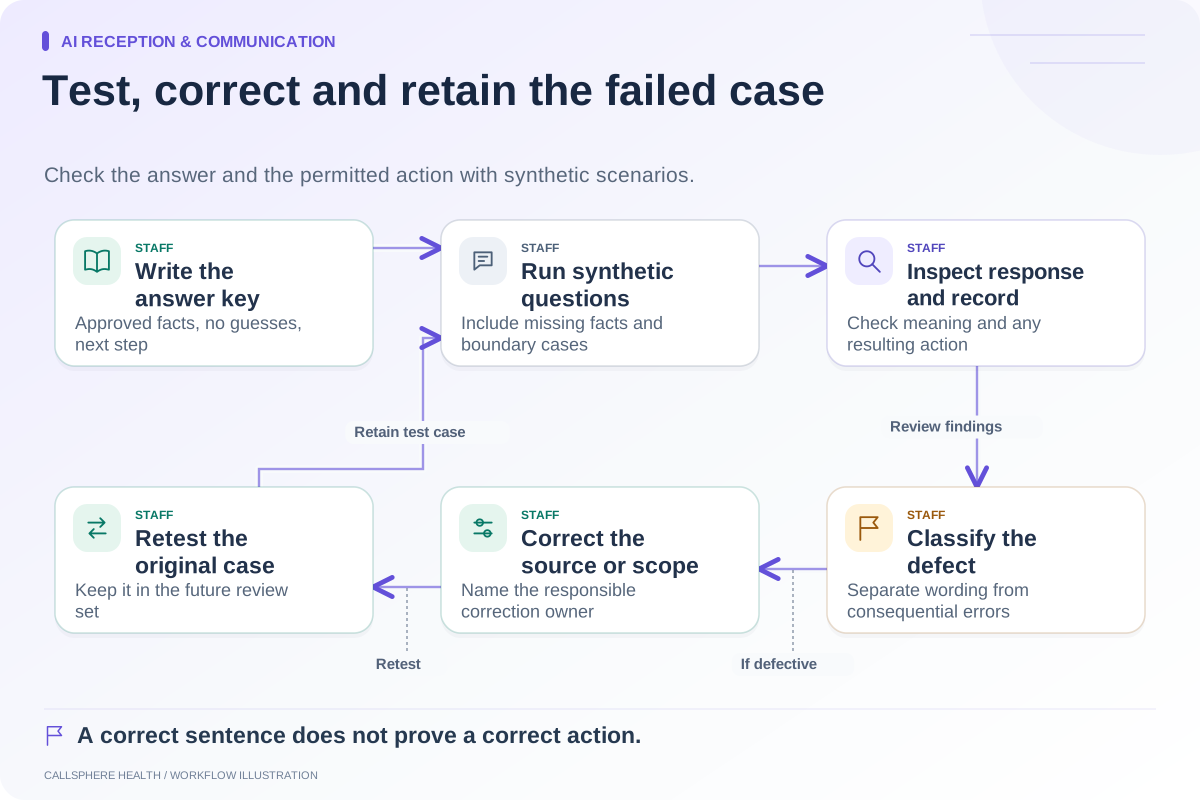
Use the capability overview to document what is supported in your setup. Ask for a demonstration of one routine inquiry, one identity-dependent action, and one request that must return to staff.
Make the policy usable at the front desk
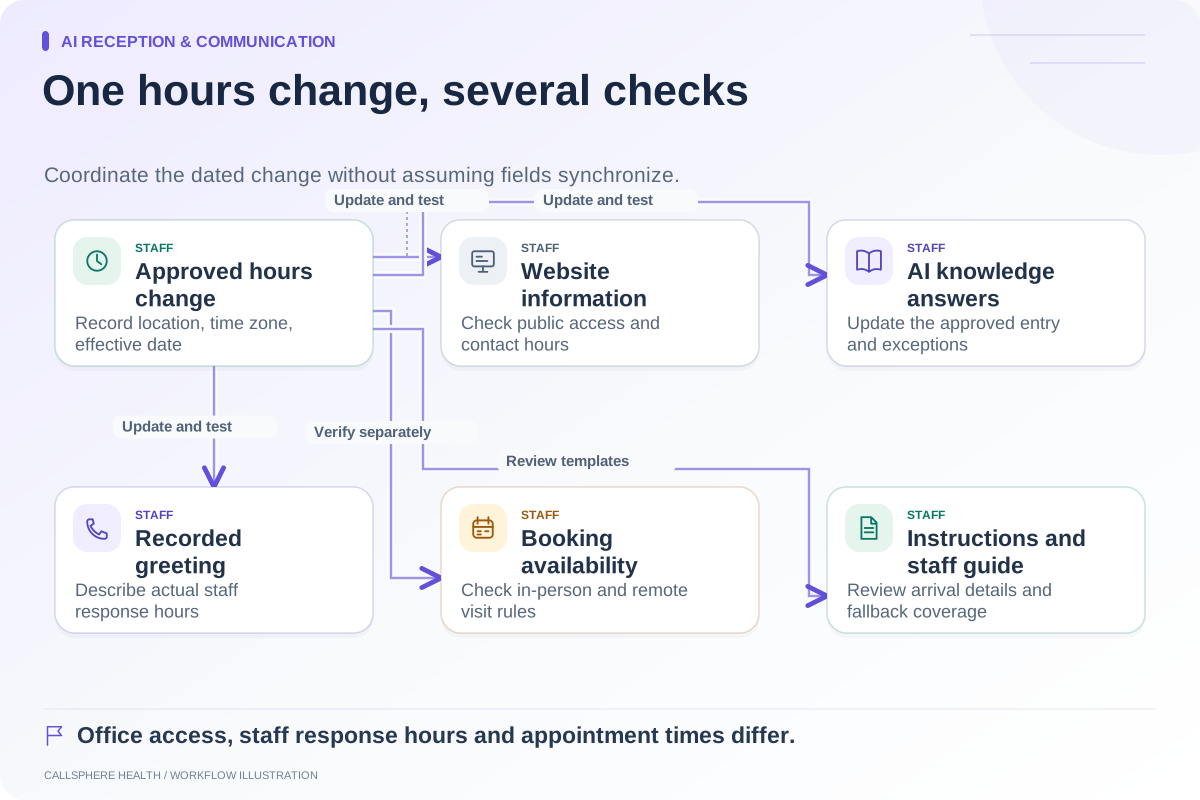
Keep a short version near the team's working instructions: purpose, channel, owner, staffed hours, and escalation route. Review it when staffing, hours, or software changes. Test that the website, greetings, reminders, and staff explanations describe the same process.
The human handoff guide helps define the transfer of responsibility. A focused AI receptionist demonstration should show how the configured tool fits your channel policy rather than becoming a separate, contradictory source of instructions.
Browse more guides to AI reception and communication.