A superbill workflow needs four stages: select the relevant services, prepare the document, have the appropriate staff review it and deliver it through an approved route. Providing a superbill supports a client’s reimbursement process; it does not guarantee an insurer will pay.
A practice should separate the document from invoices, receipts and electronic claim submission. Each has a different purpose, and a software button that creates one does not establish that the others are complete.
Understand what is being prepared
SimplePractice’s official superbill guide describes a document containing additional reimbursement information, including service and diagnosis codes. Its current guide also explains vendor-specific creation and correction behavior. Those details are evidence of SimplePractice’s workflow, not instructions to assume every EHR behaves the same way.
For your practice, qualified clinicians and billing professionals should determine the appropriate clinical and billing information. An administrative assistant or AI should not invent a diagnosis or code to make a document generate successfully.
Use a handoff checklist
| Stage | Staff check | Completion evidence |
|---|---|---|
| Select | Correct client and intended service dates | Deliberate selection recorded in the workflow |
| Prepare | Required practice, provider and service information present | Draft document available for review |
| Review | Source documentation and financial details checked by appropriate roles | Approved document or assigned correction |
| Deliver | Recipient and channel authorized | Supported delivery or access event |
| Correct | Original and revised records handled through product procedure | Traceable correction and updated client instruction |
This is a proposed operational checklist. It is not a comprehensive statement of payer requirements or a substitute for current billing guidance.
A hypothetical monthly request
A client asks for a superbill covering two completed visits. Staff confirms the correct dates and prepares a draft from the relevant records. The reviewer notices that one visit’s payment status needs clarification, so the document stays in review until the billing team checks it.
Once approved, staff uses the permitted delivery method and records the action. The client receives a clear explanation that the document is for their reimbursement process and that payer decisions remain separate. Staff does not promise a reimbursement amount based solely on the document’s existence.
The scenario is hypothetical. It does not establish that a monthly cadence is appropriate for every practice or that the same review steps satisfy every payer.
Check provider and date context
If services involve different practitioners, ask how the system populates provider details. Do not assume the client’s current assigned clinician is always the correct source for every historical visit. Inspect the actual output in the demonstrated configuration.
Similarly, verify how a date-range selection handles canceled appointments, already-included visits and corrected records. A clean-looking PDF can still contain the wrong selection. Staff should compare the output with the intended source records before delivery.
Define the correction process before needing it
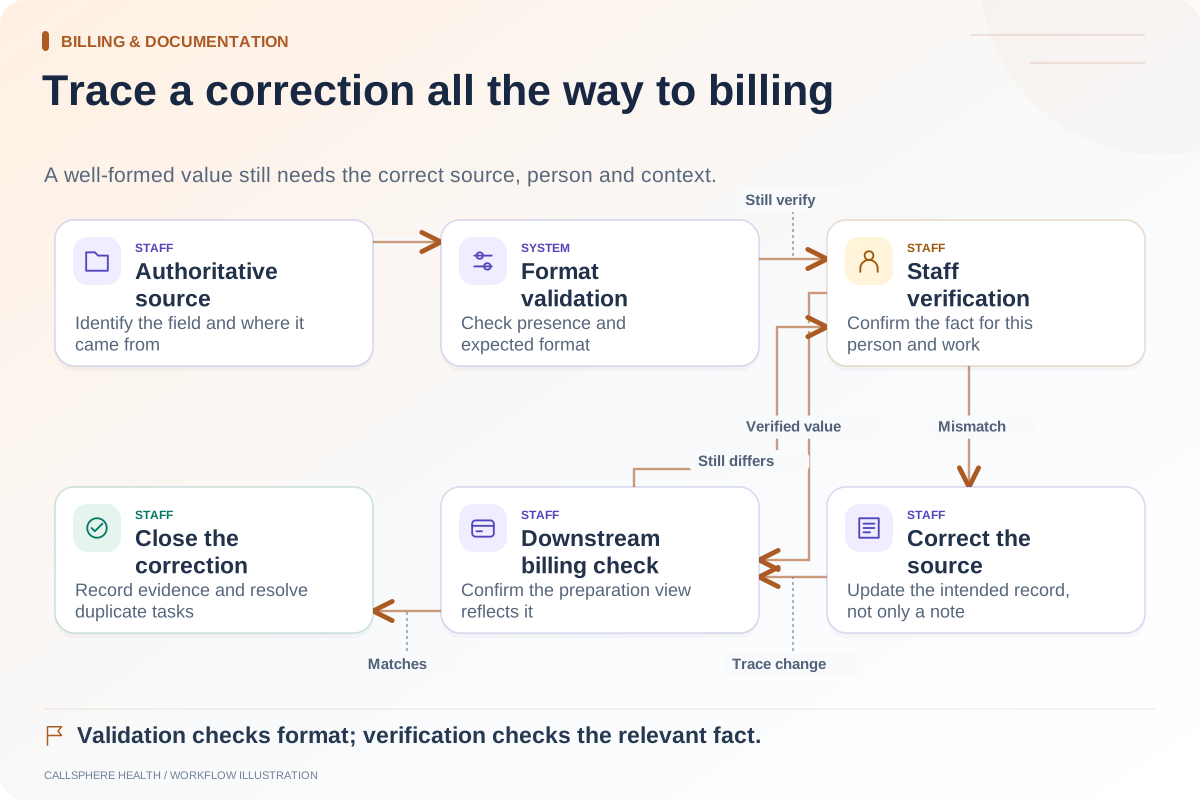
Ask what happens when a document has already been delivered and an underlying value changes. Does the product preserve a previous copy, require a new version or use another supported correction method? Document the procedure and who is allowed to perform it.
Do not edit a downloaded document outside the approved process and assume the EHR now reflects the change. That can leave the practice and client holding inconsistent copies. The correction should remain tied to the controlled source record and appropriate review.
Keep delivery and payment separate
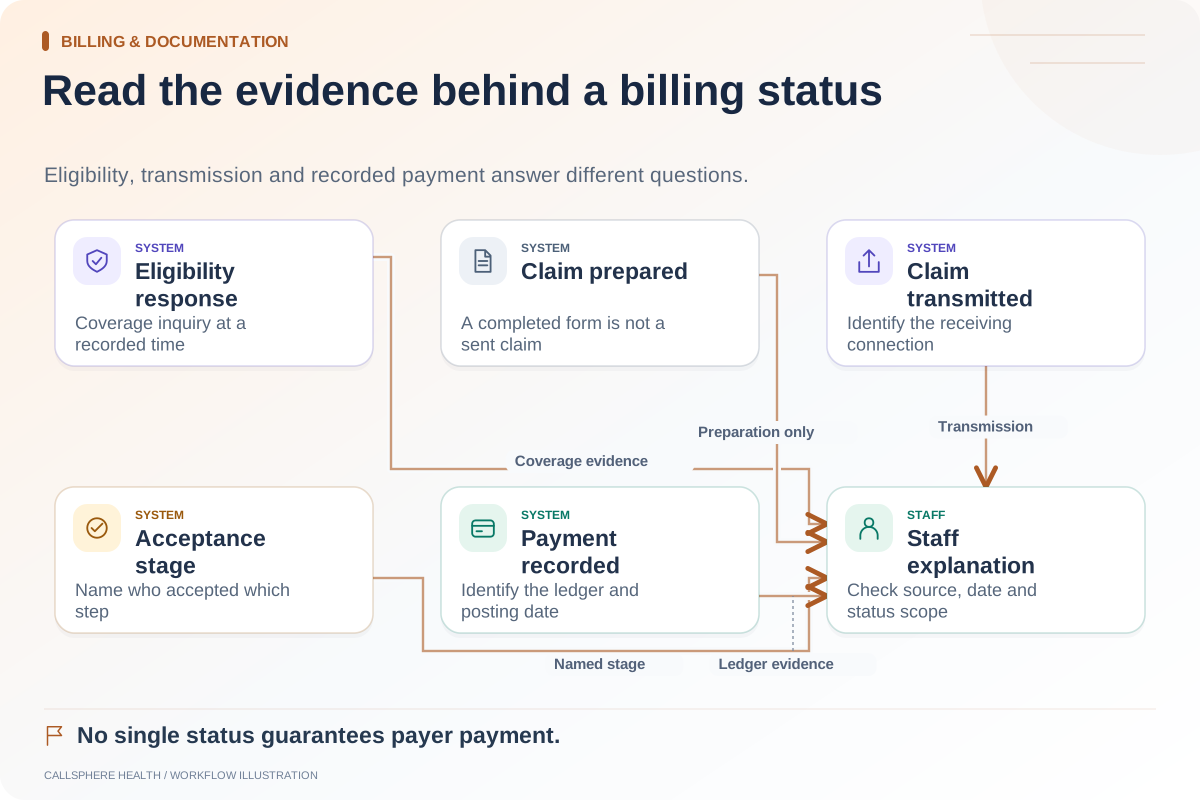
A delivery event tells staff that the document was made available through a particular route. It does not establish that the client submitted it or that an insurer accepted it. Track those stages separately if the practice has a legitimate, approved need to do so.
For financial questions outside the front desk’s role, provide the billing team’s approved contact process. Avoid asking clients to send sensitive documents through an unreviewed general channel simply because it is convenient.
Verify CallSphere’s document workflow
CallSphere’s platform supports superbills and related billing documents. The capability overview preserves staff review and does not promise reimbursement. Ask the demo team to show a synthetic two-visit document, a provider-detail check and a correction after preparation.
Approve the workflow when the practice can identify the source, reviewer, recipient and correction history. Those details make the document usable in daily operations and keep the software’s role clear.
Continue the workflow
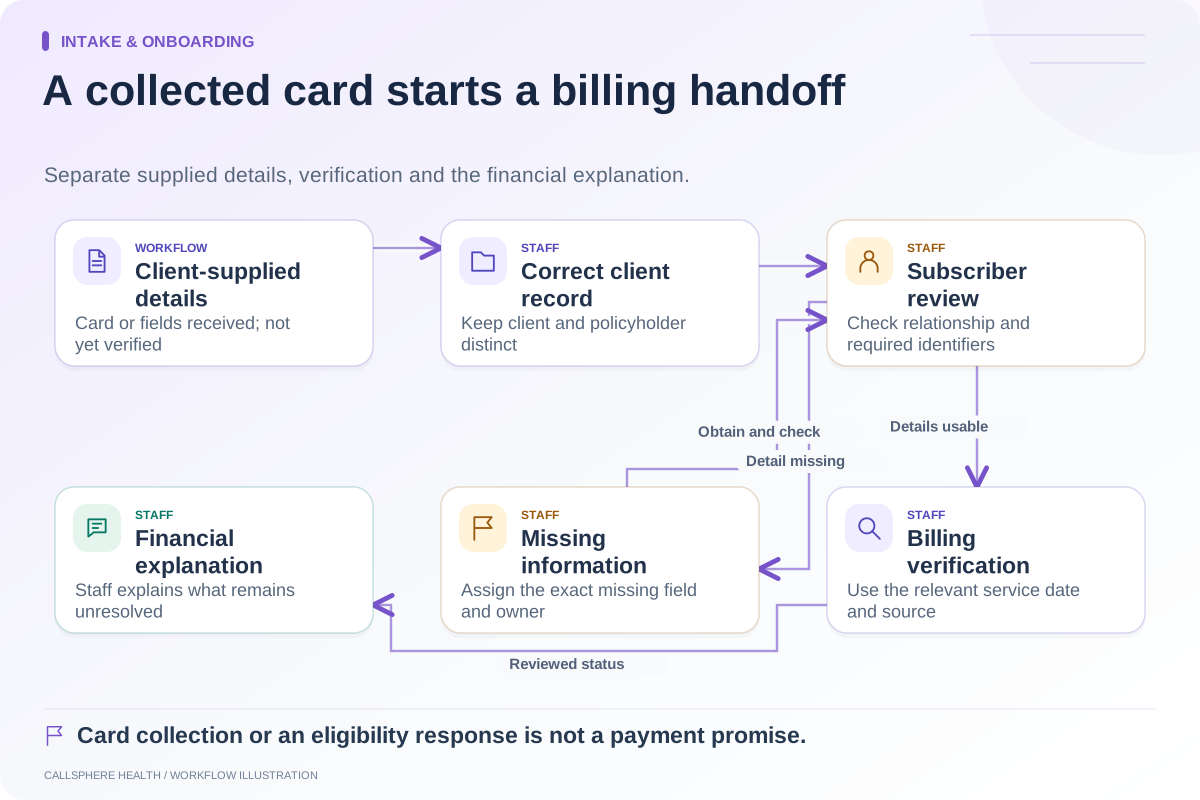
Explore billing & documentation: Hand insurance information from intake to the billing team · Check intake data before it reaches billing · Payment status, eligibility, and coverage are different checks.
Research reviewed September 9, 2026. Organizational authorship: CallSphere Health. Examples are hypothetical; this is operational guidance, not individualized clinical, legal or billing advice.