A website chat should hand the practice a clear administrative request, its current status, and the next staff action. It should not imply that a conversation has completed clinical intake or established patient identity. Decide which information belongs in the first inquiry, what can be answered immediately, and which forms or staff checks occur later.
For a practice owner, the aim is to avoid losing a useful inquiry between the website and the people who arrange the first visit. The handoff should be short enough to act on and specific enough that staff do not have to start from the beginning.
Keep the first contact focused
A visitor asking about evening availability may need an explanation of the practice's services and a route to request an appointment. That does not require an open invitation to describe a detailed clinical history in a public chat.
Define the minimal administrative information for the intended action. It may include the requested service, timing preference, preferred contact route, and whether the visitor wants staff follow-up. Have appropriate practice staff decide which information is necessary and where it should be collected.
The HHS business-associate guidance is relevant when an outside chatbot service handles protected health information. Review the actual data flow and agreements with qualified reviewers; a website placement does not make that review unnecessary. Source checked September 9, 2026.
Use a handoff summary with explicit states
| Summary field | Hypothetical entry |
|---|---|
| Administrative goal | Wants information about a first appointment |
| Scheduling preference | Weekday evening |
| Information provided | Practice's approved consultation process |
| Action completed | Callback request recorded |
| Action not completed | No appointment confirmed; no intake forms completed |
| Staff next step | Confirm contact details and review scheduling fit |
| Source | Website inquiry with timestamp |
This example uses fictional details and intentionally separates completed and pending work. A staff member reading it should know whether to look for a calendar event or begin a new scheduling task.
Prevent the “thank you” screen from overstating progress
A hypothetical visitor finishes a chat and sees “You're ready for your first visit.” If the system only captured a message, that wording creates a false expectation. A better ending states the actual result and explains the next administrative step.
If the system creates a supported appointment, show the date, time zone, and status. Explain any remaining staff review or forms. If it merely requests an appointment, label it a request. Avoid using one generic success message for several different outcomes.
Verify the path to forms
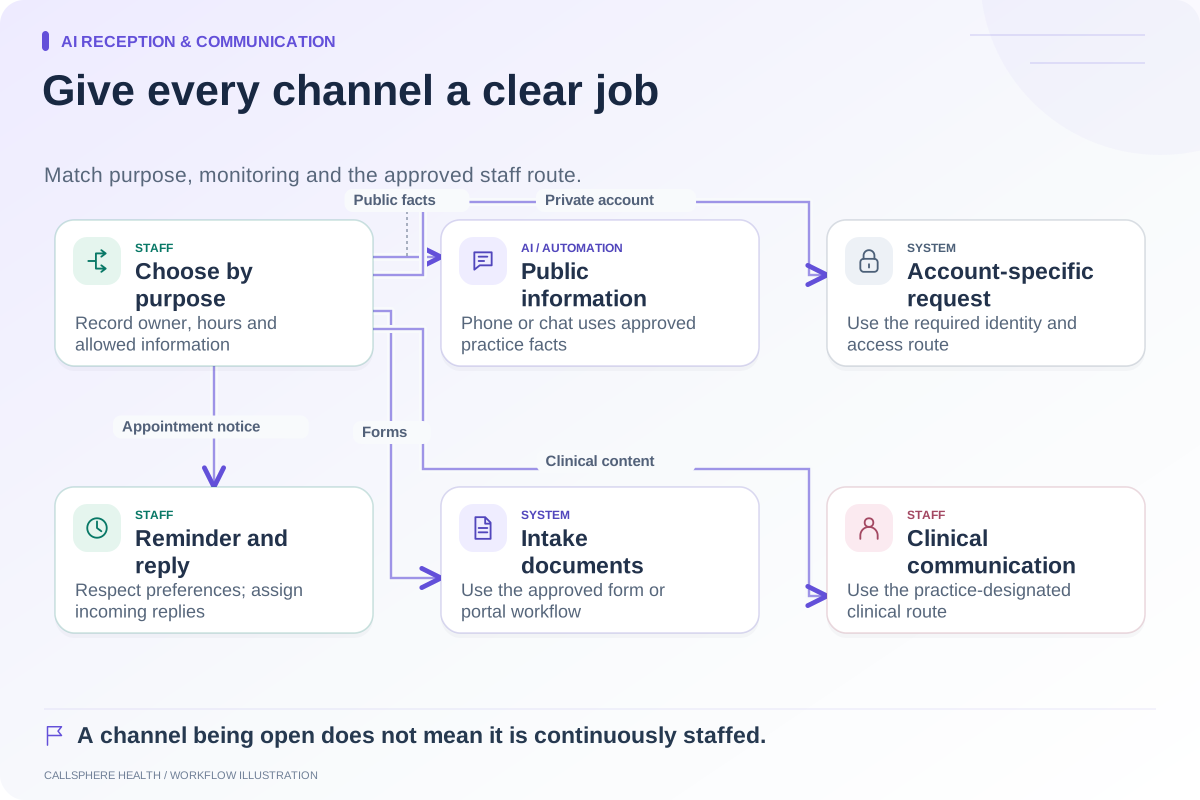
Identify what triggers form assignment: staff approval, a public booking, a confirmed appointment, or another configured event. Inspect the actual task and delivery state. A chat summary mentioning “intake” is not evidence that forms were assigned or delivered.
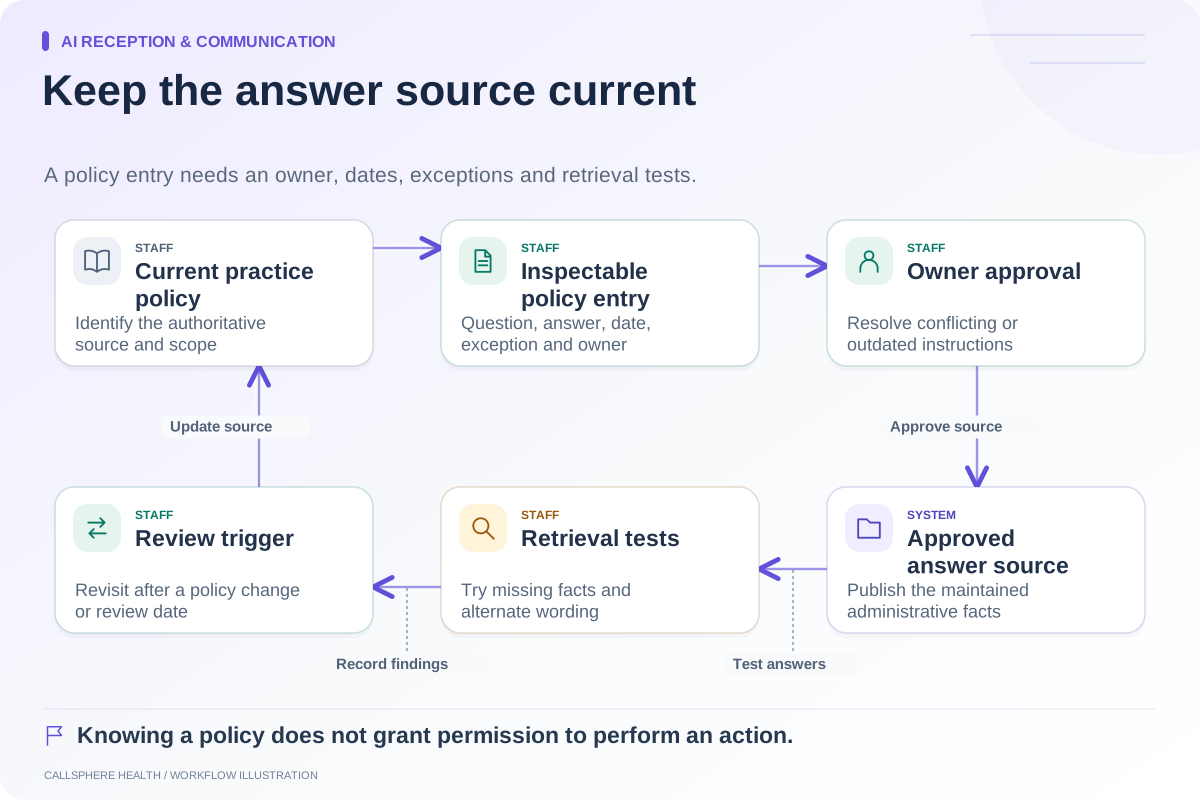
CallSphere Health supports digital intake and consent workflows with configured delivery. Its AI front desk supports routine website inquiries and appointment actions. However, the AI booking path should be tested specifically before assuming a seamless call-or-chat-to-completed-intake sequence. Delivery also depends on transport and settings. See the capability overview.
Staff must remain able to identify missing items and provide appropriate help. Do not mark a prospective client ready solely because an automated message was sent.
Reconcile an inquiry that arrives twice
A visitor may submit a chat and later call the practice. Give staff enough context to review possible duplicates without assuming two similar names are the same person. Preserve the original request and the resulting action until identity and ownership are clear.
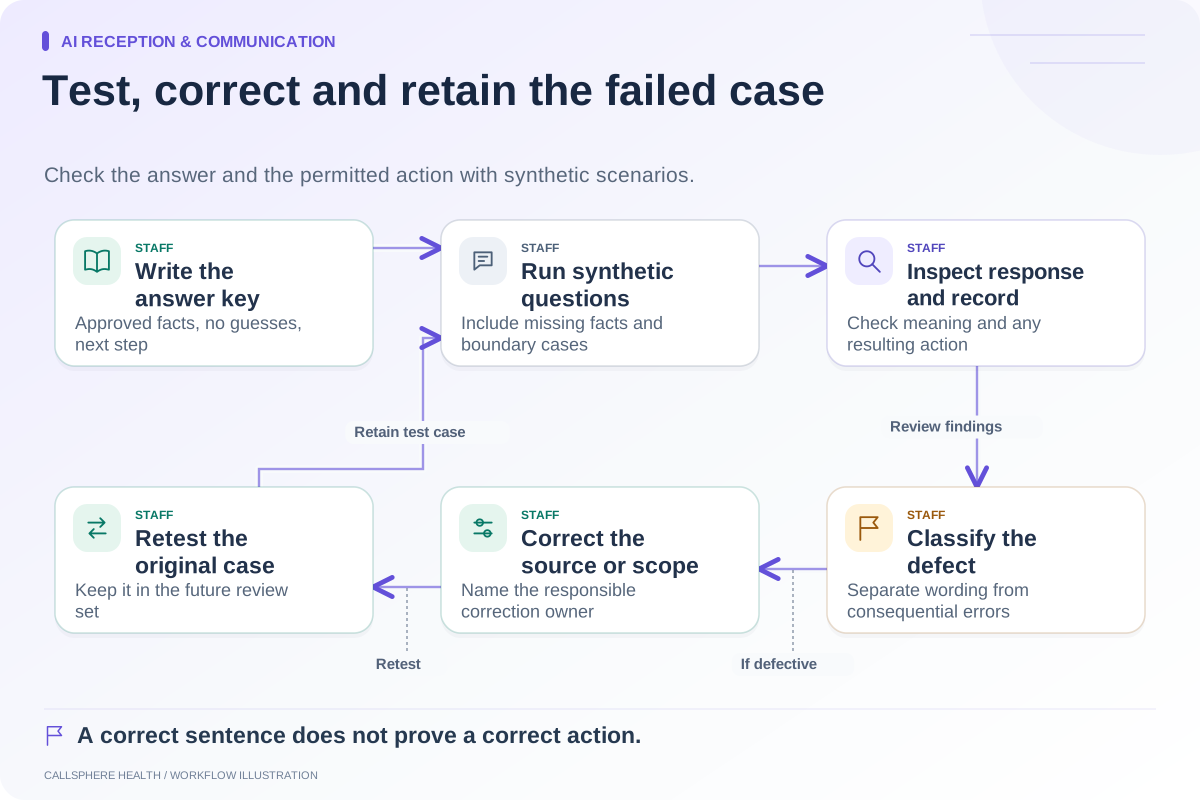
Use a fictional duplicate in testing. Have a staff member locate both entries, check the appointment state, and explain the next step. If the process requires manual review, document it rather than presenting automatic reconciliation as a product capability.
Test the handoff on a small screen
Use a mobile browser to complete the inquiry, inspect the closing message, and follow the next-step link. Confirm that the visitor can understand whether the practice has booked, requested, or merely recorded something. Test keyboard access and an incomplete entry as well as the successful path.
Then review the staff-side result with the scheduler. The human handoff guide explains the ownership fields, while the AI receptionist page provides a starting point for demonstrating a configured website inquiry workflow. The handoff succeeds when both visitor and staff understand the same next step.
Browse more guides to AI reception and communication.