Cover a behavioral-health front-desk vacancy by listing the work that must continue, assigning temporary owners, and reducing avoidable ambiguity in daily handoffs. A phone tool may help with routine inquiries, but it does not automatically take over intake review, in-person coordination, billing decisions, or every responsibility of the absent employee.
This article preserves an earlier URL and was substantially revised on September 9, 2026. It replaces unsupported turnover and savings claims with a practical continuity worksheet. The original publication date remains July 14, 2026.
Inventory duties before redistributing them
Ask the departing employee and colleagues to identify the work performed during a normal week. Include tasks that do not appear on a calendar: checking incomplete forms, reconciling appointment requests, updating office information, and transferring questions to the right person.
Separate duties that require particular permissions or expertise from tasks another staff member can learn quickly. Do not solve coverage by sharing credentials or giving everyone unrestricted access. Verify the role needed for each temporary assignment.
| Work that must continue | Temporary owner | Evidence of completion |
|---|---|---|
| Routine inquiries | Assigned coverage role or configured tool | Answer or callback request recorded |
| New appointment requests | Scheduler and backup | Requested/confirmed status is clear |
| Missing intake items | Intake reviewer | Next action assigned |
| Billing questions | Authorized billing staff | Question resolved or escalated |
| Clinical questions | Appropriate clinical route | Administrative staff follow approved process |
| Daily unresolved queue | Operations lead | No unassigned item without a next step |
Adapt the table to the practice. The aim is visible responsibility rather than an unrealistic promise that every queue will be empty immediately.
Use a short daily continuity review
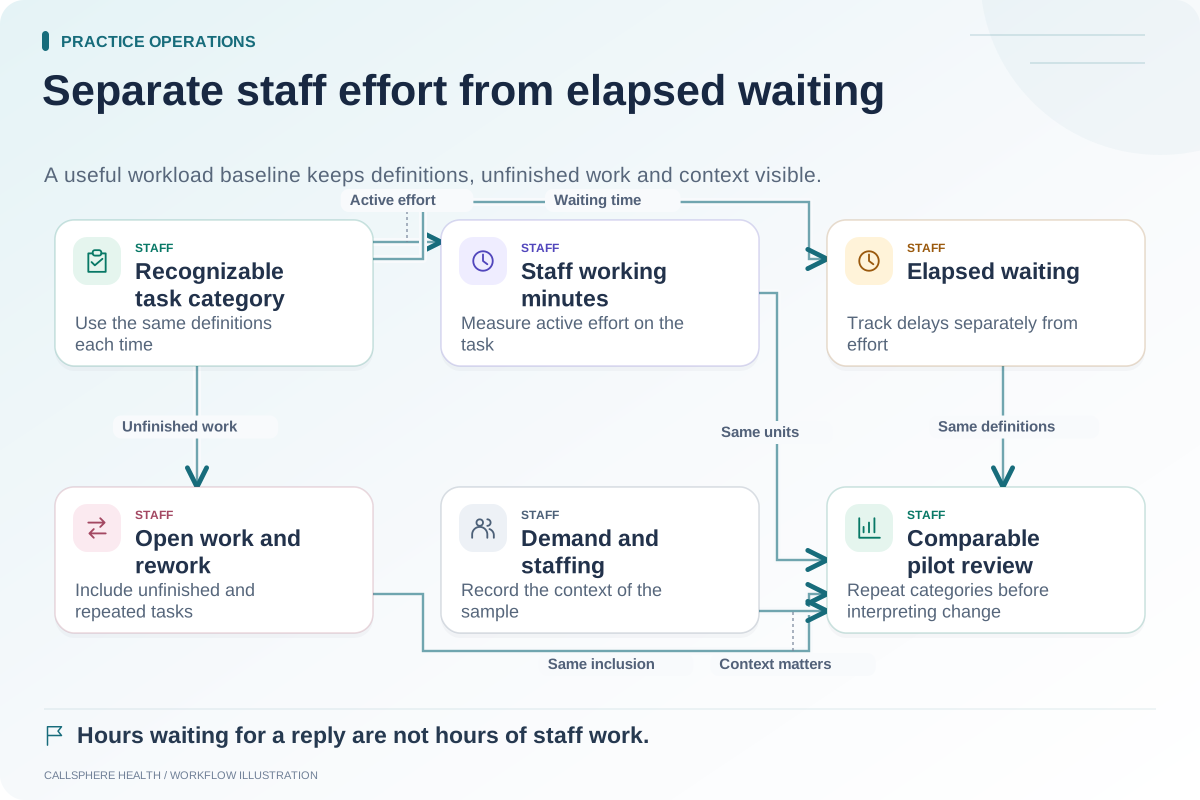
During the vacancy, review the oldest unresolved items and the tasks no one has accepted. Agree on a primary owner and backup for each queue. If capacity is limited, the practice should decide which administrative services need a changed response expectation and communicate that clearly.
A hypothetical three-clinician practice loses its scheduler for two weeks. The owner assigns morning callback review to one trained administrator and afternoon review to a backup. Billing remains with the biller, and clinicians retain their own documentation duties. The plan avoids treating all unfinished work as “the phones.”
This example is illustrative. It does not claim a particular staffing ratio or show measured productivity gains.
Capture the knowledge that would otherwise leave
Document the approved process for common requests, the relevant system, the next role, and the exception route. Keep passwords and sensitive patient information out of a general operations guide. Store access instructions through the practice's approved credential process.
The ASTP/ONC EHR playbook provides resources on implementation teams and change management. Those principles are useful when transferring software responsibilities during a staffing change. Source reviewed September 9, 2026.
Pilot one administrative function
If routine inquiries are consuming the temporary owner's time, evaluate a narrow AI workflow using fictional cases. Test practice-hour answers and callback capture before expanding into appointment actions. Inspect the resulting record and confirm who will act on it.
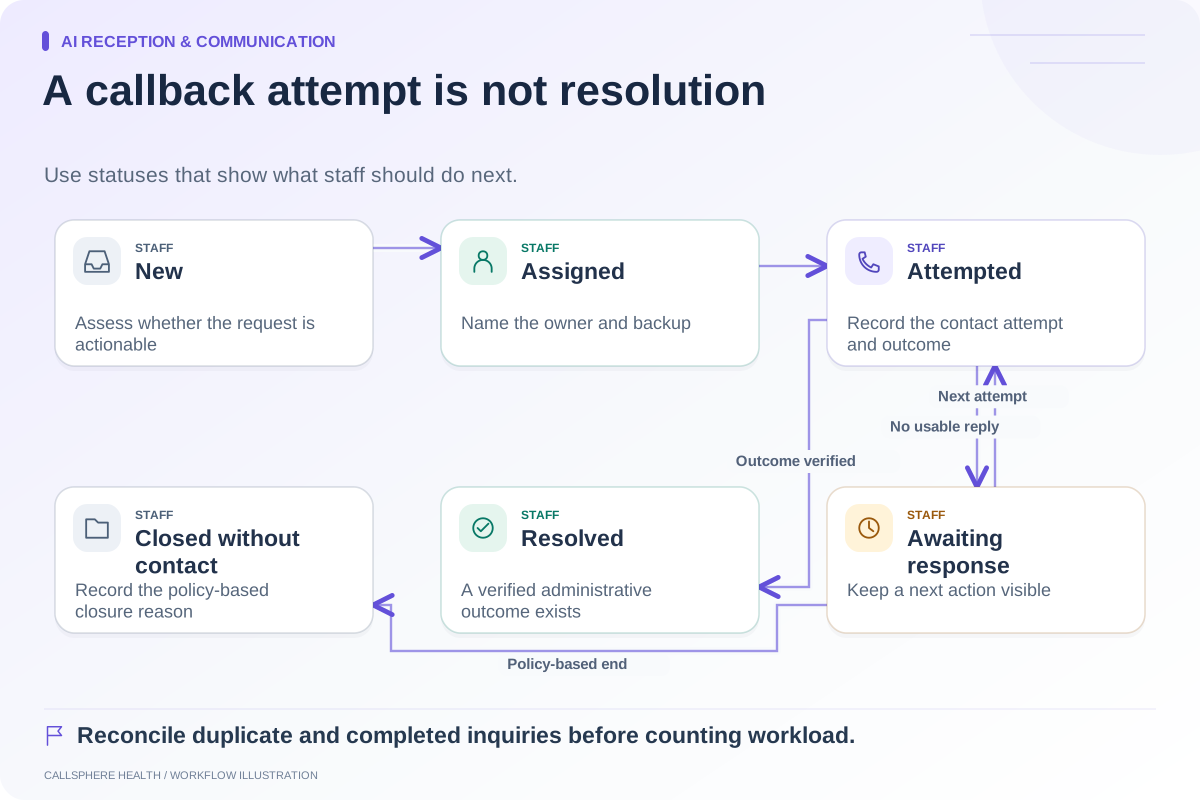
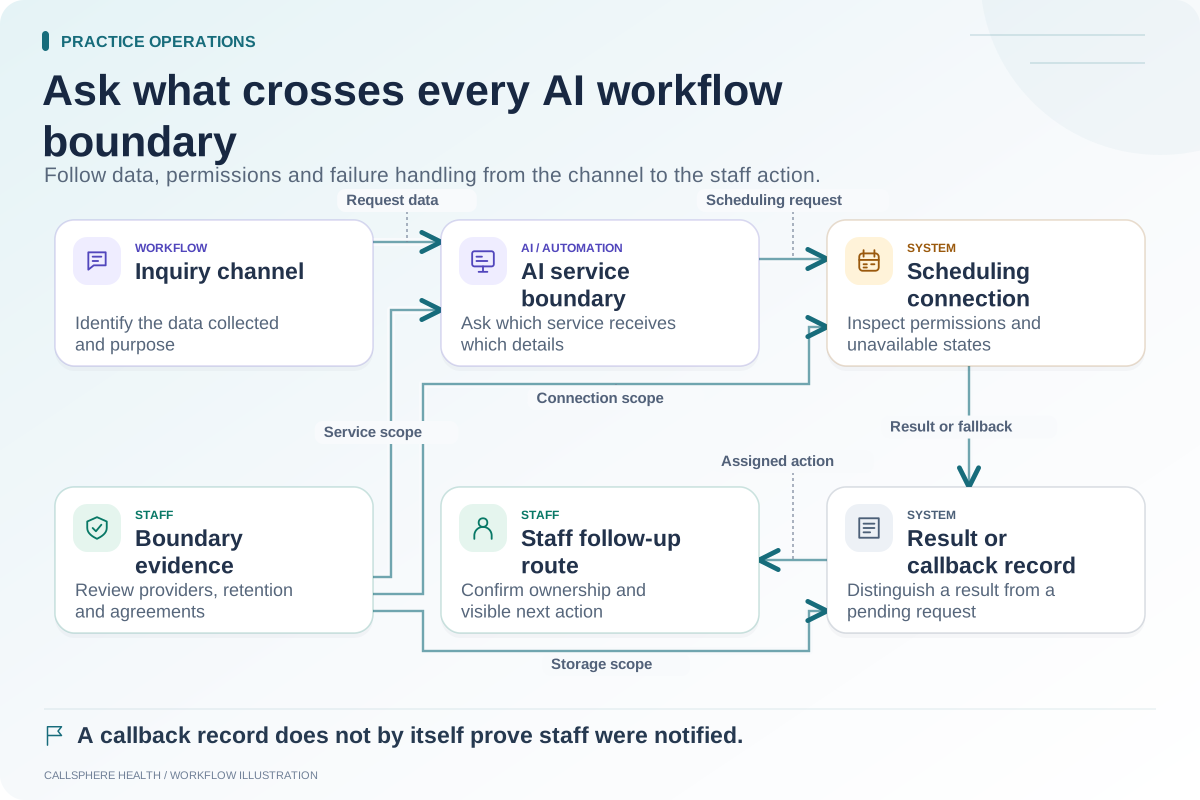
CallSphere Health's AI front desk supports configured routine phone and website inquiries, availability checks, supported appointment actions, and callback requests. Staff maintain approved information, confirm fit, and handle exceptions. A callback request is not a verified warm transfer or completed staff response. Review the capability overview.
Do not assume the tool handles unlimited volume, replaces an entire employee, or produces guaranteed savings. Measure what actually changes in the assigned workflow.
Hand the next hire a working process
Keep the temporary coverage map and revise it as staff discover gaps. When a new employee starts, train them on the actual queues and exception cases rather than only the software menus. Verify their role access with fictional tasks and retire temporary access when it is no longer needed.
Use the missed-call queue guide to make phone work accountable. A focused AI receptionist demonstration can show whether supported automation belongs in the continuity plan. The vacancy is managed when necessary work has understandable owners and realistic follow-through.
Browse more practice guides.