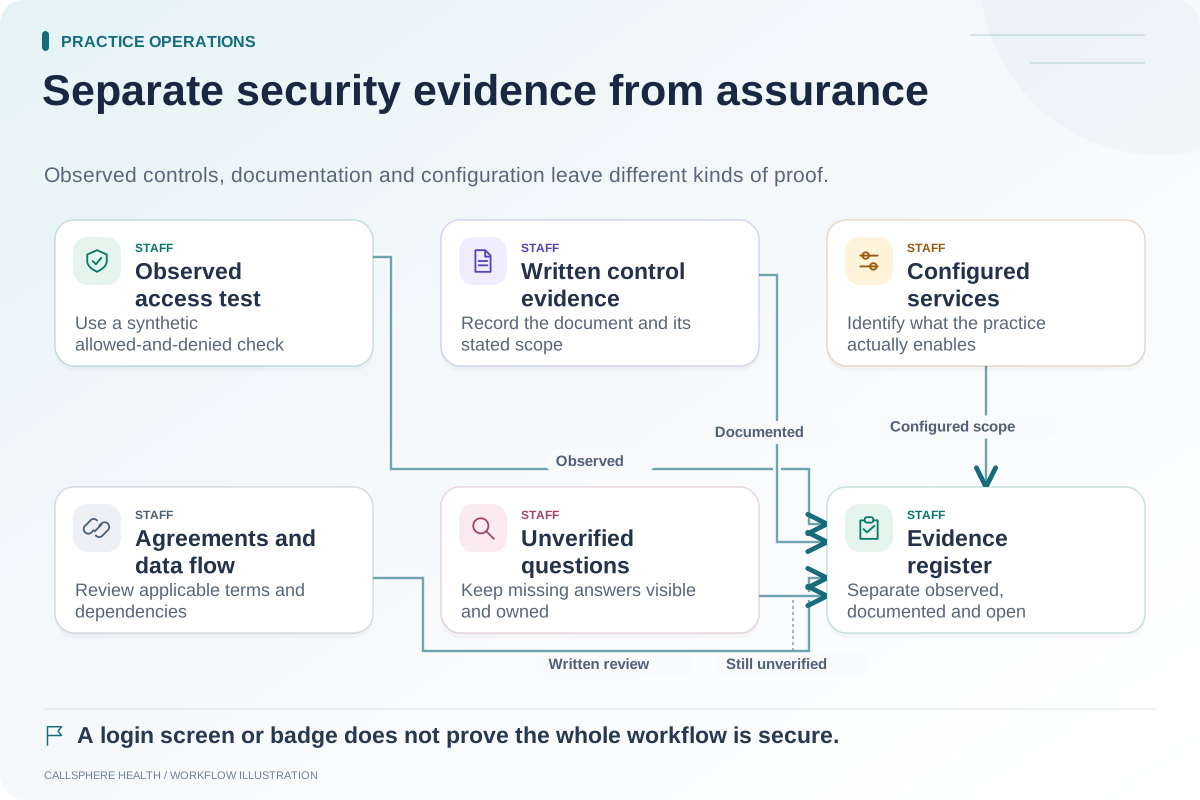
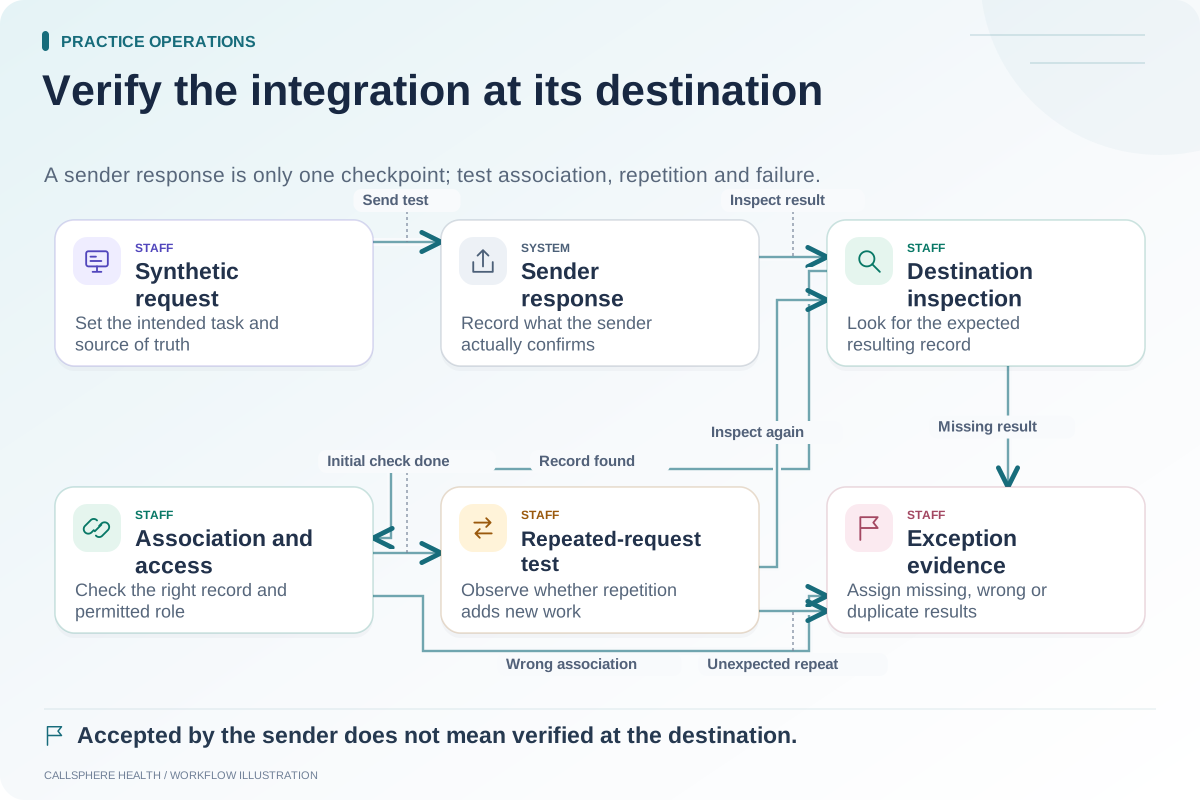
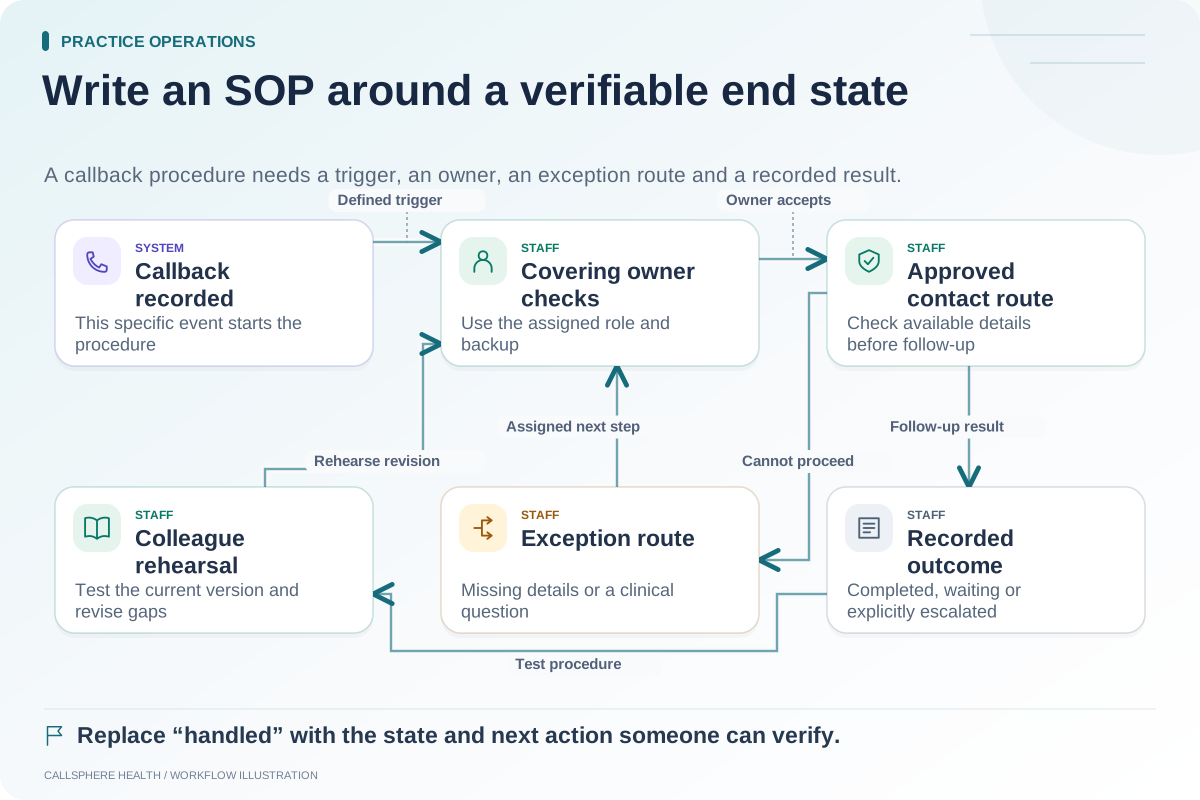
Map an AI workflow by following information through each system boundary: where it is collected, which service receives it, what action is requested and where the result is stored. “Integrated with the EHR” does not explain every data movement or every organization's responsibility.
This guide proposes a vendor-review worksheet for practice owners. It is not a legal determination that a particular configuration is compliant. Use the practice's privacy and security review process for decisions involving sensitive information.
Draw the workflow in plain language
Start with a specific interaction. A routine appointment inquiry may travel from a phone or website channel to an AI service, then to a scheduling function, with a result or callback request returned to staff. Communication delivery may involve another provider.
Draw each distinct system as a box and label the information crossing between boxes. Avoid an unlabeled arrow that merely says “integration.” The label should explain whether the transfer contains a question, an appointment identifier, a contact route, a requested action or a delivery status.
Ask the same boundary questions for each connection
| Boundary question | Evidence to request |
|---|---|
| What information is sent? | Data field description or synthetic example |
| Why is it needed? | Specific administrative purpose |
| Who operates the receiving service? | Current provider identity and responsibility |
| What access is required? | Permission or authentication scope |
| Where is the result retained? | Storage and access explanation |
| What happens on failure? | Error state and staff follow-up route |
| Which agreements apply? | Relevant terms for the actual service configuration |
| What is still unknown? | Named owner and next evidence request |
Do not replace an unanswered question with a reassuring product badge. “Not verified” should remain visible until the relevant evidence is available.
Follow one synthetic request
Hypothetical example: A practice asks a vendor to demonstrate a routine website inquiry using a fictional adult. The AI provides approved office information and attempts a configured booking. The booking service returns an unavailable result, so the conversation captures a staff follow-up request.
The practice maps the question, booking request and callback record separately. It asks which service holds each item and who can view it. A recorded callback is not proof that a staff member was notified or that a telephone transfer completed.
Review configuration and contracts together
A vendor's broad product description may cover several optional services. Confirm the specific channels and providers your practice would enable. Ask about the applicable agreements and processing scope for that configuration rather than assuming every advertised feature uses the same data path.
Relevant background includes HHS cloud computing guidance and business associate guidance, reviewed September 9, 2026. These sources inform the questions; they do not endorse a product or certify a worksheet.
Keep the diagram useful for operations
Add the staff owner who handles failures and the contact who can update an outdated practice fact. If a provider changes or a new communication channel is enabled, review the affected boundaries. The diagram should describe the current configuration rather than an ideal future architecture.
CallSphere's capabilities page explains implemented administrative actions and limitations, while the security review page identifies evaluation questions. Ask for a synthetic demonstration of the selected workflow; this article does not publish private infrastructure or claim every tenant has the same setup.
Use the map to build an integration test, prepare a security demonstration checklist and write a workflow SOP. Related guidance is in practice operations and migration.