A useful practice SOP explains what triggers a task, what the software should show and who is responsible when the normal path fails. It should let another authorized employee continue the work without guessing what “handled” means.
Start with one workflow, such as a callback request or an incomplete intake assignment. Avoid turning the document into an entire software manual. A focused SOP is easier to test and maintain when a setting changes.
Use a one-page structure
Copy these fields into the practice's approved documentation system:
| Field | What to write |
|---|---|
| Workflow name | A specific task, not a department name |
| Trigger | The event that creates work |
| Owner and backup | Named role responsible for the next action |
| Required information | Minimum administrative inputs needed |
| Normal steps | Observable actions in the approved system |
| Successful end state | Evidence that the intended task is complete |
| Exception states | Conditions that require another action or person |
| Escalation route | Contact and information needed for help |
| Access boundary | Who may perform or view the work |
| Review date | Owner and trigger for updating the SOP |
This is an original operational template. It is not a legal procedure or a claim that every listed field exists as a software feature.
Describe state changes rather than vague activities
“Check the inbox” does not explain what to do with an item. A more useful instruction is “Identify unassigned callback requests, assign the next action to the covering front-desk role and leave unresolved requests open.” It connects an action to a verifiable result.
Similarly, “send intake” should distinguish preparation, attempted delivery, delivery failure and completion by the client. The precise states depend on the product. Use the labels your configured system actually exposes rather than inventing a state that staff cannot observe.
Work through a callback example
Hypothetical example: An AI receptionist records a routine callback request when booking cannot be completed. The proposed SOP identifies the morning front-desk role as owner, lists the approved contact route and requires staff to record the outcome of their follow-up.
If the number is missing or the request appears to involve a clinical question, the SOP specifies the relevant staff route. It does not tell the AI to improvise a clinical answer or promise that a human has already received the call. CallSphere's capabilities page distinguishes a recorded handoff request from a verified warm transfer.
Test the SOP with someone who did not write it
Give an authorized colleague synthetic data and ask them to follow the document. Observe where they need explanation. If they cannot identify the correct next owner or successful end state, revise the instructions.
Add one incomplete input and one service failure to the exercise. A procedure that works only when every input is perfect is incomplete for daily practice operations. Keep the test free of real calls, client submissions or payments.
Separate policy from software instructions
The practice may have a policy about who can change an appointment or discuss a balance. The SOP should reference that policy and explain the corresponding software steps. It should not silently introduce a new clinical, financial or privacy rule.
Background implementation resources are available in the ASTP/ONC EHR playbook, reviewed September 9, 2026. The template and callback example here are proposed practice tools.
Maintain one current version
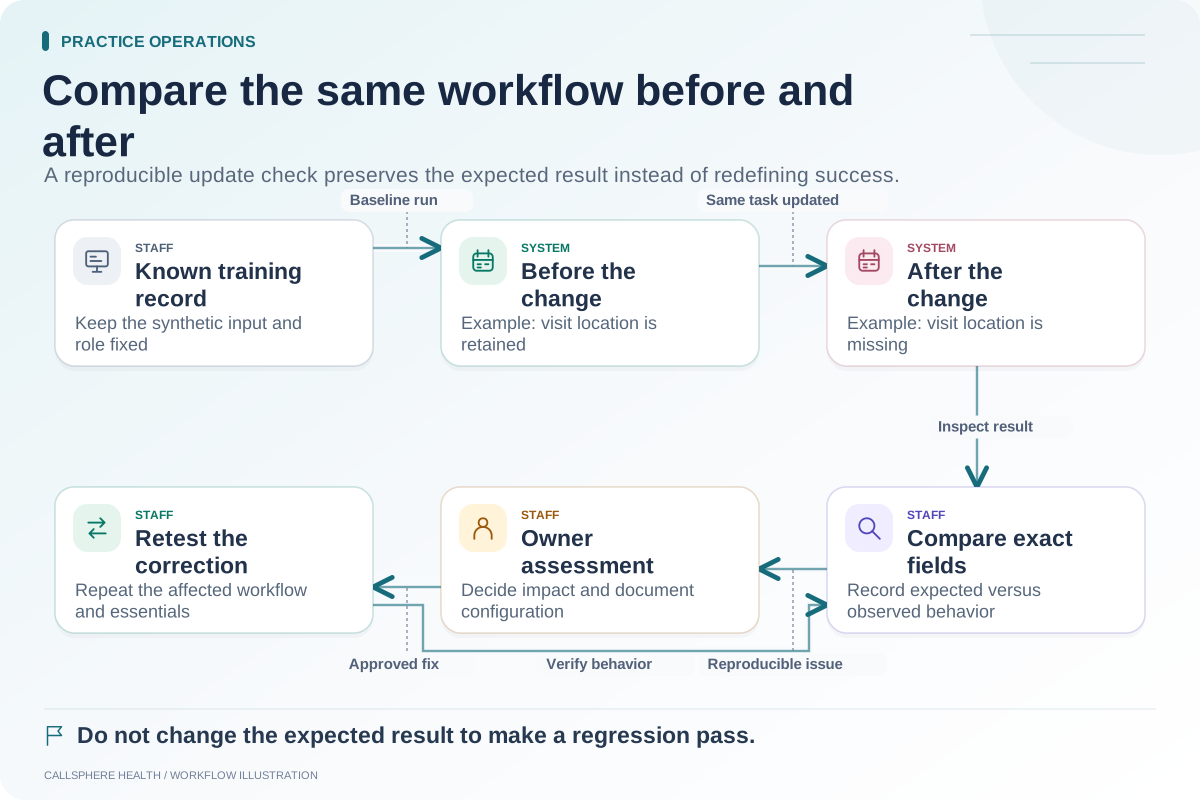
Assign a document owner, a version date and a review trigger. Useful triggers include a software release, changed role permissions, a revised communication channel or recurring exception findings. Archive prior versions through the practice's approved process so staff can identify the current instruction.
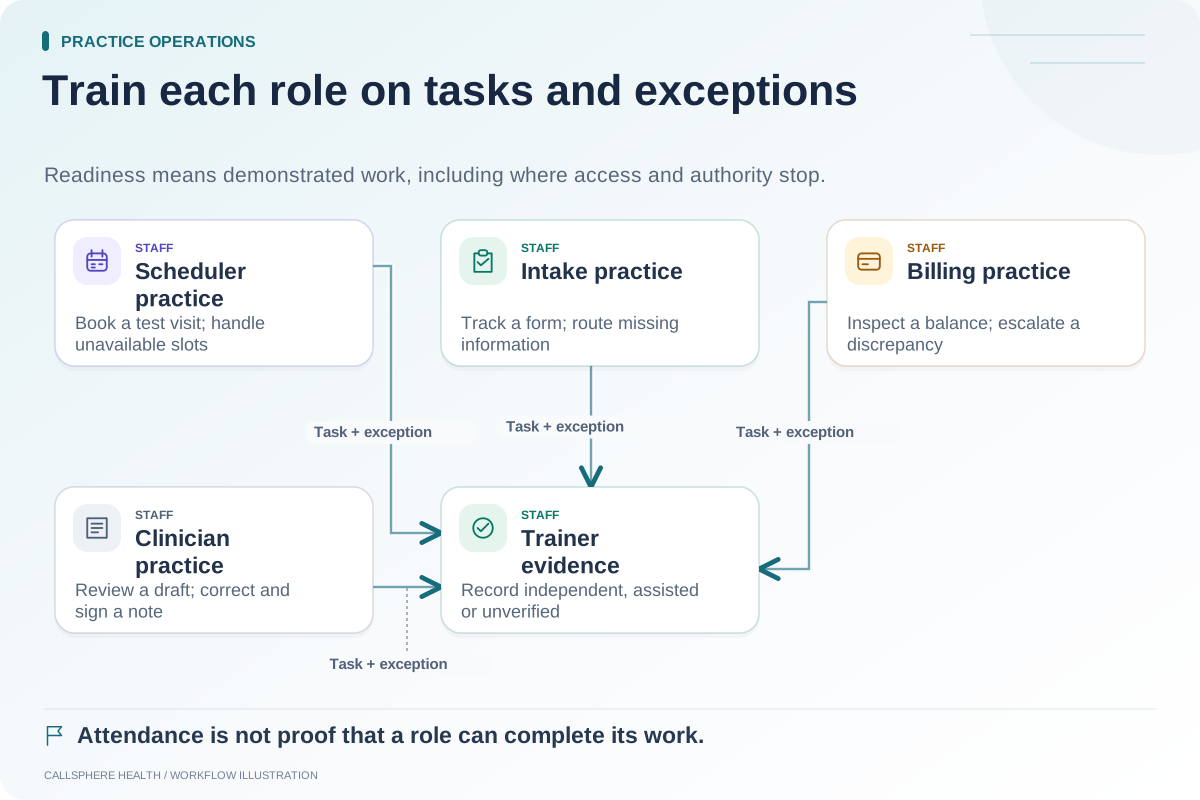
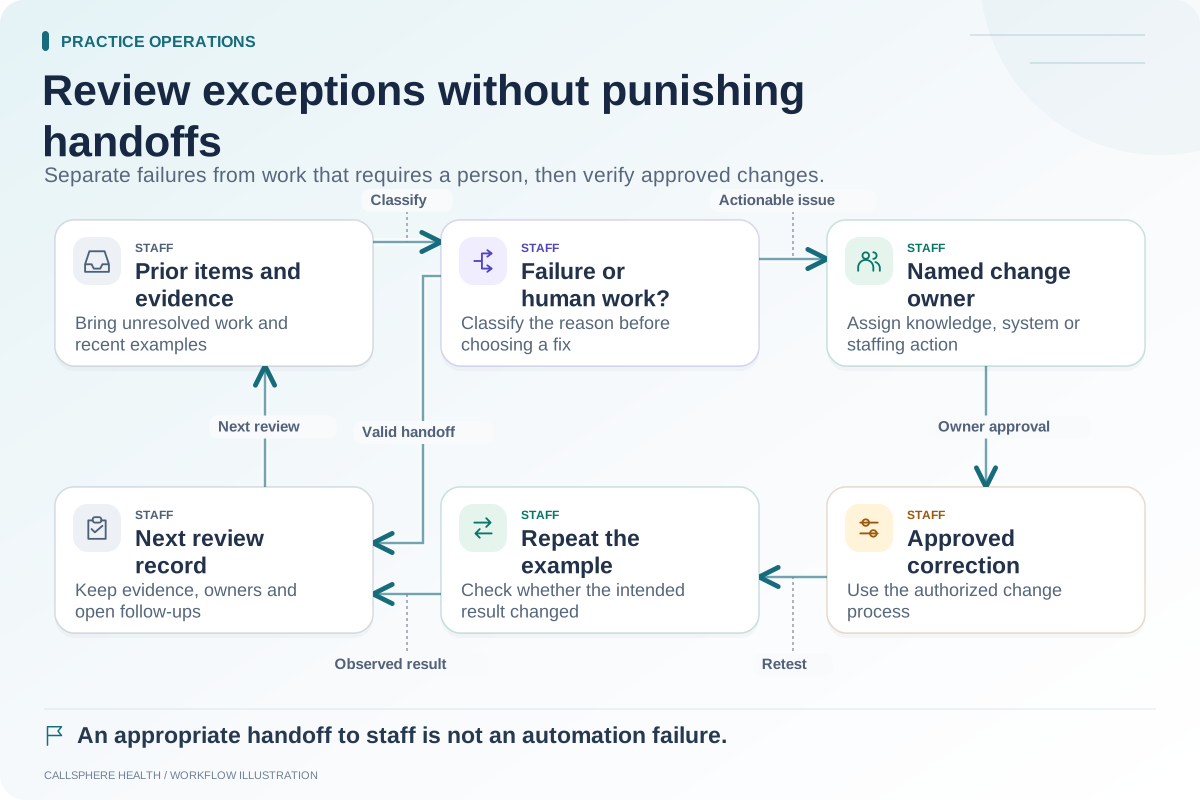
Use this SOP in a CallSphere platform demonstration to test a real administrative requirement. Pair it with staff training by role, exception review and post-update checks. Browse practice operations and migration for related templates.