Translate an existing approved cancellation policy into software settings by separating the time window, patient action permissions, public explanation and financial review. Do not let a default setting become the practice's policy by accident. A system may block online cancellation inside a window while still allowing staff to record the request, and those are different behaviors.
This worksheet addresses implementation. It does not recommend a fee amount, cancellation period or legal policy. The practice should obtain the appropriate review of its policy and payer arrangements before configuring or changing them.
Map the policy clause to a behavior
For every clause, identify what the patient can do, what staff can do and what the software communicates. Use a table like this one with your actual approved terms.
| Policy element | Setting or workflow to inspect | Evidence |
|---|---|---|
| Notice window | Exact cutoff and time zone | Boundary test |
| Online cancellation | Allowed, blocked or request-only | Patient-facing result |
| Rescheduling | Same or different permissions | Change test |
| Exception requests | Named staff review route | Assigned task |
| Financial consequence | Authorized review and posting process | Separate billing record |
| Patient explanation | Portal, reminders and intake wording | Current published copy |
Record gaps explicitly. If the software cannot express a policy variation by appointment type, the practice needs either a supported manual process or a reviewed policy/configuration decision. It should not pretend the variation is automated.
A documented vendor example
Jane's cancellation policy documentation explains that its late-cancellation period applies clinic-wide and affects self-service cancellation behavior. That specificity is useful in an evaluation. Confirm whether a prospective system supports the distinctions your practice requires rather than assuming every product offers the same granularity.
Documented restrictions are not necessarily defects. A consistent clinic-wide policy may suit one practice while another needs more varied rules. Evaluate fit against the approved workflow, not the number of toggles.
A hypothetical cutoff test
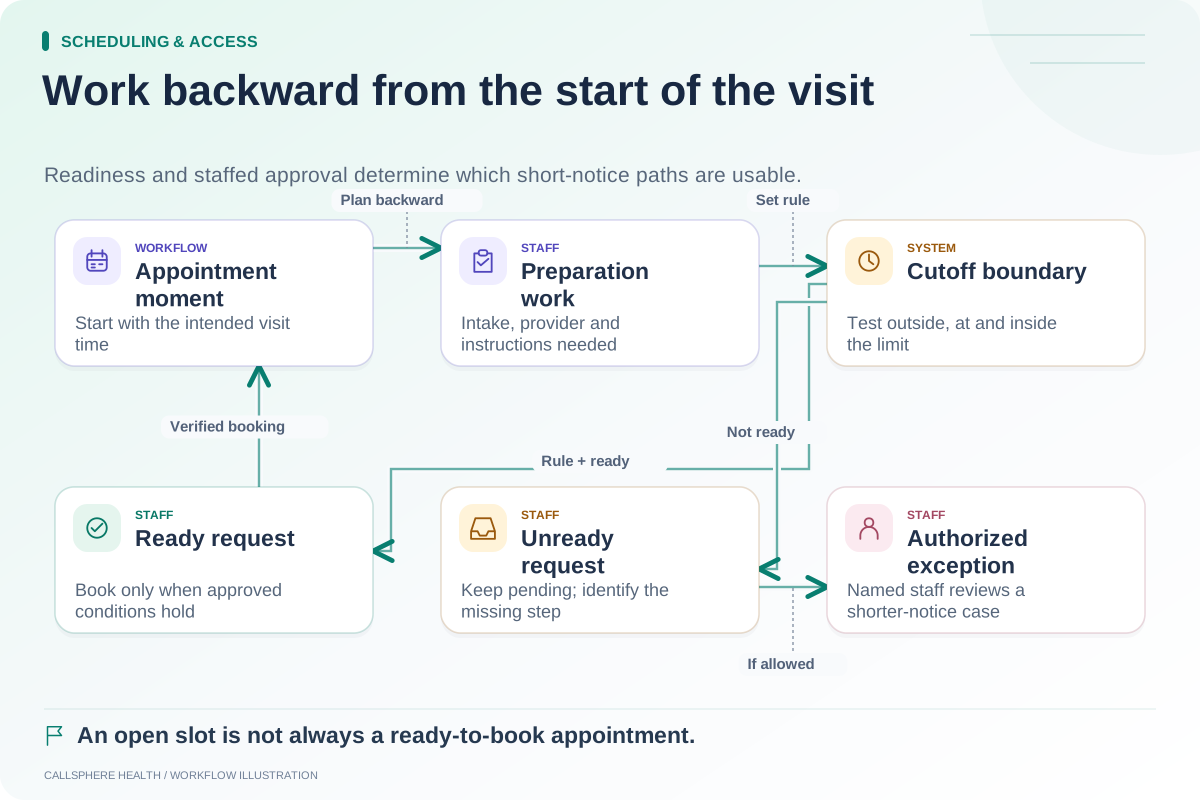
A fictional practice has already adopted a notice rule measured in hours before an appointment. The administrator tests synthetic appointments just outside the boundary, exactly on it and just inside it. The test records whether the interface permits cancellation, creates a request or directs the person to staff.
The administrator also tests a request made on a device in another time zone. The practice should understand whether the cutoff uses elapsed time, a calendar date or another documented rule. Do not infer the answer from a single ordinary weekday test.
The example intentionally does not choose a notice period. Its purpose is to show how to verify that the configured boundary matches the policy the practice has approved.
Keep the language synchronized
Compare the booking page, reminder, intake acknowledgment, staff guide and AI answer. If one says “contact us to request a change” while another says “your appointment is canceled,” the discrepancy can confuse both the client and staff.
Inside the restricted period, give the person a usable contact route and an accurate description of what remains pending. Do not use an automated reply to deny a policy exception that should be reviewed by staff.
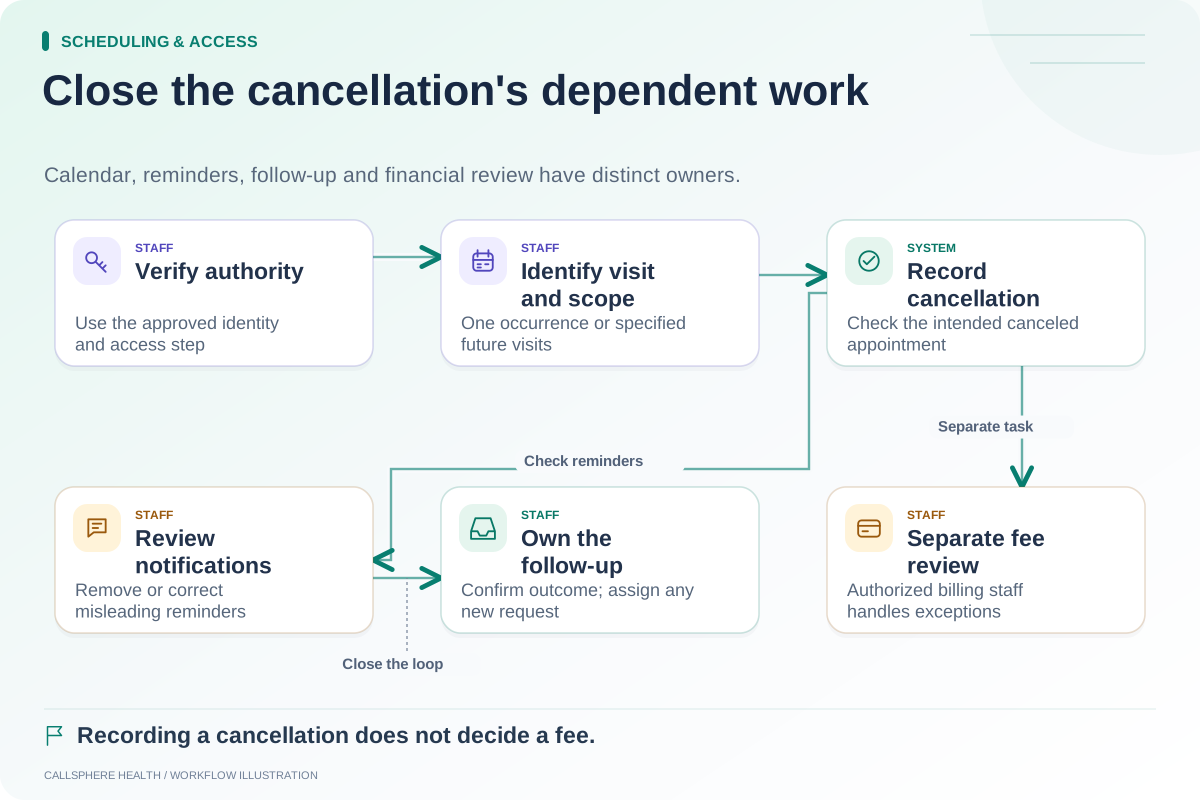
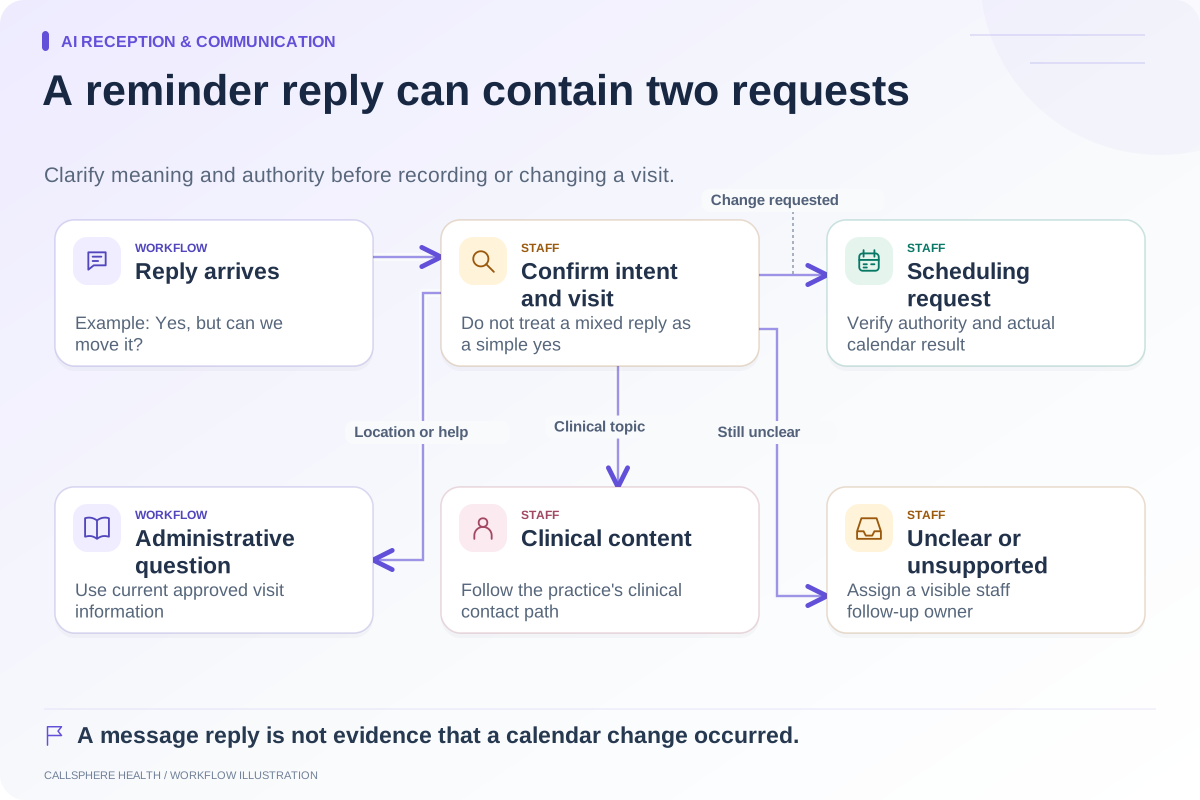
The cancellation workflow checklist separates recording the scheduling outcome from reviewing any financial consequence. This distinction is especially important when a request arrives through a channel that can capture a message but cannot complete the calendar action.
Review related scheduling controls independently
A minimum notice rule for new bookings is not the same as a cancellation window. A practice can allow a same-day opening while still requiring staff handling of late changes, or use other approved arrangements. Test each rule separately; the same-day cutoff worksheet covers preparation time before a new visit.
For recurring appointments, make sure a permitted single cancellation does not alter future visits unintentionally. Also inspect notification behavior when staff reverse an accidental cancellation.
CallSphere Health's platform supports configured scheduling workflows, and its AI appointment changes depend on identity and service boundaries documented in capabilities. Do not assume a specific policy variation is enforced across every channel until it has been demonstrated.
Bring the policy-to-setting table to a demo and ask the vendor to show the three boundary cases. Browse Scheduling and access for related implementation checks.
Sources and product scope checked September 9, 2026.