Set same-day booking cutoffs according to what the practice must complete before the visit, not simply whether the calendar has an empty space. An established client's approved return visit may need a different preparation process from a new inquiry requiring staff review and intake. The software should expose only the options the practice can actually support.
This is an operational configuration decision. The practice's clinicians and administrators determine appropriate service access and exceptions. A scheduling cutoff should not substitute for clinical judgment or an approved urgent-contact procedure.
Map the preparation work backward
List the tasks that must happen before each appointment type. Include only real requirements; avoid adding unnecessary gates because the software has a setting for them.
| Requirement | Question for the practice |
|---|---|
| Staff approval | Who can approve the request before the visit? |
| Intake readiness | Which forms or administrative checks are required? |
| Provider preparation | Is the clinician available for this visit type? |
| Location or format | Can the person use the intended office or remote route? |
| Financial review | What must staff verify, without promising coverage? |
| Communication | Will the person receive usable instructions in time? |
| Exceptions | Who can authorize a shorter-notice arrangement? |
Use the answers to propose a cutoff, then test it. The worksheet does not prescribe a minimum number of hours or claim that one setting suits all therapy practices.
Distinguish a visible opening from a selectable one
A practice may want a short-notice slot to remain visible while requiring the person to contact staff. That can preserve access without promising an immediate reservation.
SimplePractice's online-request documentation describes settings for how early clients can request appointments and an option to show short-notice slots with a prompt to call. This is an example of a specific access model to evaluate, not evidence that another system lacks scheduling automation.
Ask a vendor whether the cutoff applies to all appointments, individual types, new inquiries and existing clients in the way your practice needs. Record any unsupported variation.
A hypothetical afternoon opening
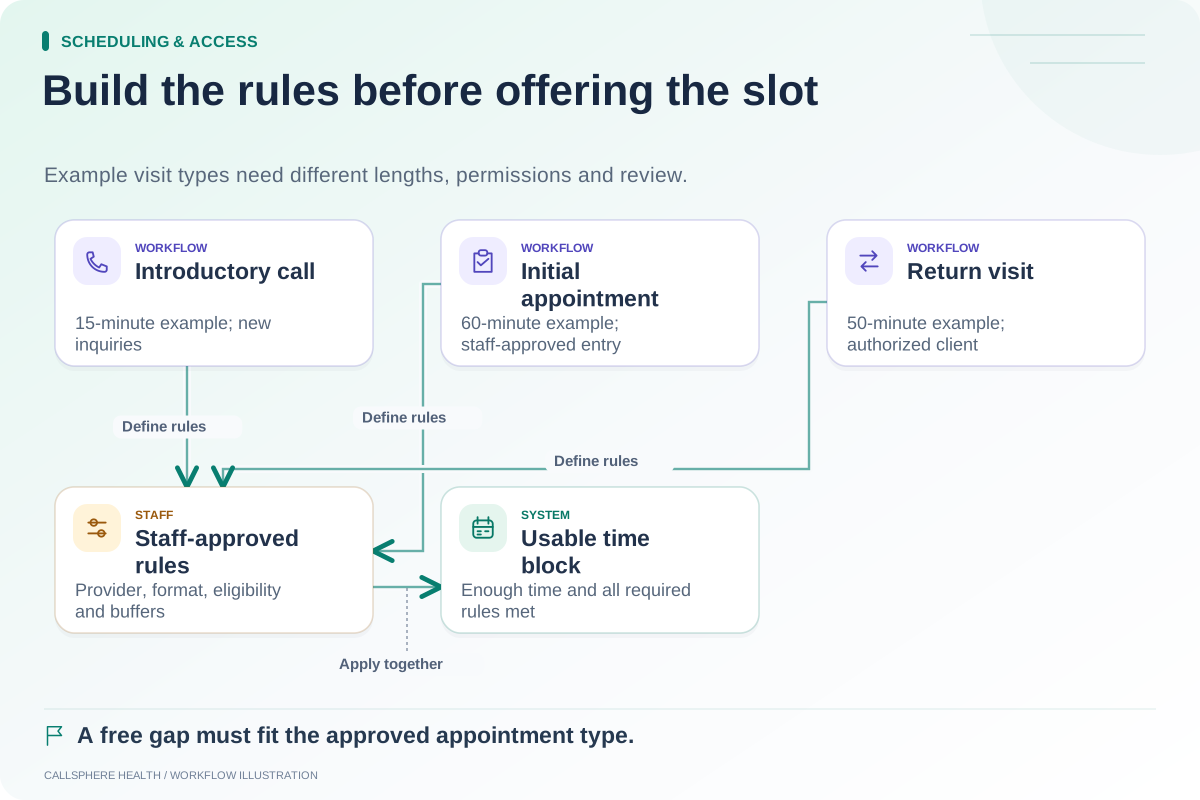
A fictional practice has a 4 p.m. cancellation. At 2 p.m., an established client asks about the opening, while a new inquiry has not completed the practice's required review. The clinician is available, but the two requests may not be equally ready for confirmation.
Staff follow the approved rules for each case. The existing client may proceed through a verified booking process if all conditions are satisfied. The new inquiry may receive a request or staff contact route rather than an immediate appointment promise. The example does not recommend excluding new clients; it illustrates that readiness depends on the actual workflow.
If the practice wants staff to override a cutoff, specify who can do so and what must be checked. A hidden override used inconsistently can make public instructions unreliable.
Test the exact cutoff and the missing-step case
Create synthetic appointments just outside, at and inside the proposed boundary. Record the expected public options and staff behavior. Repeat with incomplete required intake and a clinician whose visit-type rules do not permit the requested appointment.
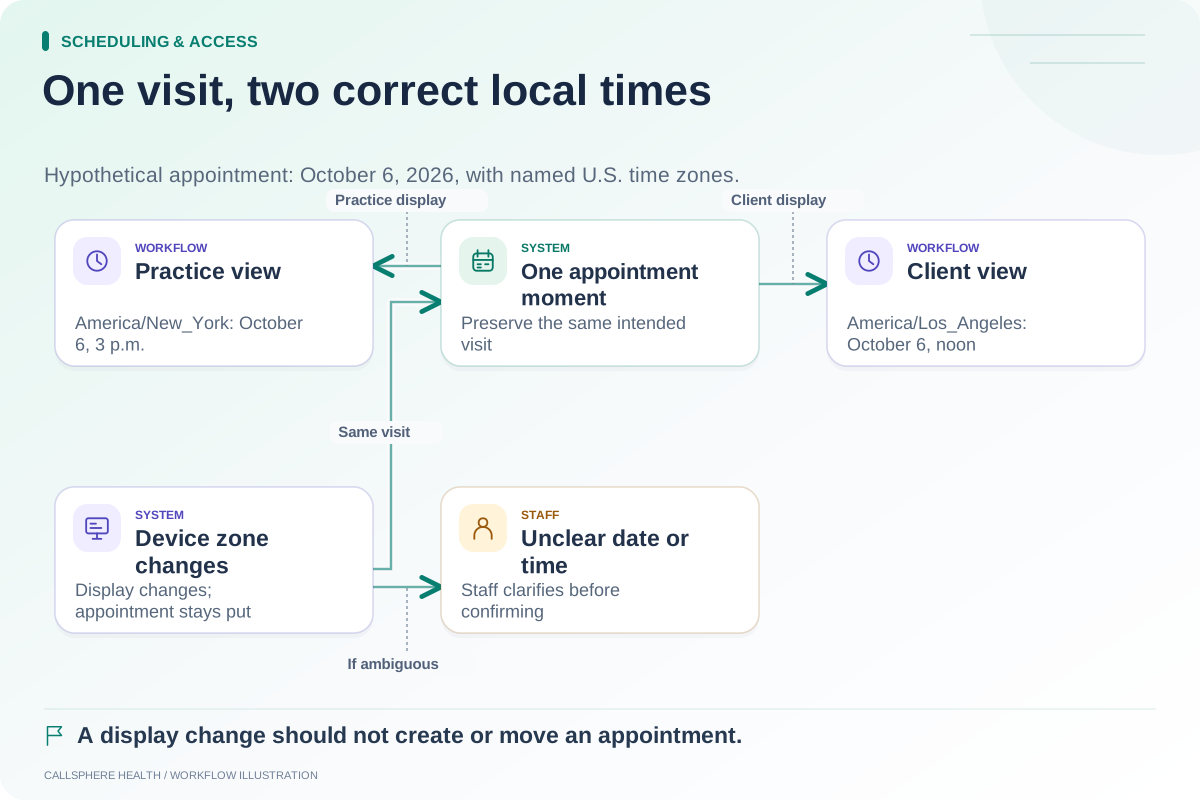
Use the appointment-type worksheet to identify the relevant differences. Check the time-zone matrix if users can view the schedule from another zone; a device setting should not accidentally bypass the intended timing rule.
Also test the point after submission. A person who starts a request before the cutoff but submits after it may encounter a changed result. The interface should explain what happened without implying a confirmed booking that does not exist.
Check reminder and intake timing
Short-notice appointments may fall outside ordinary reminder schedules. TherapyNotes' reminder documentation describes timing windows and a delay after appointment creation. Review the actual behavior of your chosen product instead of assuming every last-minute visit receives every routine reminder.
CallSphere Health's platform includes scheduling, intake and communication workflows, but configuration and delivery dependencies remain important. Its capabilities do not guarantee that every AI-created booking automatically completes intake or all follow-up delivery.
Bring one short-notice return visit and one incomplete new inquiry to a demo. Ask to inspect the booking state, required tasks and client instructions. More implementation worksheets appear in Scheduling and access.
Sources and product scope checked September 9, 2026.