Prevent duplicate intake records by checking for an existing record before creating a new one and sending uncertain matches to authorized staff. Do not merge people because their names, contact numbers or email addresses resemble each other. A duplicate review is a decision about identity, not a housekeeping shortcut.
A practice can receive the same person through several channels: an old portal account, a new phone inquiry and a referral. It can also receive different people who share a household contact. The intake workflow needs to handle both without silently attaching information to the wrong chart.
Identify where records are created
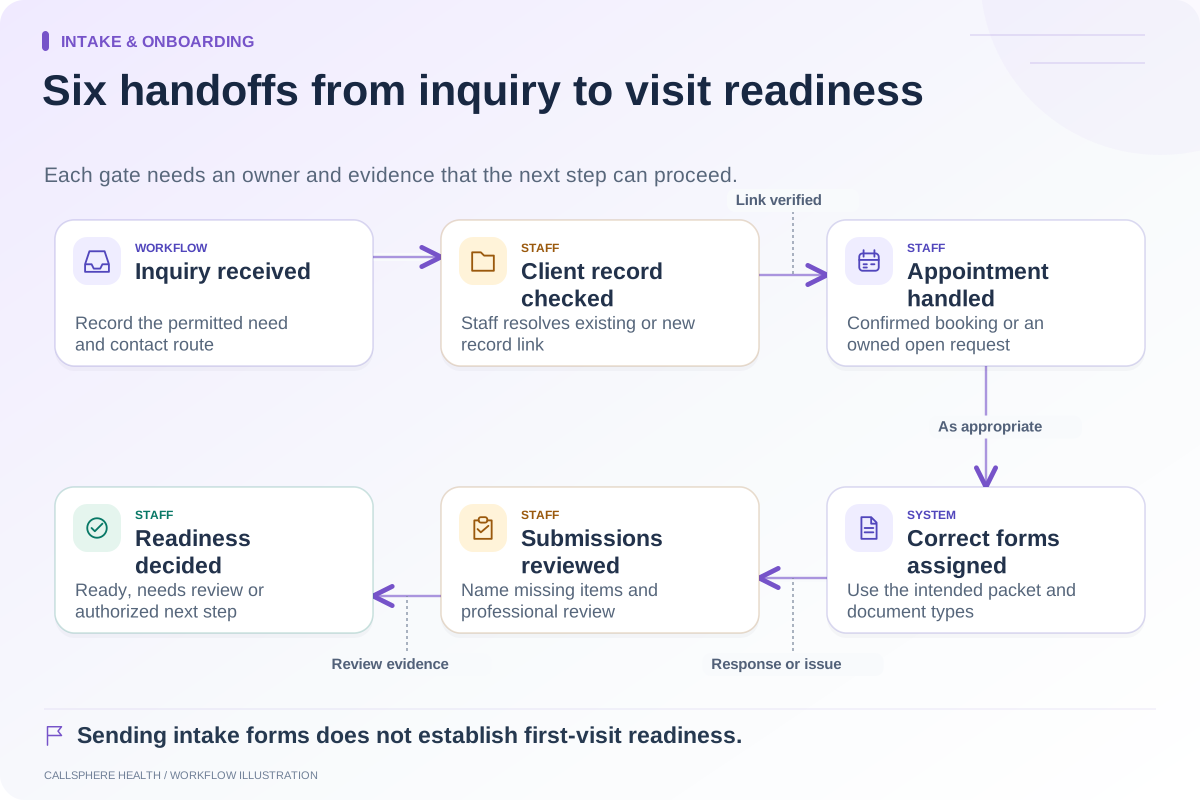
List each entry point and whether it creates a client record, an inquiry or a provisional appointment. That difference is easy to miss in a demonstration. Ask whether a phone booking reuses a verified client identifier or creates a temporary reference that staff must reconcile.
Also inspect imported records. A migration can introduce historical variations in names or contact details. The Health IT Playbook provides EHR migration and implementation resources; the matching worksheet below is our proposed operational check, not a federally prescribed matching algorithm.
Use a cautious matching worksheet
| Review question | Evidence to inspect | Action when uncertain |
|---|---|---|
| Is this an existing client inquiry? | Approved verification process and candidate record | Keep inquiry separate pending review |
| Is contact information shared? | Relationship/contact context visible to authorized staff | Do not treat the contact alone as identity proof |
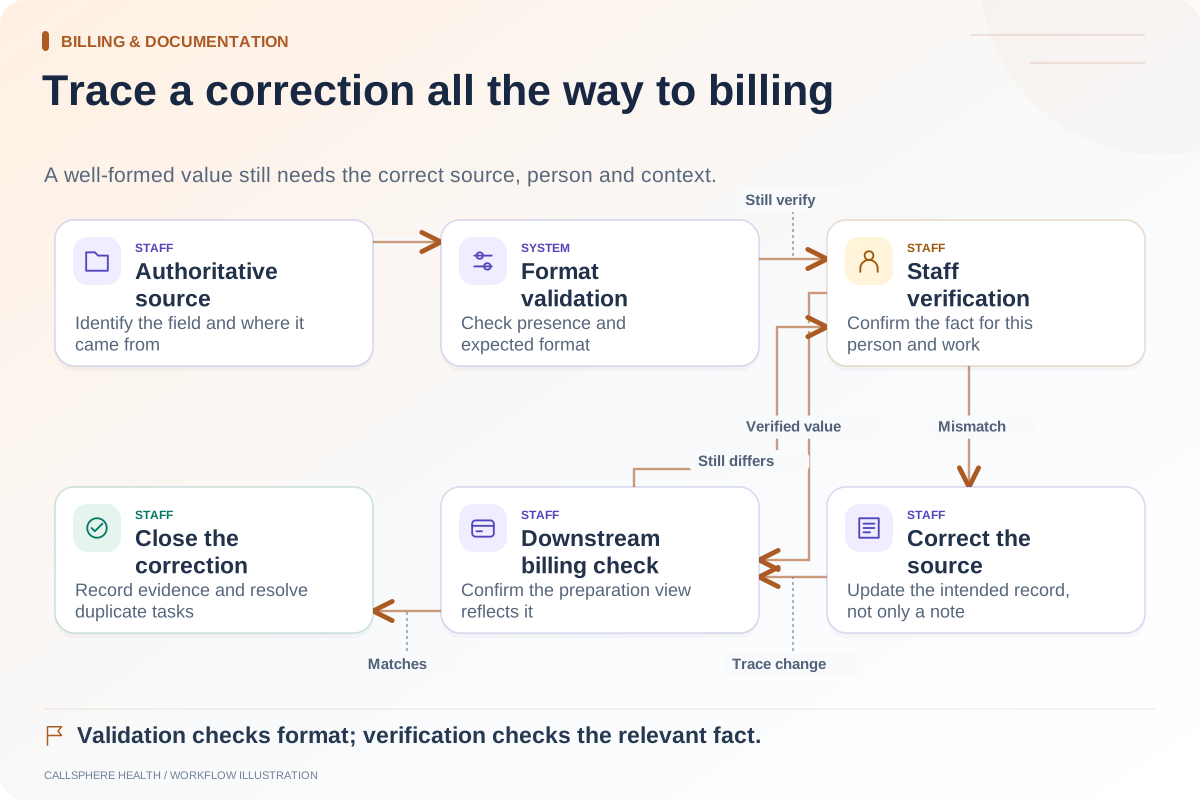
| Did details change? | Verified correction and prior record reference | Record the update through the appropriate workflow |
| Is there a provisional booking? | Appointment and record identifiers | Confirm linkage before assigning documents |
| Is a merge proposed? | Affected records and downstream objects | Refer to the authorized merge procedure |
A worksheet should identify evidence sources, not expose full identity details in a shared spreadsheet. Use controlled records and synthetic data for evaluation.
A hypothetical duplicate that is not obvious
An adult calls using a new email address but already has an older client record. The phone workflow creates an inquiry and an appointment reference. Staff sees a candidate match, performs the approved verification and attaches follow-up work to the appropriate record.
Now change the example: two family members use one email account. The same automated shortcut would be unsafe. Staff must confirm the person and relevant contact permissions separately. A system that merges by shared email could place forms, messages or appointments in the wrong context.
The lesson is not that all automation should stop. Automate the visible review task and evidence collection where appropriate, while keeping uncertain identity decisions with trained people.
Inspect the consequences before a merge
Ask which appointments, forms, messages, invoices and clinical documents would move. Confirm whether the system preserves the original identifiers, records who approved the action and provides a supported correction path. Never experiment with real client records to discover this behavior.
If the product has no verified merge workflow, say so in the implementation plan. Staff can use an approved reconciliation process without claiming the software performs an automatic merge. Lack of a demonstrated action is not proof that the vendor has no such feature; it is an open evaluation item.
Measure preventable rework
Track candidate duplicates separately from confirmed duplicates. Otherwise, a cautious review process may appear to create more errors simply because it detects more possibilities. Record where duplicates originated and what correction work was required.
Look for repeated patterns: import mapping, shared contacts, different spelling or provisional phone bookings. Fix the entry rule that creates the problem rather than asking staff to clean the same pattern indefinitely.
Confirm CallSphere’s intake boundary
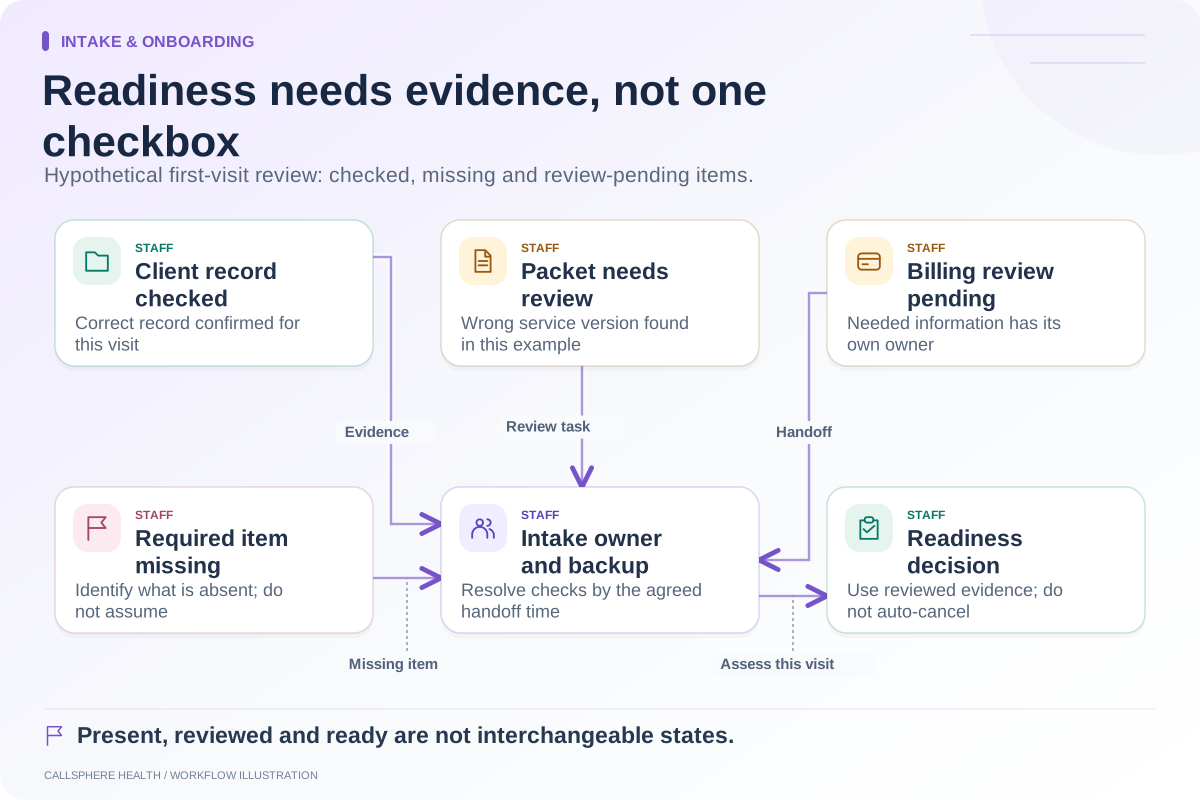
CallSphere’s capability overview states that staff should confirm client records after AI-assisted bookings. Use a platform demonstration to inspect that handoff with an existing synthetic client, a new contact detail and an intentionally shared household address.
Require the evaluator to show the final appointment-to-record relationship and where an uncertain match remains open. A successful booking is useful, but it does not by itself establish correct record identity.
Continue the workflow
Explore intake & onboarding: Map the therapy intake process from inquiry to first visit · An intake-readiness checklist for the first appointment · Check intake data before it reaches billing.
Research reviewed September 9, 2026. Organizational authorship: CallSphere Health. Examples are hypothetical; this is operational guidance, not individualized clinical, legal or billing advice.