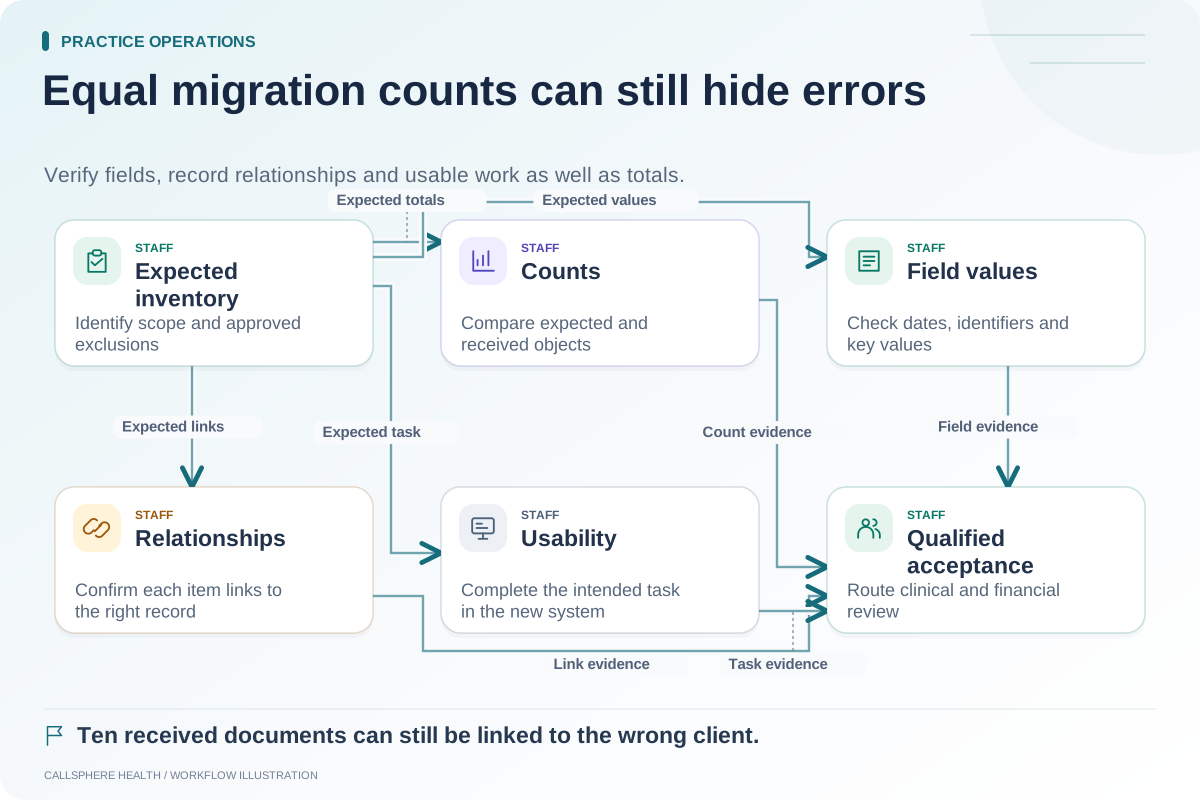
Before choosing a replacement EHR, inventory what you can export from the current system and what the receiving system can use. “We provide an export” is incomplete unless the practice knows which records it includes, what format it uses and which links between items survive.
Build the inventory early enough to influence the purchase. Discovering an important exclusion after signing can turn a manageable comparison question into a difficult transition problem.
Separate data objects that look similar on screen
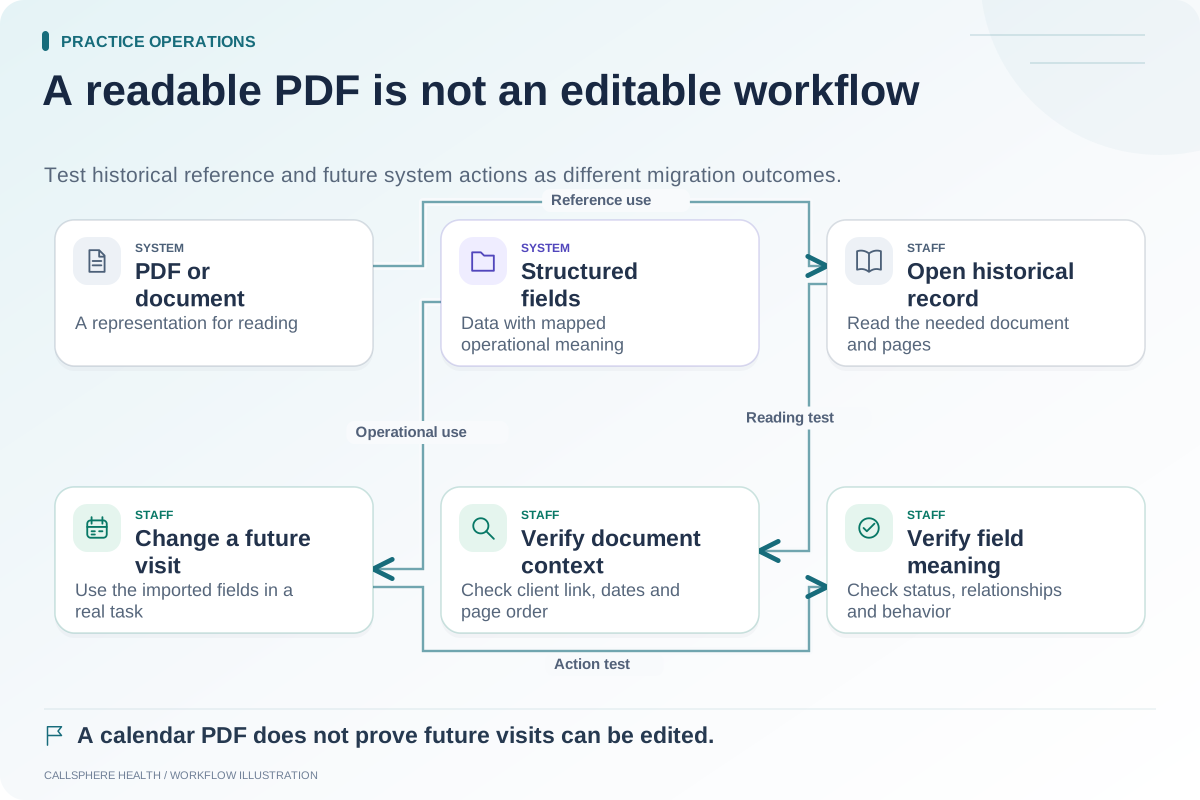
A client profile, a clinical note, an attached PDF and a future appointment may appear together in one interface while being exported through different processes. Open balances may require a separate report from historical payments. A message attachment may not be included with the message text.
Ask for a field list and a synthetic example of each export type. Avoid sending patient records through an unapproved channel to obtain a preliminary quote. The receiving vendor should be able to explain the supported format before examining sensitive production data.
Create an export register
| Data group | Questions to record | Acceptance evidence |
|---|---|---|
| Client information | Which identifiers and contact preferences are included? | A synthetic profile maps correctly |
| Clinical records | Are notes structured, documents or both? | Authorized clinician can locate the intended record |
| Attachments | Are filenames, dates and record links retained? | Selected attachment opens under the correct record |
| Future appointments | Are recurring occurrences, locations and statuses included? | Calendar matches the agreed test set |
| Intake material | Are templates, assignments and completed forms separate? | Staff can explain what transfers and what does not |
| Financial work | Which balances, payments and claim states are included? | Biller can reconcile the defined opening position |
| Communications | Which messages, files and delivery states are available? | Scope and access are demonstrated |
Add columns for source vendor owner, receiving vendor owner, file format, test result and unresolved questions. Keep “not available,” “available at additional cost” and “not yet verified” as different states.
Investigate a partial export without assuming failure
Hypothetical example: A practice receives a sample export that includes a document but does not preserve the document's original category. The team asks whether the category is available in another export field or requires manual mapping. The receiving vendor explains that files can be attached but categories must be assigned during import.
The practice can now estimate the cleanup work and decide whether that tradeoff is acceptable. Calling the import complete without discussing the lost category would conceal effort; calling the entire system unusable would ignore the possibility of a workable process.
Include the data that changes near launch
An initial export is a snapshot. Appointments may be rescheduled, contact preferences may change and payments may arrive while the migration is being prepared. Document which objects need a final update export and how the team will recognize changes made after the first extract.
For each changing object, assign an authoritative system and a responsible person. An informal instruction to “keep both systems current” is difficult to verify and encourages duplicate entry.
Ask what happens after the contract ends
Record the procedure for requesting exports, the expected turnaround, any fees and the available access after termination. Ask separately about records, attachments and historical workflow information. Do not infer a contractual right or retention period from a marketing page; have the actual terms reviewed.
The ASTP/ONC EHR playbook provides background resources for EHR selection and replacement, reviewed September 9, 2026. The export register above is a proposed evaluation tool.
Use the inventory to narrow your shortlist
Bring the completed register when evaluating the CallSphere platform. A supported product workflow and a supported import are different questions; the capabilities page should be the start of a specific migration discussion.
Next, distinguish structured data from PDF migration and establish reconciliation checks. Browse practice operations and migration for the surrounding launch plan.