During a therapy EHR trial, test a complete fictional client journey and the exceptions your staff actually encounter. Check the resulting calendar, documents, tasks, and permissions rather than judging only the interface. Use synthetic data and a vendor-approved test setup so the evaluation does not send real messages, create real bookings, or process payments.
A trial is most useful when the owner decides in advance what evidence would support a purchase. Otherwise, a week can disappear into exploring menus while the difficult workflow remains untested.
Prepare a small fictional dataset
Create two adult test clients, one clinician, and the staff roles you need to assess. Use clearly fictional names and vendor-provided or controlled test contact destinations. Do not copy real records into a trial merely to make it realistic.
Give the two clients different situations. One is a new inquiry seeking an intake appointment; the other has an existing appointment that needs to change. Include an incomplete form and a deliberate conflict. This small set can reveal whether the system handles state changes coherently.
The ASTP/ONC EHR playbook includes implementation and workflow resources that can inform the evaluation. The sequence below is an original practice-operations test plan, with sources reviewed September 9, 2026.
Run the first journey from the client's side
For the first fictional client, ask a routine question and request an appointment. Observe the message the client receives. Does it say the visit is requested, awaiting approval, or confirmed? The wording should agree with the appointment record.
| Test step | Expected evidence |
|---|---|
| Request appointment | Correct visit type, provider settings, and visible status |
| Confirm or approve | Calendar state and confirmation agree |
| Start intake | Intended forms are assigned and accessible |
| Leave one item unfinished | Staff can identify missing work without guessing |
| Complete the item | Readiness status changes as designed |
| Ask an unrelated clinical question | Administrative workflow routes outside its scope |
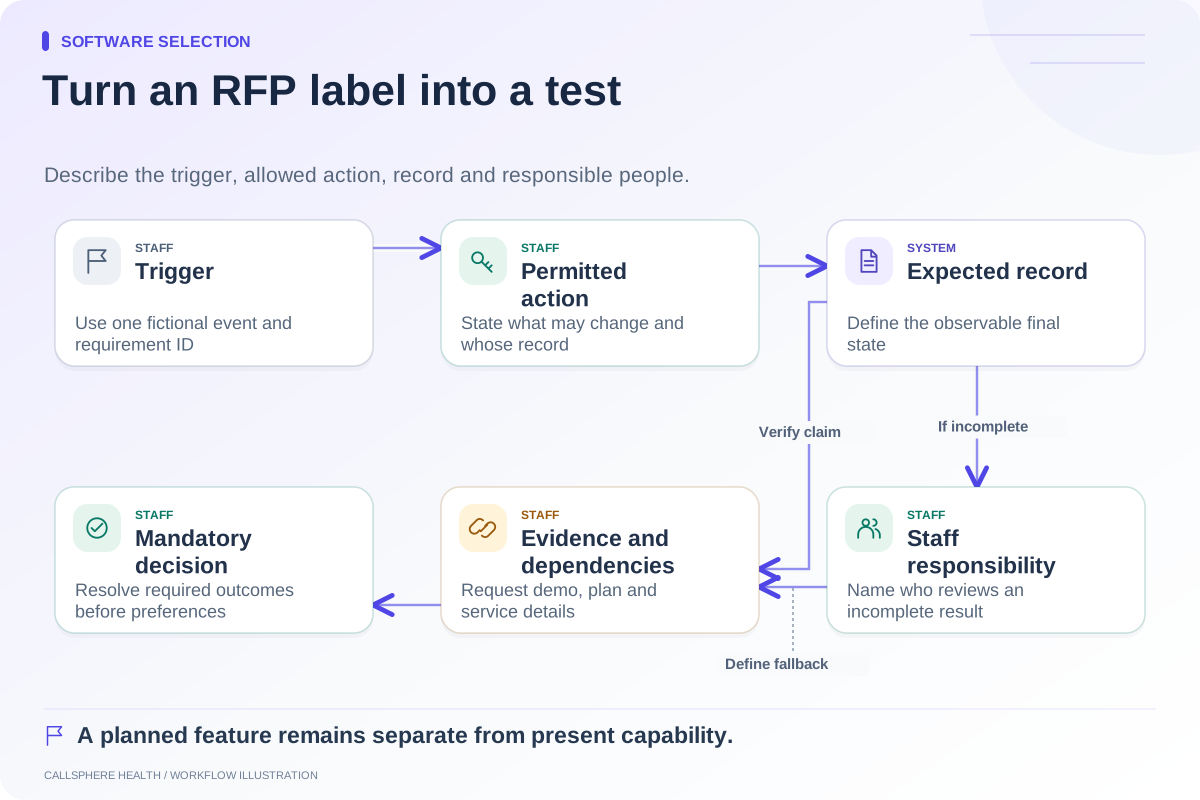
Write the expected result before performing the step. If the product uses a different but workable process, document that difference and decide whether your staff can support it.
Challenge the calendar with one conflict
For the second fictional client, move an appointment into an available time and inspect both the old and new slots. Then attempt a change into an unavailable time. A successful response should not leave duplicate bookings, and a failed action should not be described as complete.
Check time-zone display from both staff and client views. Review scheduled reminders and messages after the change using previews or disabled delivery. A correct calendar with an outdated reminder still creates an operational problem.
If the trial does not allow a required configuration, mark the item unverified and request a controlled vendor demonstration. Do not score a disabled trial feature as absent from the paid product.
Test the staff boundaries
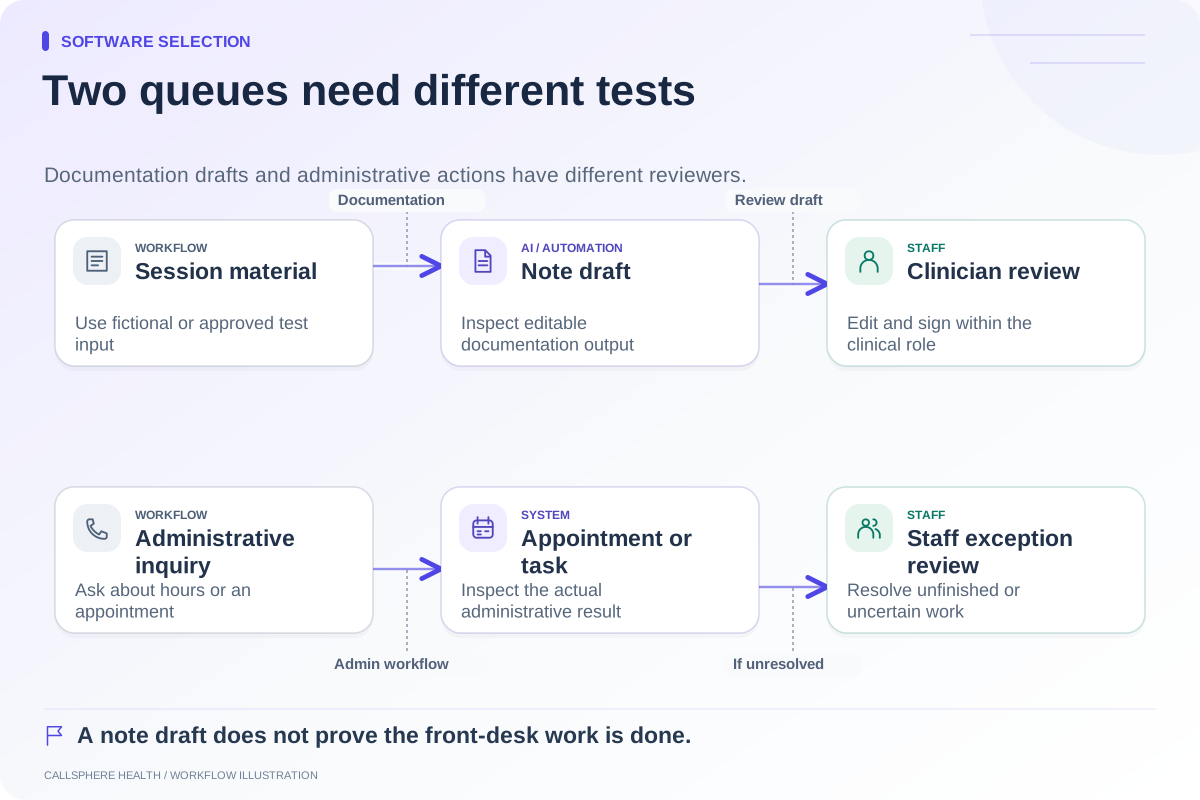
Ask a scheduler to perform scheduling tasks and a billing role to perform its intended work. Verify that neither role can casually access functions it does not need. Have the clinician review any AI-generated note as a draft; a trial is not an opportunity to delegate clinical judgment to software.
For CallSphere Health, AI tools can handle configured routine inquiries and supported appointment actions. Its AI scribe prepares drafts for clinician review. Exact clinician matching, callback delivery, and the intake path following an AI booking should be checked explicitly. The capability overview identifies those boundaries.
Ask for an export before the trial ends
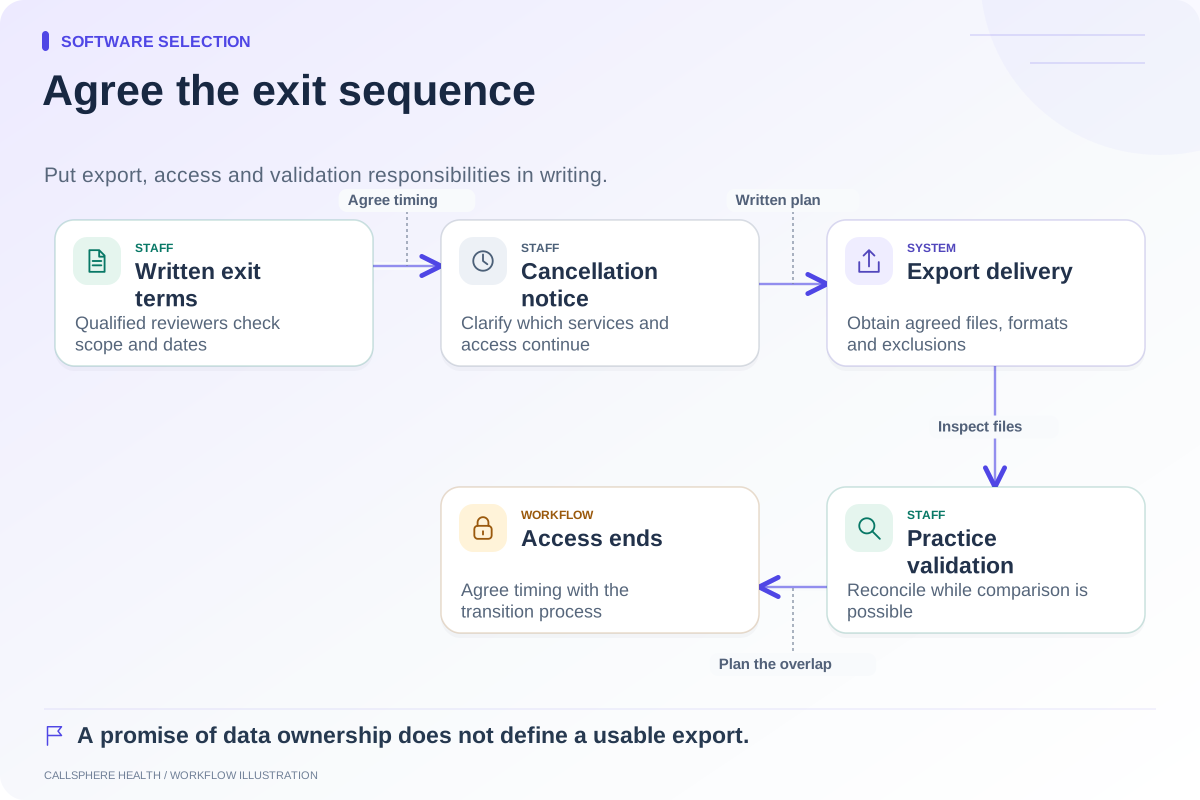
Export a fictional record and inspect what is actually delivered. Are fields structured and searchable, or available only in a document? Can the practice read the file without the trial account? Record the export format and any exclusions.
Also test a support request using a synthetic reproduction of one unresolved issue. Note the information needed to explain the problem, who responds, and whether the answer clarifies the workflow. Do not invent a response-time guarantee based on one interaction.
Finish with a short evidence log: requirement, result, screenshot or sample artifact without patient information, dependency, and owner. Use the demo scorecard and comparison hub to compare vendors. A trial is complete when the mandatory questions have answers, not when every menu has been opened.
Browse more guides to software selection.