A useful behavioral health software RFP asks vendors to demonstrate how your practice's work will be completed. Describe the trigger, permitted action, resulting record, and staff responsibility for each requirement. Separate mandatory needs from preferences, and require vendors to identify add-ons, integrations, configuration dependencies, and planned features.
The request does not need to be hundreds of pages long. A concise document with testable requirements can produce more useful answers than a long checklist of broad labels such as “AI,” “billing,” or “patient engagement.”
Begin with a practice profile that explains the work
Describe the number and types of staff, locations, visit formats, payment workflows, and existing systems. Use operational facts rather than patient information. State the current bottlenecks and what must remain reliable during a change.
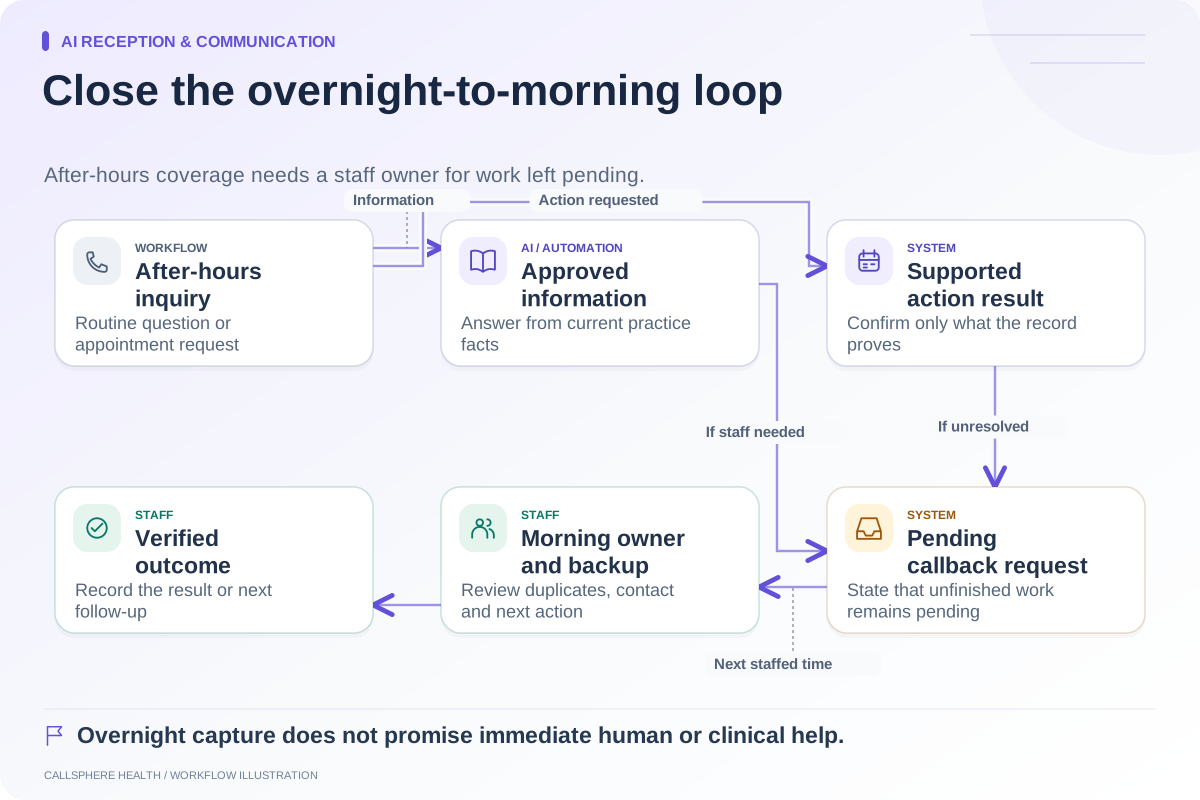
For example, a hypothetical counseling group might explain that it has four clinicians, a shared scheduler, and a part-time billing role; new clients require staff confirmation of fit; and the practice wants clearer handling of routine inquiries outside staffed hours. That profile helps vendors distinguish between an answer-only workflow and a booking workflow.
Avoid asking a vendor to solve a vaguely defined goal such as “eliminate all administration.” State what the practice wants to change and which responsibilities remain with staff.
Use one requirement format throughout
| Field | Example entry |
|---|---|
| Requirement ID | SCHED-03 |
| Priority | Mandatory |
| Trigger | A fictional existing adult client requests a new appointment time |
| Permitted action | Change only the client's authorized appointment |
| Expected result | Old slot released; new slot correct; communication agrees |
| Staff involvement | Review when the request cannot complete |
| Evidence | Synthetic demonstration and current documentation |
| Dependencies | Vendor identifies plan, identity checks, and connected services |
The example defines an administrative acceptance test. It does not authorize a vendor to access real records or send live notifications during evaluation.
Ask for structured vendor responses
For each requirement, ask the vendor to choose “available,” “available with dependency,” “planned,” or “not supported,” and provide an explanation. Add “unverified” in your own evaluation when the response lacks sufficient evidence. A future plan should remain separate from current capability.
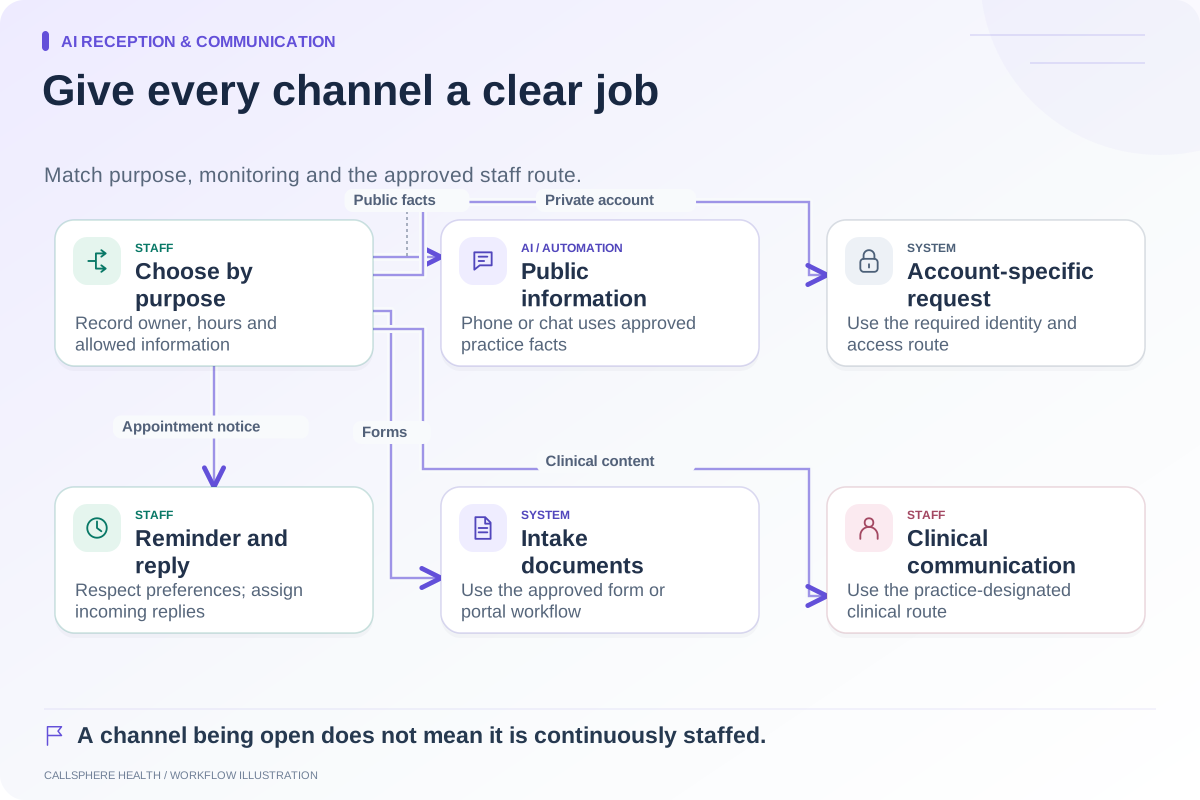
Require the response to identify the exact service, data destination, review role, and failure behavior. If a vendor says an integration meets the requirement, ask which actions it supports. Reading a calendar, sending an email to staff, and creating a confirmed appointment are different outcomes.
Include a space for an alternative workflow. A vendor may satisfy the business need through a clear approval queue rather than immediate automation. The evaluation team should assess whether that approach fits practice policy.
Cover the transition and the exit
Add requirements for sample exports, import mapping, reconciliation, staff training, permissions, support escalation, and access to historical records. Ask who performs each task and what the proposal excludes.
The ASTP/ONC EHR playbook includes implementation, selection, and migration resources that can support this part of the RFP. Its chart migration checklist helps frame the distinction between information that must remain searchable and material that may be viewed as documents. Sources reviewed September 9, 2026.
Do not let migration become a one-line “included” response without a scope. A practice needs to know what it will receive and how staff will verify it.
Route specialized review to the right people
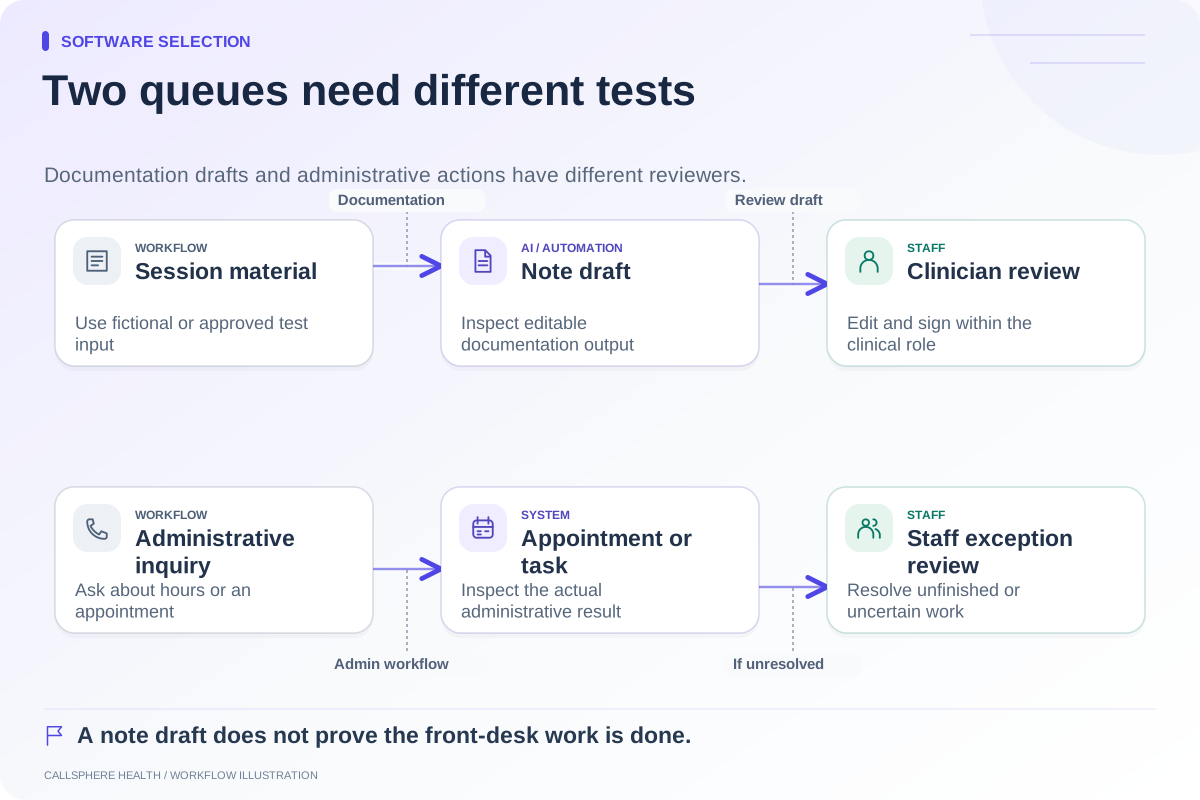
Have clinicians define documentation needs and clinical review boundaries. Have billing staff evaluate claim and payment workflows. Ask qualified legal and security reviewers to assess relevant agreements, data handling, and assurance evidence. A software RFP should not imply that the owner can validate every specialized claim from a demo.
For CallSphere Health, use the capability overview to write precise questions about AI front-desk actions, staff-reviewed billing, and clinician-reviewed note drafts. Do not assume automatic complex clinician matching, warm transfer, or completed intake after every AI booking.
Score mandatory outcomes before preferences
Request the same synthetic demonstration from shortlisted vendors. Record passes, partial fits, unresolved items, and the staff work needed to close each gap. Only compare preference scores after mandatory requirements have an acceptable answer.
Use the demo scorecard, contract questions, and comparison hub as supporting tools. A completed RFP should leave your team with an evidence-based decision and an implementation plan that has real owners.
Browse more guides to software selection.