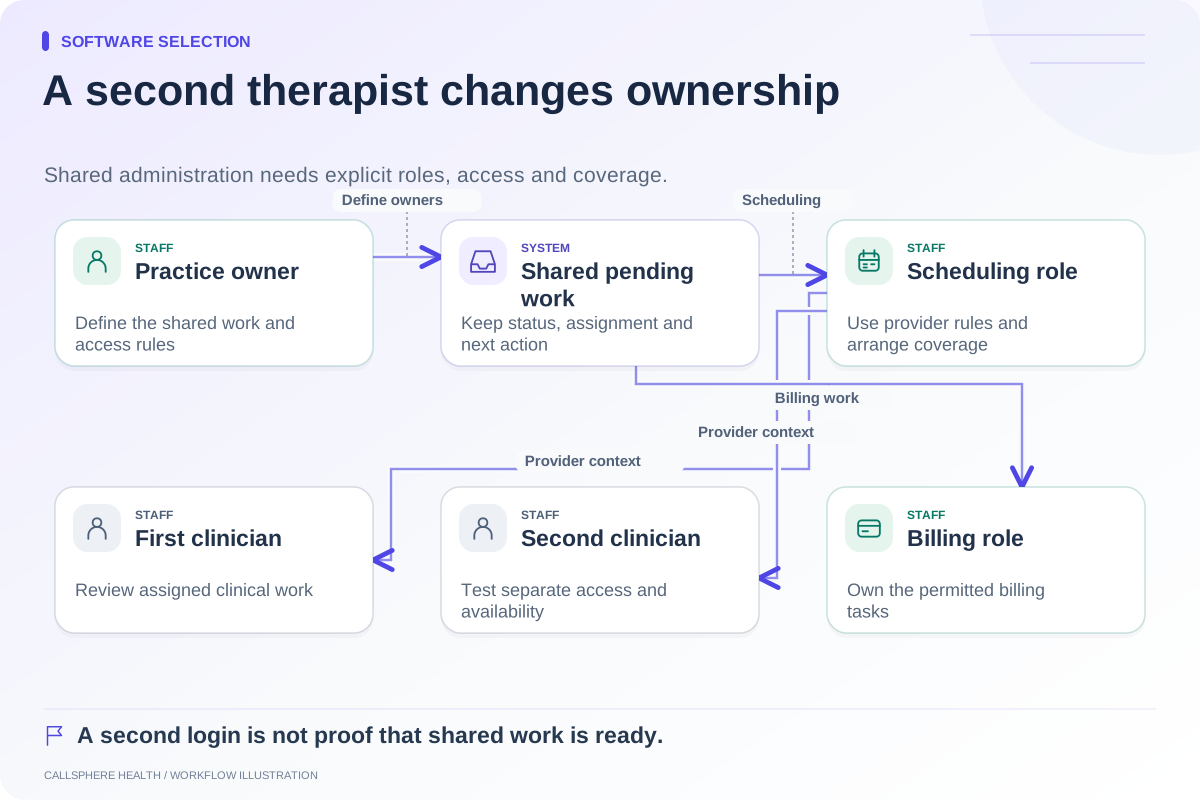
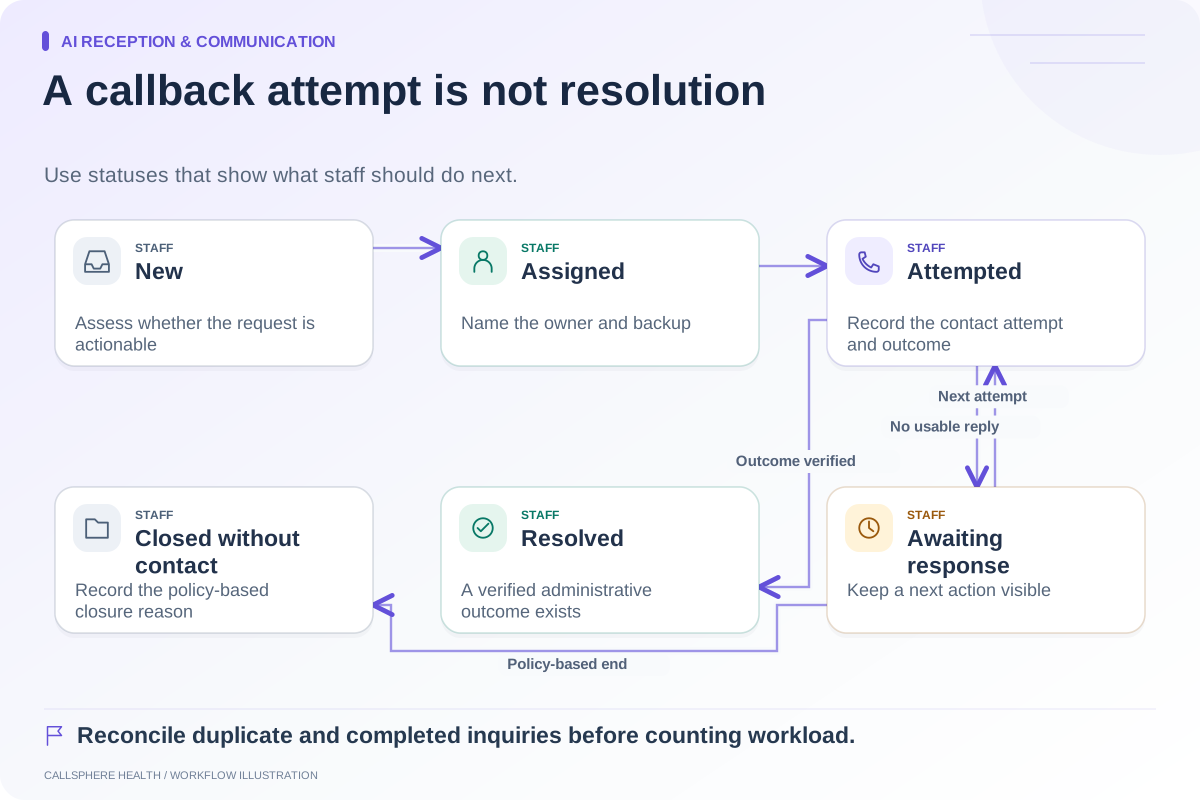
Read an EHR feature list using four evidence states: included, add-on, integration, and unverified. Record the specific plan and workflow beside each state. Then test whether the feature does what your staff need. This prevents an attractive checkmark from hiding a required service, a limited scope, or an unanswered question.
A feature can also have more than one dependency. Scheduling might be included in the base product while a particular communication channel requires an add-on and a connected provider. Write the full chain rather than forcing a complicated workflow into a misleading yes/no box.
Give each state a precise meaning
Included means the vendor documents the needed function in the plan under consideration. It does not mean every setting is configured or every use case is supported.
Add-on means another charge or package is needed. Record whether it is per clinician, per practice, or based on usage, and whether it depends on a base plan.
Integration means another system performs or connects part of the work. Specify which system reads or writes which information and who handles failures.
Unverified means the evidence currently available does not settle the question. It should create a follow-up task, not a negative competitor claim.
| Requirement | Evidence state | Missing detail |
|---|---|---|
| Schedule an intake visit | Included in proposed plan | Visit-type rules still need testing |
| Send an SMS confirmation | Add-on plus connection | Allowance and consent settings |
| Submit a claim | Integration | Provider enrollment and failure ownership |
| Transfer a live call to staff | Unverified | Demonstration of actual transfer |
This is a hypothetical worksheet, not a description of one vendor's package.
Keep absence separate from insufficient documentation
A vendor may explicitly document that a specific function is unsupported. That is stronger evidence than failing to find the feature on a marketing page. If you publish comparisons, link the statement to the exact source and record when it was checked.
Features also change. A plan restriction may be revised or a beta may become available. Review the current official guide before repeating a prior conclusion. Do not use another vendor's comparison page as the only evidence that a competitor lacks something.
For an example of useful specificity, Jane's waitlist guide identifies supported plans and distinguishes individual appointment notifications from group/class limitations. The value is the scope detail, not a blanket judgment about Jane. Source reviewed September 9, 2026.
Add a second column for demonstration results
Commercial availability answers “can we buy access to it?” The demonstration answers “does this workflow meet our requirement?” Keep those separate.
A documented feature may pass the test, partially fit, fail a particular requirement, or remain untested. If it partially fits, describe the remaining staff action. A booking request that requires approval can be a good design choice; it should simply not be represented as automatic confirmation.
In a hypothetical evaluation, a practice discovers that a product includes an online calendar but cannot demonstrate its required room conflict check. The calendar remains included, while the room requirement remains unverified. That distinction helps the owner ask a focused follow-up rather than discarding or accepting the entire product prematurely.
Apply the method to AI claims
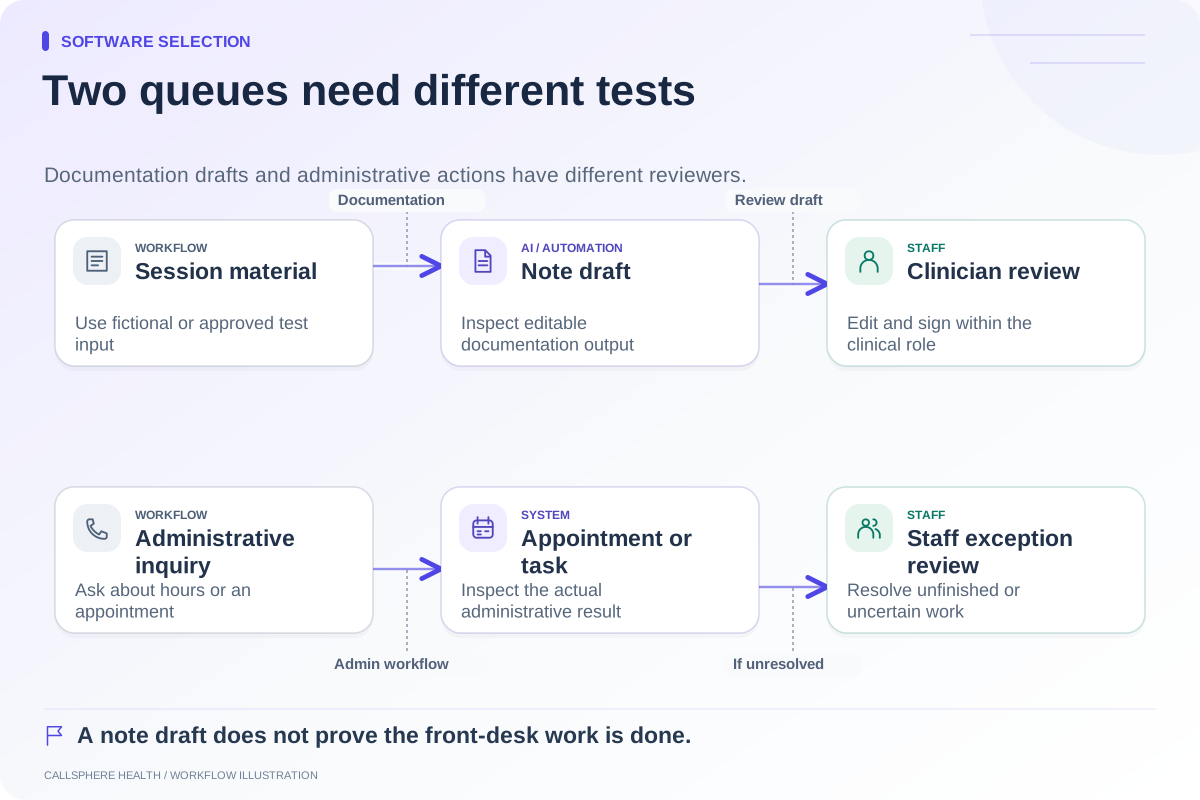
Break “AI receptionist” into routine answers, availability checks, appointment creation, existing-appointment changes, callback capture, and human contact routing. Break “AI documentation” into source input, draft creation, editing, and clinician signing. Assign a state to each action.
CallSphere Health's AI tools support configured administrative actions and clinician-reviewed note drafts, with service and permission dependencies. Automatic complex clinician matching, warm transfer, and seamless completed intake after every AI booking should not be inferred. The capability overview makes these questions visible.
Use evidence states in the final purchasing record
Save the source URL, research date, relevant plan, demonstration result, and owner of any open question. Request a dated quote for add-ons and usage. Ask how integrations are supported, and verify exit arrangements for the information involved.
The ASTP/ONC EHR playbook offers broader selection and implementation resources. Combine it with the full-cost worksheet and comparison hub. An accurate comparison can remain concise while being honest about what has and has not been established.
Browse more guides to software selection.