Before adding a second therapist, evaluate how your EHR separates clinician work while supporting shared administration. Test client assignment, calendar access, documentation permissions, billing responsibilities, and coverage when someone is away. The key change from solo to group practice is that information and tasks need explicit owners; your personal memory can no longer coordinate every handoff.
You may not need a different system. First determine whether your current vendor supports the required roles and settings on an appropriate plan. Then test the actual working arrangement rather than assuming a second calendar solves the transition.
Identify what stops being personal knowledge
As a solo owner, you may know which inquiry needs a callback, why an appointment is on hold, and which forms remain unfinished. A colleague cannot reliably infer those facts from a busy calendar.
Write down the recurring decisions that another person must now understand: who accepts new clients, who handles a cancellation, who can answer an administrative question, and who checks an incomplete intake. Each should have a visible status and a responsible role.
| Solo habit | Group-practice requirement | Test |
|---|---|---|
| Owner remembers pending calls | Shared queue with clear assignment | Reassign a fictional callback |
| One personal calendar | Provider-specific availability and coverage | Schedule against both clinicians' rules |
| Owner sees every record | Appropriate role and client access | Open views as each test role |
| Owner handles all bills | Defined billing workflow | Review a fictional billing task |
| Informal vacation coverage | Documented substitute ownership | Mark one staff member unavailable |
This table is a planning model. Your clinical, employment, and privacy requirements may call for additional review.
Test an inquiry with an uncertain destination
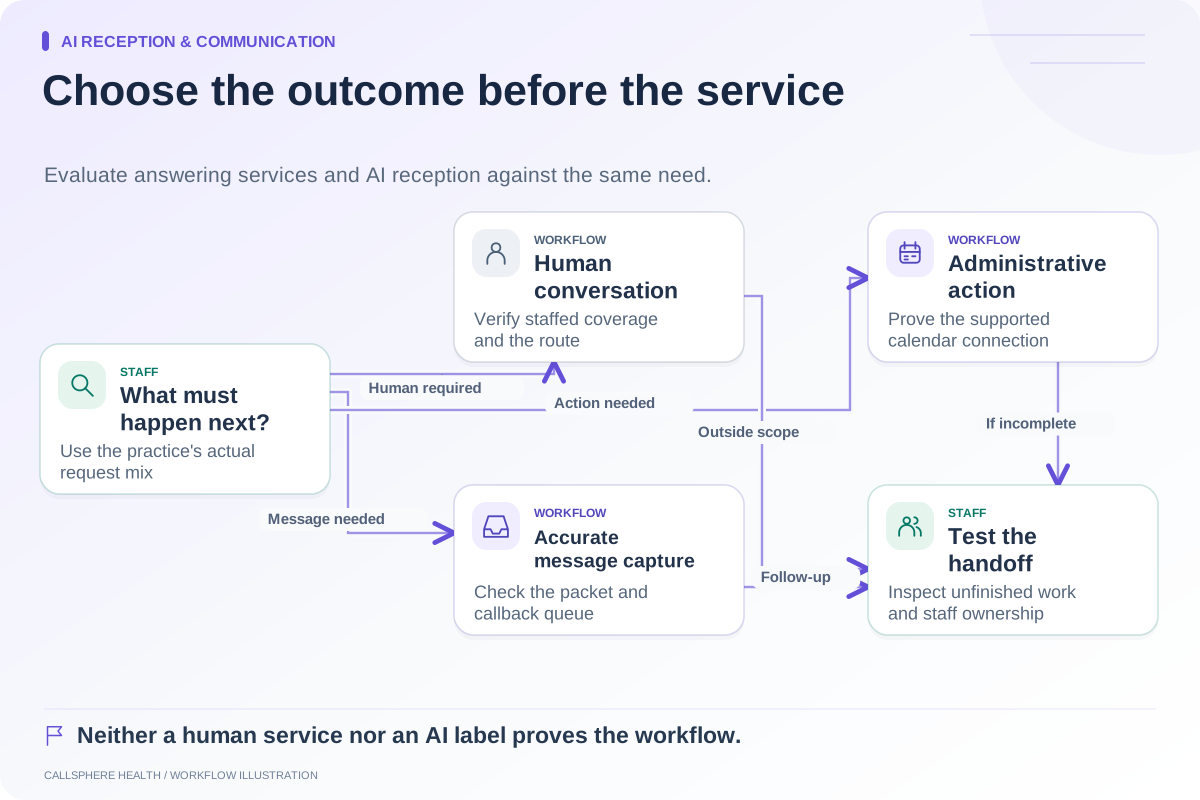
Imagine a hypothetical practice adding a second counselor. A new caller asks for evening visits but has not supplied enough information for the practice to determine fit. The administrative workflow should collect permitted scheduling preferences and identify the next staff step. It should not automatically infer clinical suitability.
Have the scheduler assign the request, then change the assignment. Check whether the old owner still sees it as active and whether the new owner has the necessary administrative context. Confirm that the caller receives accurate information about what is confirmed and what is pending.
If you evaluate CallSphere Health's AI front desk, demonstrate the intended provider settings. Supported booking actions do not establish automatic matching across clinician specialty, insurance, age, and modality. Staff confirm fit and manage exceptions. See the capability overview.
Review access from the user's perspective
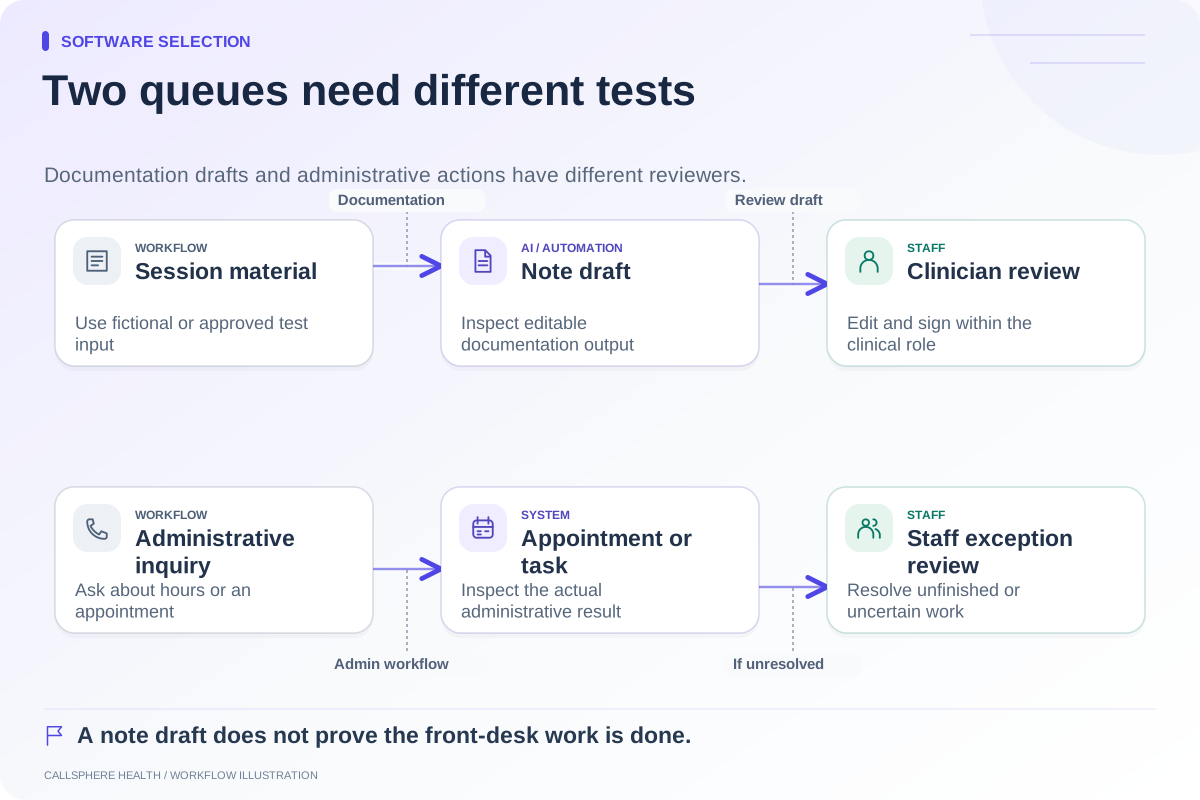
Ask each test role to perform its normal task. A scheduler should not need a clinician's credentials to manage the permitted calendar work. A clinician should see the information appropriate to their responsibilities. A billing user should be able to identify its tasks without relying on unrestricted access as a shortcut.
Record both successful work and restrictions. “The administrator can do everything” is not evidence that narrower roles function correctly. Use fictional records and do not test by exposing real client information to a prospective employee or vendor.
Price the actual team configuration
Ask about clinicians, schedulers, billers, managers, and supervisors individually. Vendors have different seat and plan structures; a low solo rate does not establish the group-practice cost. Review current official pricing, such as SimplePractice's subscription FAQ and TherapyNotes' subscription options, rather than assuming all additional users are billed alike. Sources reviewed September 9, 2026.
Include training and configuration time in the transition plan. If a new plan unlocks the required staff role, compare that option with the disruption of moving the whole practice.
Set a small go-live gate
Before publishing the new clinician's availability, verify the visit types, time zone, buffers, leave blocks, intake expectations, and communication templates. Complete one synthetic inquiry-to-appointment journey for each clinician. Have the clinicians review their documentation workflow and the administrator confirm billing ownership.
The ASTP/ONC EHR playbook provides supporting resources for implementation roles and change management. Use the demo scorecard and comparison hub to document your decision. The practice is ready when the shared work is understandable to both people, not simply when the second login exists.
Browse more guides to software selection.