Keep a guardian or representative role separate from emergency contact, billing contact and portal recipient. A person listed in one field does not automatically have authority for every action. Assign trained staff to verify the relevant authority and permissions before issuing access or sharing documents.
Family and representative situations can involve legal exceptions and state-specific rules. This guide offers an administrative worksheet for organizing review; it does not decide who may consent, receive information or act for a particular client.
Define the role before collecting access details
| Role to review | Administrative question | Action that needs separate confirmation |
|---|---|---|
| Client | Whose record and appointment is this? | Client identity and account access |
| Personal representative | What authority applies to this situation? | Scope of access or decision-making |
| Emergency contact | How may staff use this contact under practice procedures? | Routine portal access or document delivery |
| Billing contact | Which financial communications are permitted? | Access to clinical records |
| Scheduling contact | Which appointment actions are permitted? | Consent or unrestricted account control |
HHS explains that personal-representative status involves applicable legal authority and exceptions. Refer uncertain cases to the practice’s responsible reviewer. A relationship label entered by an online form is not a completed legal review.
Create a visible review state
Use “authority review pending” or another clear internal status where appropriate. Record the assigned reviewer and the source of the decision in the approved location. The broad task queue should indicate that review is needed without copying sensitive family details into every notification.
Ask whether the software allows separate contact destinations for separate purposes. One household email may be convenient, but convenience does not establish that all documents should go there. Staff should know which destination a form, reminder or billing message will actually use.
A hypothetical intake problem
A caller provides contact information for a minor and describes themself as a family member. Staff creates the permitted administrative next step and refers representative authority to the practice’s established review process. The caller does not automatically receive portal access merely because they initiated the inquiry.
Once the appropriate review is complete, staff records the permitted role and issues only the authorized invitation or documents. If the situation changes, the practice follows its access-review process. The historical record should explain what changed without silently substituting a new contact across unrelated roles.
This example is intentionally limited. It does not establish a rule about a particular family relationship, custody arrangement or state’s minor-consent laws.
Check automation against the verified roles
A reminder should not choose the first telephone number in a record without a defined selection rule. A portal invitation should not reuse a billing email simply because the client email is blank. A resend should preserve the intended recipient role rather than creating a new default.
Use synthetic contacts to test those boundaries. Give each role a distinguishable test address and inspect previews with external delivery disabled. Ask staff to identify which role received each action and why.
Plan for changes and disputes
Define who can change contact roles, how staff verifies a requested change and what happens to existing access. An unresolved request should have an owner and a next step. Avoid using an account reset as an informal way to settle a dispute about authority.
Review the process when a client’s circumstances change. Do not assume that information collected at the first visit remains sufficient forever. The frequency and substance of review should follow the practice’s professional requirements and policies.
What CallSphere’s public AI will do
CallSphere’s capability boundaries state that a person identifying as a minor is directed to ask a parent, guardian or trusted adult to contact the practice. The assistant does not collect personal data or carry out scheduling actions for that minor in the public conversation.
That safety boundary does not determine a representative’s legal authority. In a platform demo, ask to see how authorized staff reviews roles and contact destinations after an adult inquiry. The administrative system should support the practice’s decisions, not make them by inference.
Continue the workflow
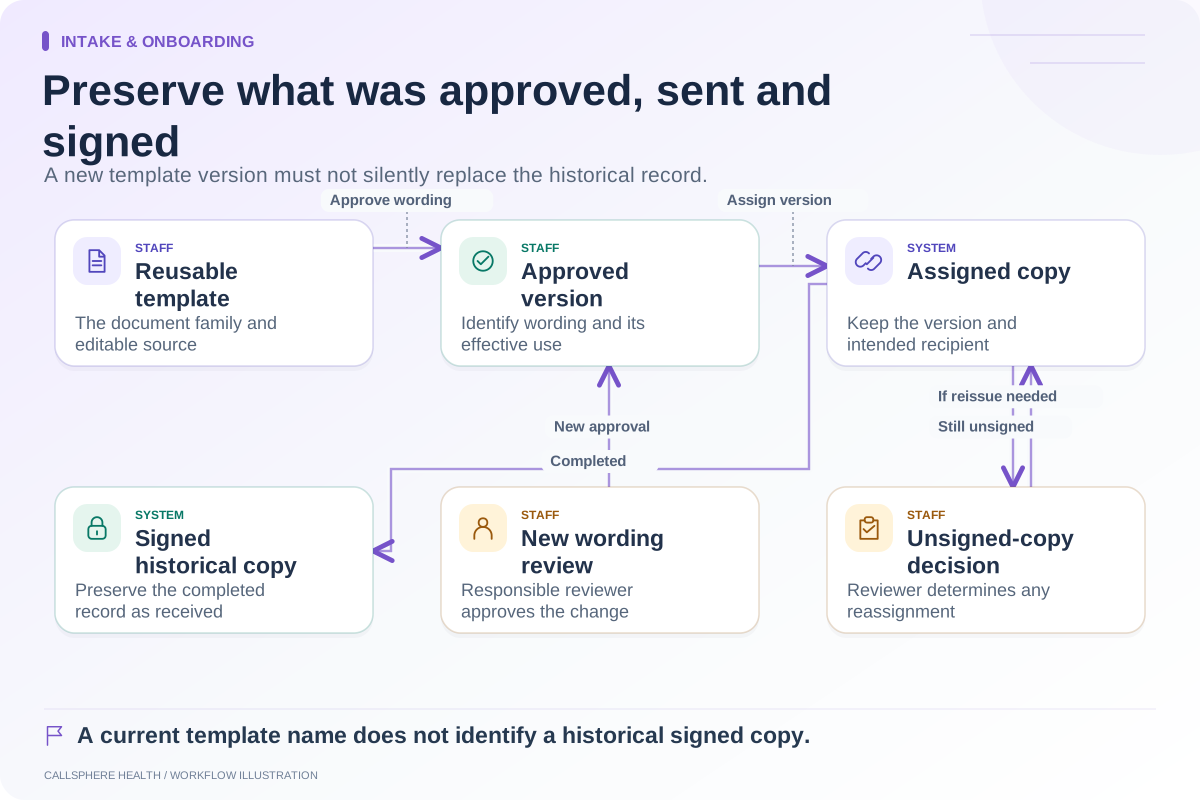
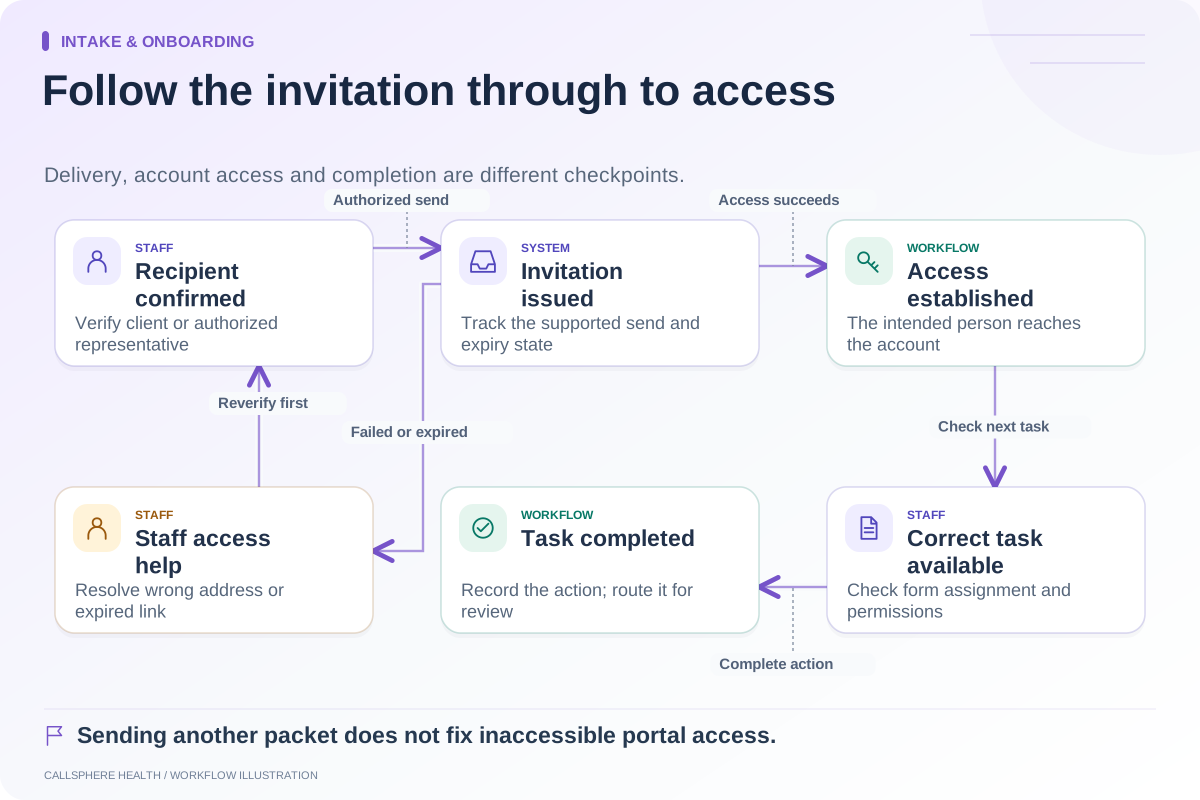
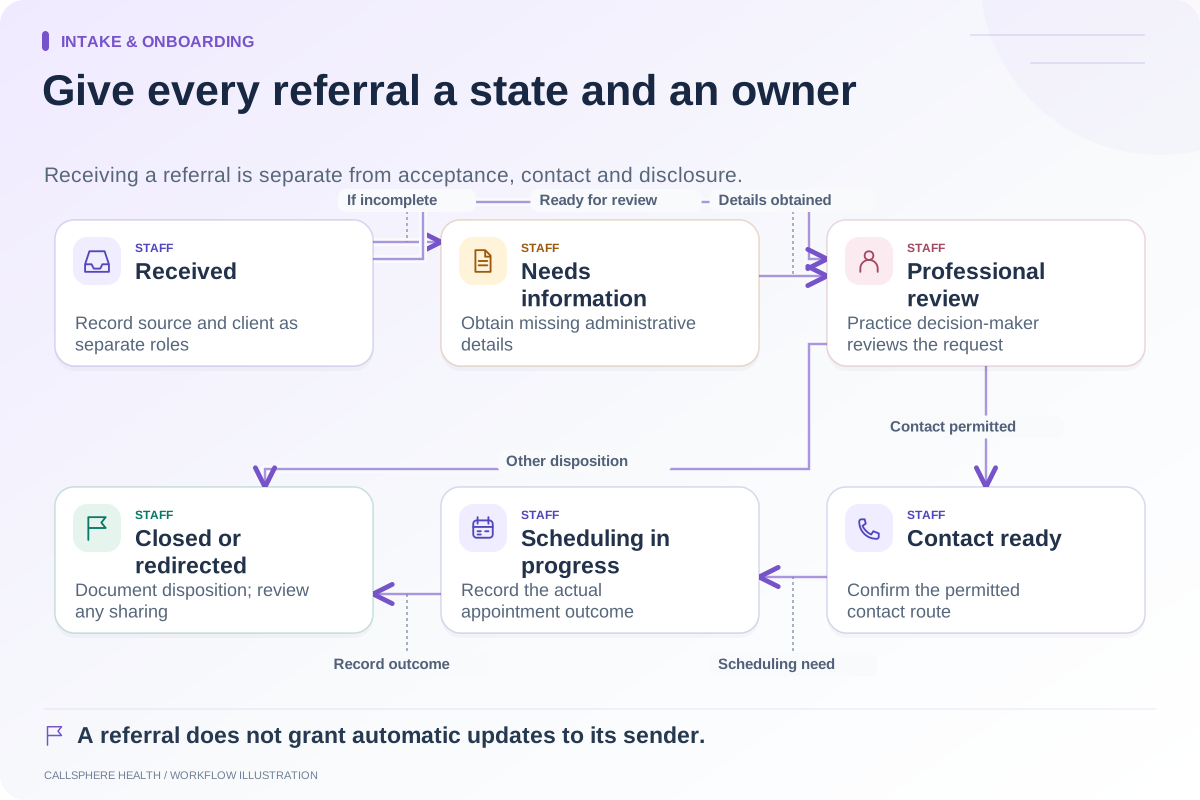
Explore intake & onboarding: Turn incoming referrals into an intake queue · Make patient portal invitations easier to complete · Track consent form versions during patient onboarding.
Research reviewed September 9, 2026. Organizational authorship: CallSphere Health. Examples are hypothetical; this is operational guidance, not individualized clinical, legal or billing advice.