Before launching intake automation, run a synthetic inquiry all the way to a reviewed intake record, then test incomplete, corrected and failed-delivery cases. Passing the form screen alone does not verify record linkage, notification behavior or staff ownership.
Write the expected states before the demonstration. This gives the practice a clear basis for approval and prevents a successful-looking animation from standing in for a completed workflow.
Prepare a safe test environment
Use synthetic names, contact details and documents. Disable or replace real email, SMS, calls and payment effects with approved test delivery. Confirm that the test cannot create a real appointment in a customer practice or send a message to an actual patient.
Record the version and configuration being tested: service, packet, trigger, reminder settings and staff roles. A result from one configuration should not be generalized to a different practice setup without checking the differences.
The Health IT Playbook includes system-testing resources. The acceptance sheet below is our proposed intake-specific extension, intended for a practice owner and implementation team to adapt.
Run these acceptance cases
| Case | Action | Expected evidence |
|---|---|---|
| Normal assignment | Create a supported synthetic booking | Correct client, packet and assignment event |
| Incomplete form | Leave a required administrative item unresolved | No false complete status; visible next action |
| Corrected detail | Update an allowed contact field | Intended record changes with review context |
| Repeated trigger | Repeat the same event through the supported path | No unexplained duplicate packet or task |
| Delivery failure | Simulate unavailable messaging | Clear failed or pending state and staff response |
| Appointment moved | Change the visit date | Form timing and readiness review remain coherent |
| Wrong role | Attempt access as unauthorized test staff | Access denied without exposing content |
| Staff resolution | Complete the approved review | Final state persists and the open task closes correctly |
If the vendor does not support a scenario, record it as a limitation and define the alternative process. “Not tested” and “not supported” are different findings.
A hypothetical failure worth catching
A booking triggers a packet assignment, but the synthetic email delivery fails. The client’s form state remains incomplete. Staff sees a pending task and can offer the approved assistance process. That is an understandable failure path.
Now imagine the queue shows “intake complete” because the send function ran. The client cannot access any forms, yet the first-visit team believes preparation is finished. The defect is the meaning of the status, not merely email reliability.
Describe failures in those terms: what the client sees, what staff sees and which decision becomes incorrect. This helps the implementation team repair the actual handoff.
Verify persistence and duplicate behavior
Refresh the browser, sign out and return with the intended staff role. A completed action should remain in the controlled record. Repeat only through supported test paths; avoid hammering production endpoints to discover limits.
Check a repeated booking or notification event carefully. Idempotent behavior means the same intended action does not create unexplained duplicates, but a legitimate new appointment may need its own packet. The practice should understand which object the system uses to distinguish those cases.
Give every failure an owner
Record the observed state, expected state, screenshot or synthetic reference, assigned owner and retest result. Keep patient data out of the evidence folder. Close a finding only after the corrected behavior is demonstrated in the relevant configuration.
Prioritize issues that assign information to the wrong record, expose content, send contradictory instructions or falsely mark readiness. Cosmetic changes can be reviewed separately after the core workflow is trustworthy.
Apply the test to CallSphere Health
CallSphere’s platform includes digital forms and configured delivery; capability limits state that staff confirm record linkage and intake steps after AI-assisted bookings. Include that staff handoff in the test, rather than assuming a phone booking exercises the same path as public online booking.
Bring the completed acceptance sheet to your implementation review. The decision to launch should rest on observed outcomes and a workable plan for unresolved items, not a count of features demonstrated.
Continue the workflow
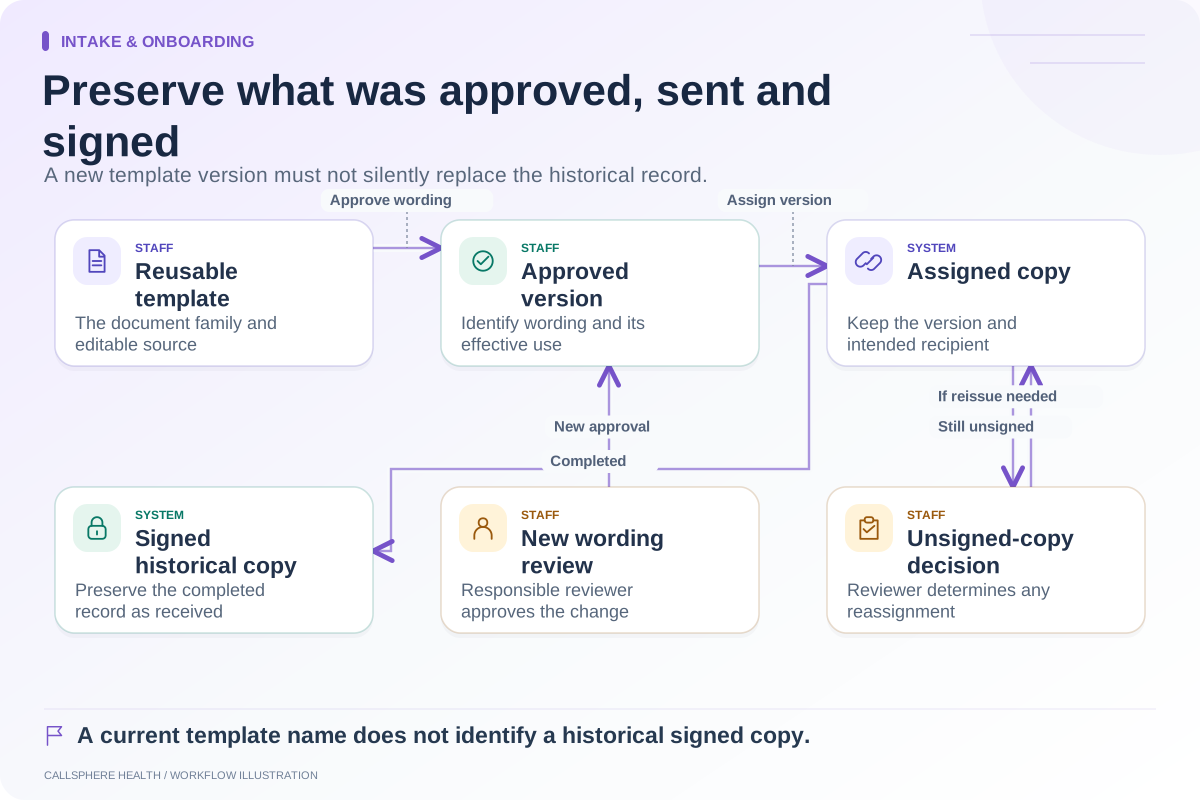
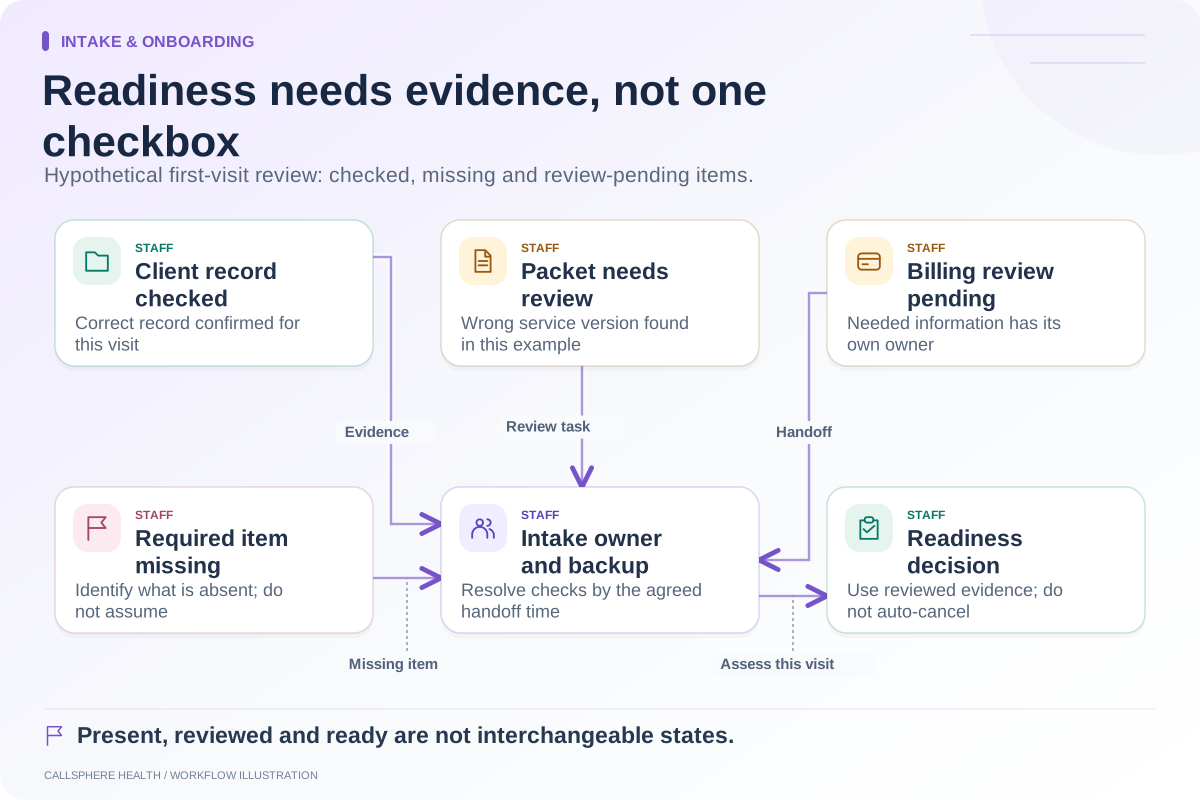
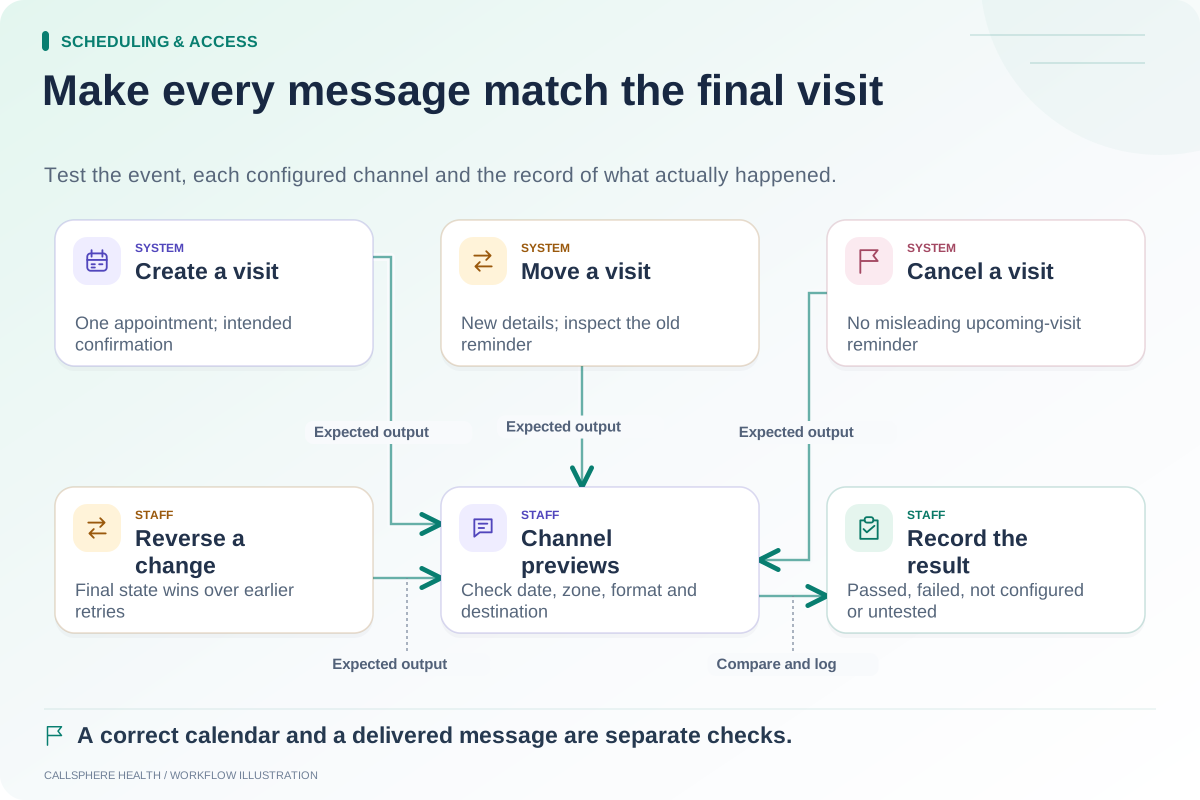
Explore intake & onboarding: Check every notification after a schedule change · An intake-readiness checklist for the first appointment · Track consent form versions during patient onboarding.
Research reviewed September 9, 2026. Organizational authorship: CallSphere Health. Examples are hypothetical; this is operational guidance, not individualized clinical, legal or billing advice.