A schedule change is complete only when the appointment and its dependent communications agree. After a booking is moved or canceled, check the old reminder, the new confirmation, the portal view and any staff follow-up task. A correct calendar with an outdated reminder still creates confusion.
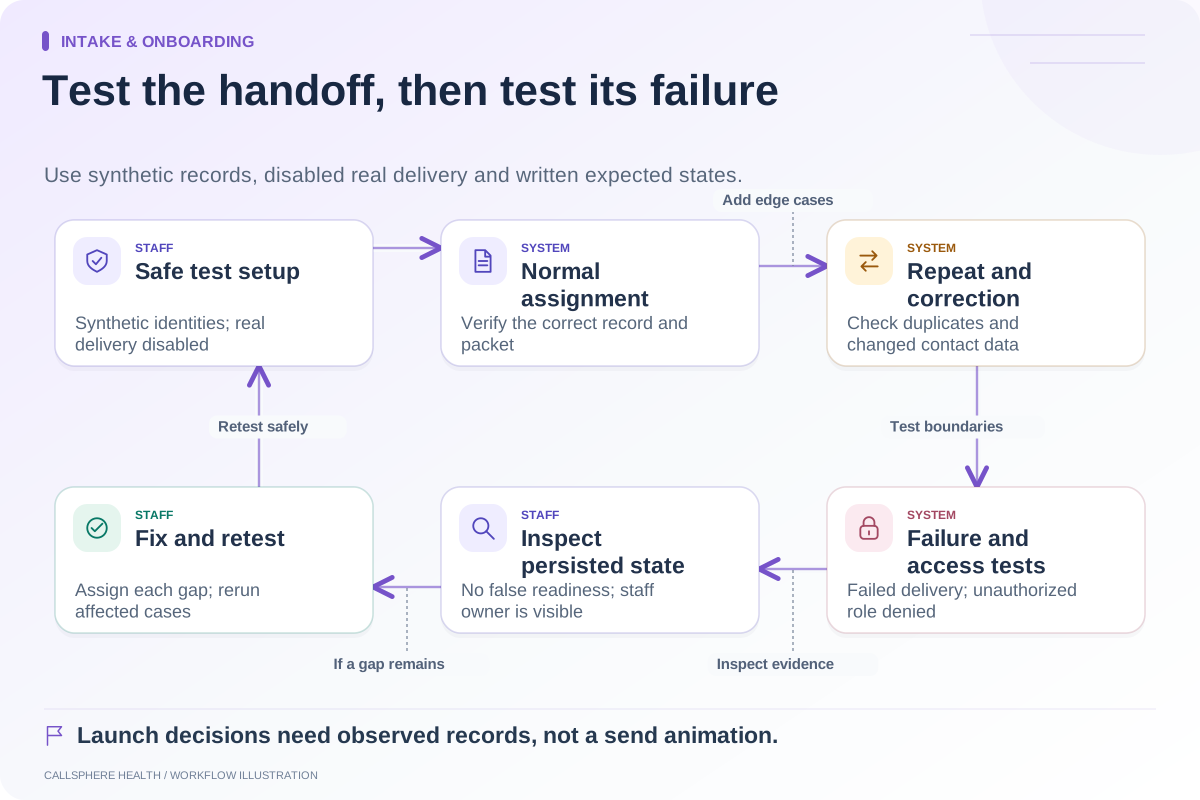
This guide gives a practice owner a test sheet for that boundary. It is a proposed evaluation method, not a claim that a specific EHR automatically performs every step. Run the checks with synthetic clients and disabled external delivery so no real patient receives a test message.
Define what each event should produce
Start with your practice’s chosen notification settings. A system may intentionally send no confirmation on some changes, so the test must compare behavior with configured expectations. “Nothing arrived” is not necessarily a defect, and “a message arrived” is not necessarily success.
| Event | Calendar and portal check | Notification check | Staff check |
|---|---|---|---|
| New booking | One appointment at the agreed time | Intended confirmation only | Correct owner and intake next step |
| Time changed | New time replaces old time | Old scheduled reminder no longer misleading | Change visible to relevant team |
| Provider changed | Correct provider and location | Content matches the revised details | New provider can see the appointment |
| Cancellation | Canceled state visible | No upcoming-visit reminder remains active | Open follow-up tasks resolved or reassigned |
| Change reversed | Final chosen state preserved | No contradictory retry sequence | History explains the correction |
Make a separate row for email, SMS, portal and any phone reminder channel your practice actually uses. Do not assume identical settings across them. TherapyNotes, for example, documents configurable appointment reminders. Vendor documentation is a starting point for testing your own configuration.
Try a change close to the reminder time
The most informative scenario happens when a reminder is already scheduled. In a hypothetical test, a Wednesday visit moves to Thursday after the original reminder was queued. Inspect the stored appointment, the pending delivery record and the resulting preview. Does the system cancel the original message, revise it or leave it untouched?
Then repeat the change quickly. If two staff members adjust the appointment, the final calendar state must have one authoritative time. A delayed notification should not reinstate the first change in the client’s understanding. Record timestamps rather than relying on the order that browser notifications appear.
Ask how a retry behaves when a delivery service is unavailable. The expected outcome is a clear pending or failed state tied to the current appointment, with a defined staff response. An old reminder that becomes deliverable later needs a deliberate rule.
Check the message itself
Verify date, time zone, modality, location and the permitted contact route. A move from office to video may need different instructions even if the start time stays the same. Read on a narrow phone screen and check that the essential action remains visible.
Keep private information out of the test evidence. Store a test appointment identifier, event timestamp and synthetic message preview. A production screenshot containing client details should not become a software evaluation attachment.
Record outcomes instead of a single pass mark
Use “passed,” “failed” and “not configured.” Add “provider behavior not exercised” when testing only the application’s preview. This prevents a local message-generation check from becoming an unsupported claim about real delivery.
For each failure, write what the client would see and the operational effect. “Old Tuesday reminder remained after cancellation” is more actionable than “notification bug.” Give it an owner and repeat only the affected scenarios after a correction.
Apply the test to CallSphere
The CallSphere Health platform connects scheduling with configured communication workflows. AI scheduling actions still require the same downstream checks as staff changes. Review current capabilities and limitations, then ask for a synthetic demonstration of create, move, cancel and retry. A useful purchase decision rests on those observable states, not the number of notification channels listed on a feature page.
Continue the workflow
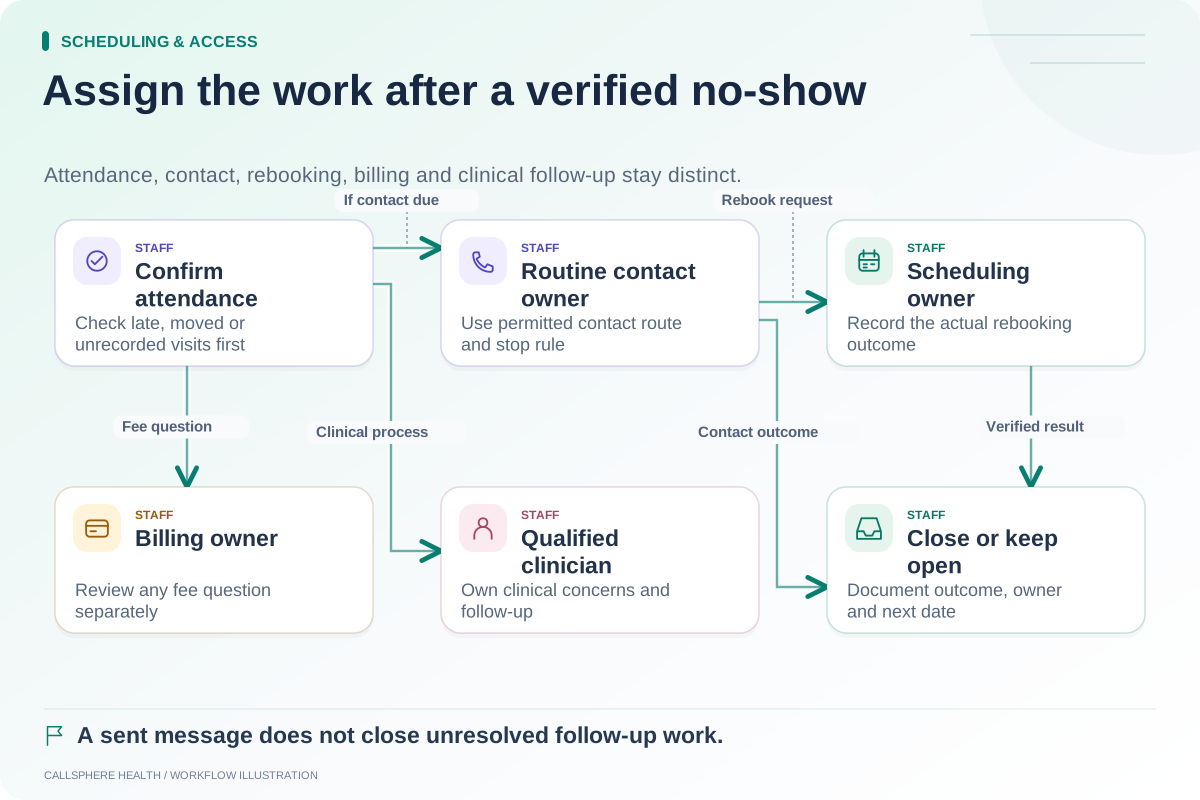
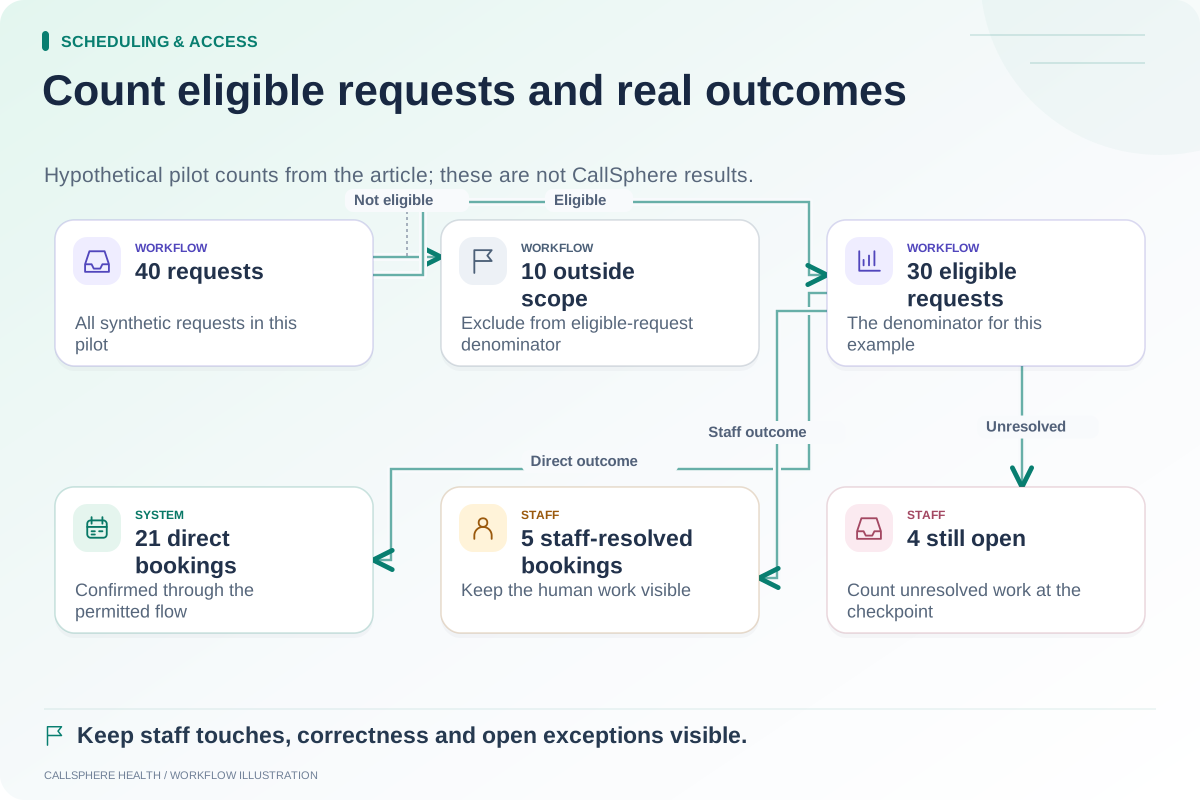
Explore scheduling & access: Build an administrative follow-up process after a no-show · Measure scheduling automation using completed workflows · Test an intake automation before launch.
Research reviewed September 9, 2026. Organizational authorship: CallSphere Health. Examples are hypothetical; this is operational guidance, not individualized clinical, legal or billing advice.