After a missed therapy appointment, confirm the appointment status, assign a staff owner and use the practice’s approved follow-up process. Do not let an automated message decide why the client missed the visit, whether a fee applies or what clinical response is appropriate.
A no-show is an event that starts several possible tasks. A calendar label alone does not establish that those tasks were completed. The workflow below separates schedule cleanup, administrative outreach and clinician responsibility so each can be reviewed without confusing one for another.
Confirm the event before acting
Have the person responsible for attendance check whether the session occurred, started late, moved to another modality or was canceled through a channel that has not reached the calendar. Keep the original appointment reference when correcting its status. Otherwise, a rescheduled visit can appear as both a completed appointment and a missed one.
Define who may change attendance and who resolves uncertainty. If a therapist has not yet updated the visit, an administrator can flag it for confirmation instead of assuming the absence. That distinction matters when reports, reminders or billing use the status.
Use this ownership checklist
| Work item | Assigned owner | Evidence needed to close it |
|---|---|---|
| Attendance confirmation | Clinician or authorized scheduler | Correct appointment and final attendance status |
| Routine contact | Designated front-desk staff | Approved contact attempt or documented reason not to contact |
| Rescheduling request | Scheduling owner | New booking confirmed, request declined, or callback still open |
| Fee question | Authorized billing staff | Policy reviewed and decision recorded |
| Clinical follow-up | Qualified clinician | Handled within the practice’s clinical process |
Keep the administrative queue limited to what the next staff member needs. A contact task should not reproduce therapy notes or speculate about symptoms. HHS advises limiting details in voicemail communications and addressing reasonable confidential-contact requests. Review its official reminder guidance when approving scripts.
A hypothetical follow-up sequence
Suppose a client misses a Tuesday afternoon visit. The clinician confirms the attendance status. The front desk checks the contact preference and creates a task for the next staffed period. An approved message might say: “Please contact our office about your appointment. You can reach us through your usual practice contact method.”
If the client asks to rebook, staff members check the applicable scheduling process. If the response contains a clinical concern, staff follows the practice’s established clinical escalation process; the administrative automation does not assess risk. If there is no response, the task follows the practice’s approved next step rather than repeating indefinitely.
The times and wording in this example are illustrative. They are not a recommended clinical follow-up interval. The practice’s clinicians determine clinical responsibilities and urgency independently of the administrative queue.
Prevent the queue from becoming a message counter
Record an owner, next-action date and closure reason. “Message sent” is one event; “client reached,” “new appointment confirmed” and “unable to contact” are different outcomes. Keep unresolved items visible even if the messaging service reports delivery.
Review a small sample weekly. Look for incorrect no-show labels, contact attempts after a reschedule and tasks without an owner. Compare the number of confirmed no-shows with tasks opened and closed. Do not present every subsequent booking as a recovered appointment caused by automation; a client may already have planned to return.
What to verify in CallSphere Health
CallSphere’s practice platform includes scheduling, communication and billing workflows. AI can support configured appointment requests and callback messages. That does not make it responsible for clinical assessment or an automatic fee decision; review the capability boundaries.
For a demo, bring one synthetic no-show, one late cancellation and one visit that occurred but was not marked complete. Ask the team to show who corrects status, who receives follow-up work and how an open task remains visible. The useful result is a verifiable staff process, not simply a successful message animation.
Continue the workflow
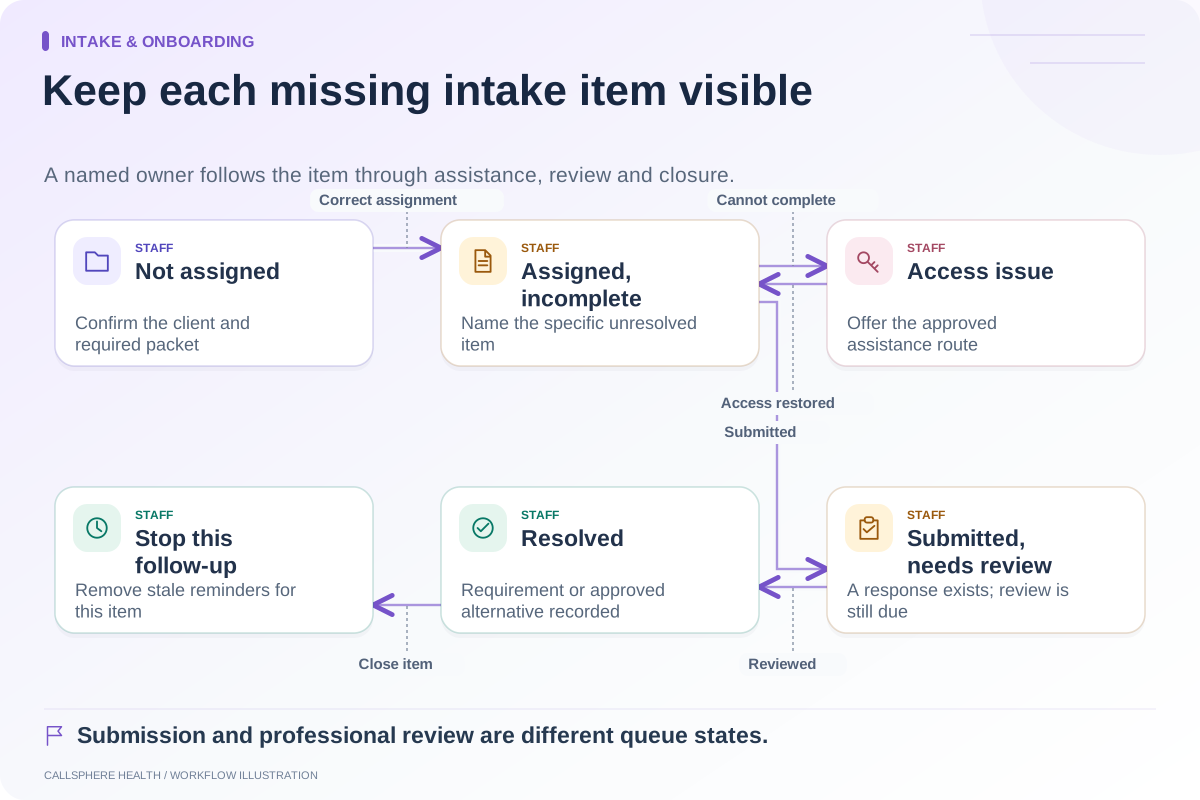
Explore scheduling & access: Check every notification after a schedule change · Measure scheduling automation using completed workflows · Follow up on incomplete intake with a clear owner.
Research reviewed September 9, 2026. Organizational authorship: CallSphere Health. Examples are hypothetical; this is operational guidance, not individualized clinical, legal or billing advice.