A mental health practice should consider a Jane alternative when its required workflow is not met by the current configuration or a documented option. Jane already offers booking, intake, charting, communication, payments, and optional AI Scribe. Its broad clinic focus may be useful for multidisciplinary teams. An alternative should earn consideration by solving a defined operational problem while preserving the functions your staff rely on.
Start with the question that prompted the search. Is the problem answering calls, filling cancellations, managing rooms, coordinating intake, or billing? These lead to different evaluations. Changing platforms solely because another product uses “AI-powered” in its headline does not establish better fit.
Preserve the advantages you actually use
Jane's U.S. pricing page lists core booking and practice functions and higher-plan scheduling and engagement features. A clinic using rooms, equipment, packages, or several disciplines should explicitly test those requirements in any replacement. Do not assume that a therapy-focused product reproduces every multidisciplinary workflow. Source reviewed September 9, 2026.
Build a keep list before a change list. For each item, identify the staff member who uses it and what would happen if it worked differently. An apparently minor change in booking permissions can alter how the front desk manages the day.
| Requirement | Keep or change? | Evidence needed from an alternative |
|---|---|---|
| Online booking rules | Practice decision | Correct service, provider, duration, and confirmation |
| Room or equipment availability | Preserve if used | Demonstrated conflict prevention |
| Cancellation and waitlist process | Evaluate current friction | Offer delivery, acceptance, and final appointment state |
| Intake and charting | Preserve essential steps | Editable data, document access, review ownership |
| Routine phone inquiries | Define desired improvement | Answers, appointment actions, and unresolved-request handling |
Do not overlook Jane's waitlist automation
Jane's official guide describes automatic or manual waitlist notifications on Thrive and specified legacy plans. It also documents current limits, including notifications not being sent for group/class waitlists. An offered opening still requires the client to take action; an alert is not itself a completed booking. Jane waitlist settings, reviewed September 9, 2026.
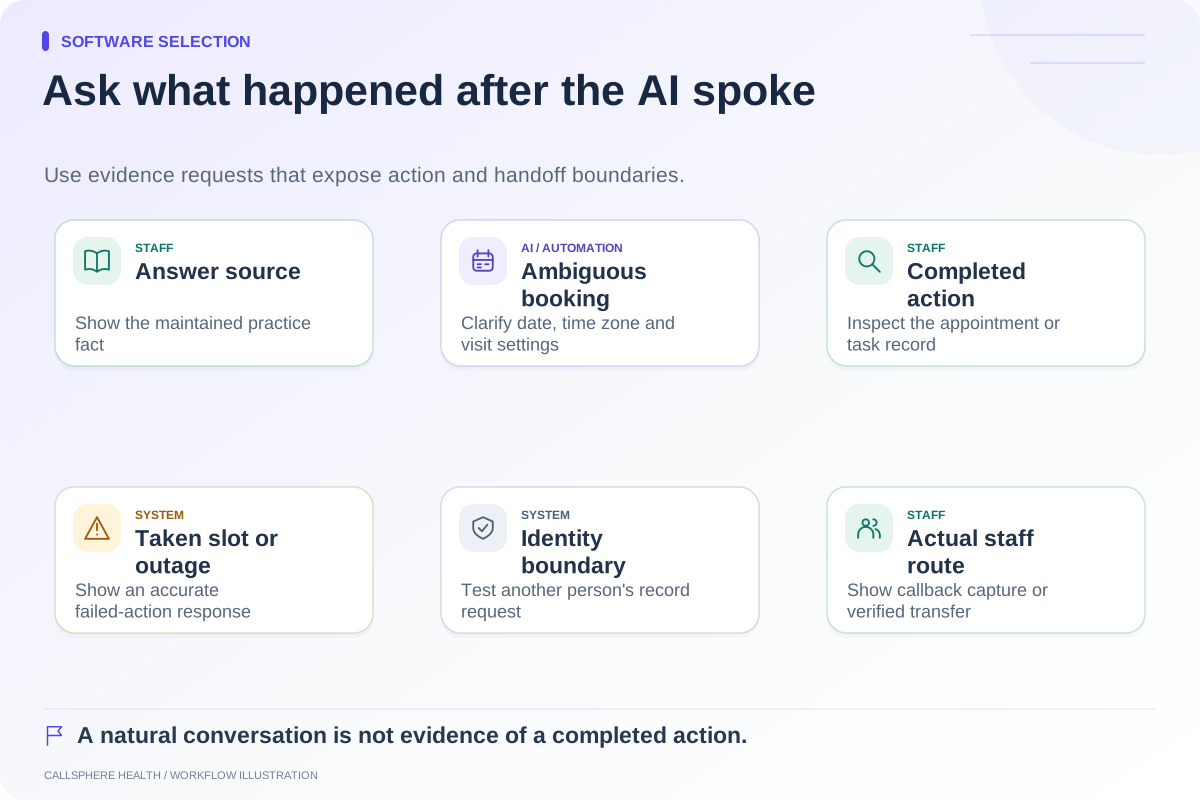
That distinction creates a useful test for every vendor. Cancel a fictional appointment, observe who receives an offer, and check how acceptance changes the calendar. If the practice needs staff prioritization or a group-specific process, demonstrate that requirement separately rather than treating “waitlist” as a single yes/no feature.
Consider two hypothetical practices
Harbor Example Clinic includes counselors and another health discipline sharing rooms. It already uses Jane's booking structure successfully. Its owner may get more value from improving the current inquiry handoff than from replacing the platform and rebuilding room workflows.
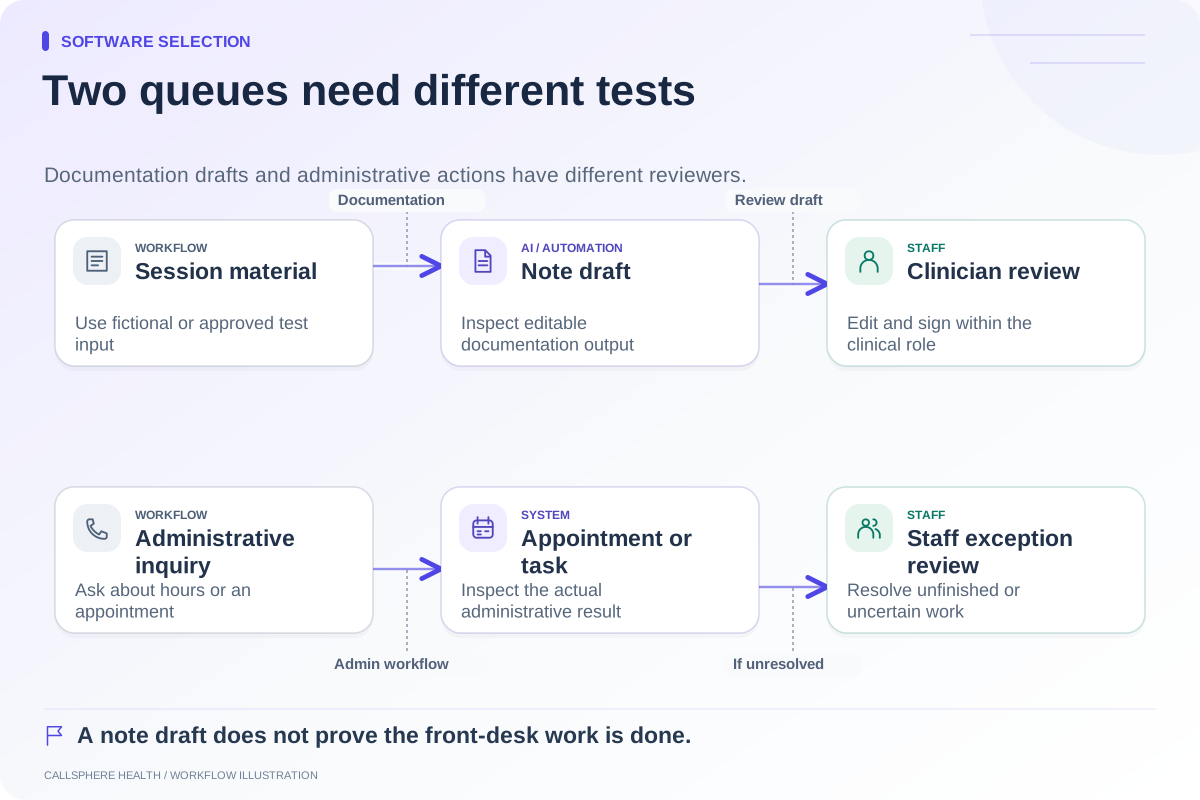
Maple Example Counseling has no shared equipment and wants routine website and phone questions handled while staff are in other work. Its shortlist may give more weight to configured front-desk AI. Even then, the team should check the resulting appointment and intake task rather than judging only the conversation.
These examples describe purchasing logic, not measured customer outcomes or a claim that either platform is universally better.
What to verify in CallSphere Health
CallSphere Health combines an EHR and practice management with AI front-desk tools. It supports configured routine inquiry answers, availability checks, supported appointment actions, and callback requests. Staff maintain the practice knowledge, handle exceptions, and verify clinical and billing work.
For a Jane replacement evaluation, test your exact booking rules, provider settings, intake delivery, and communication expectations. Automatic complex clinician matching, warm telephone transfer, and a complete AI-call-to-finished-intake chain should not be assumed. Review the capability limits before a demonstration.
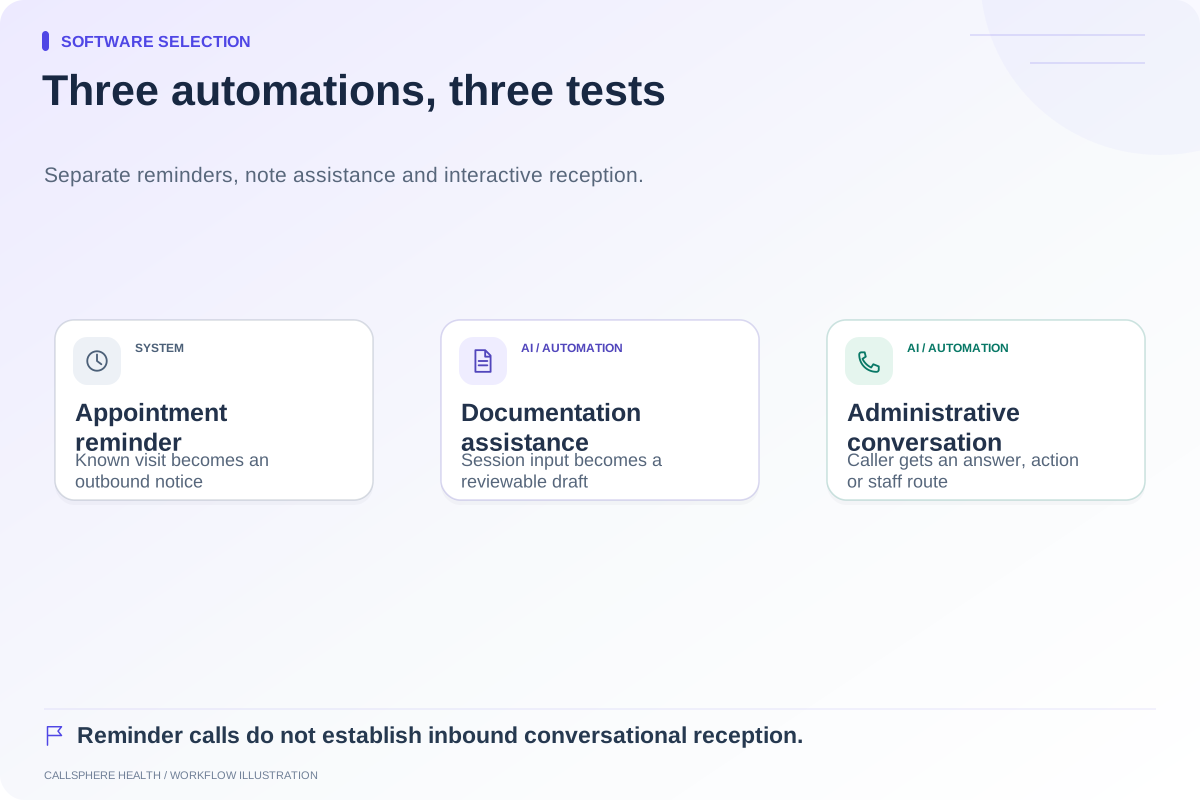
Jane also offers AI Scribe, so documentation AI is not a category distinction by itself. Native conversational inbound AI calling was not established by the public sources reviewed for this guide; that is unverified, not proven absent.
Make the final comparison reversible
Ask for sample exports, role-based training tasks, and a cutover plan before committing to migration. Price the actual U.S. plan, optional tools, required users, and transition work. Check dated vendor quotes rather than assuming headline prices describe the final bill.
Use the comparison hub to organize the shortlist and the EHR trial test plan to verify what matters. The right next step is a synthetic demonstration of the unresolved workflow, with a staff owner for every remaining task.
Browse more guides to software selection.