Evaluate a TherapyNotes alternative when you can identify a front-desk task that your current setup does not handle as needed. TherapyNotes documents scheduling, reminders, billing, and optional AI documentation, so “we need AI” is too broad a reason to switch. A more useful requirement is “routine callers should receive an accurate answer and a clearly recorded next step when staff are unavailable.”
Keep the current clinical and billing workflow in the comparison. A replacement that improves one conversation but disrupts documentation or creates extra billing work may not be the right tradeoff.
Separate the three meanings of automation
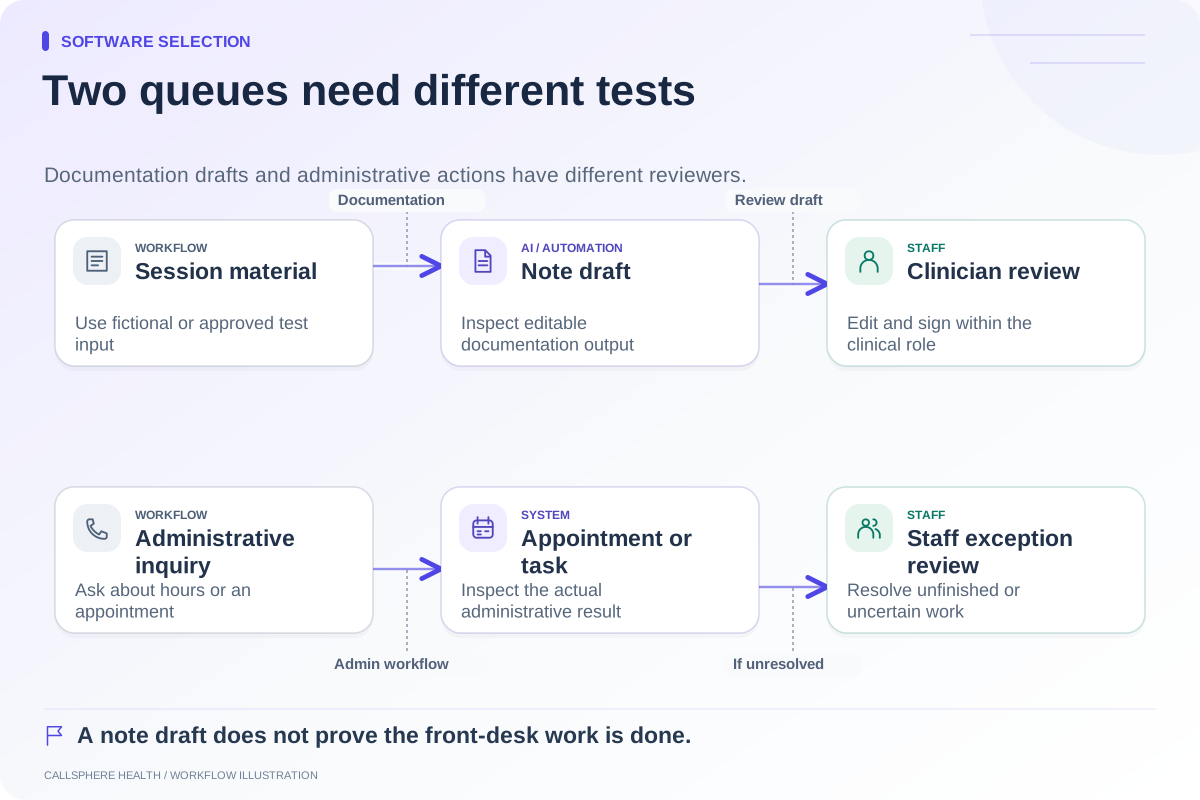
The first category is a scheduled reminder: software sends information before a known appointment. The second is documentation assistance: software produces a draft or summary for review. The third is an interactive administrative workflow: software responds to a caller and may check availability or perform an appointment action.
TherapyNotes' reminder documentation describes email, text, and phone reminders with role and preference settings. Its TherapyFuel overview describes AI documentation assistance. These capabilities should not be ignored, and a reminder phone call should not be described as proof of inbound conversational reception. Sources reviewed September 9, 2026.
Write a requirement that can pass or fail
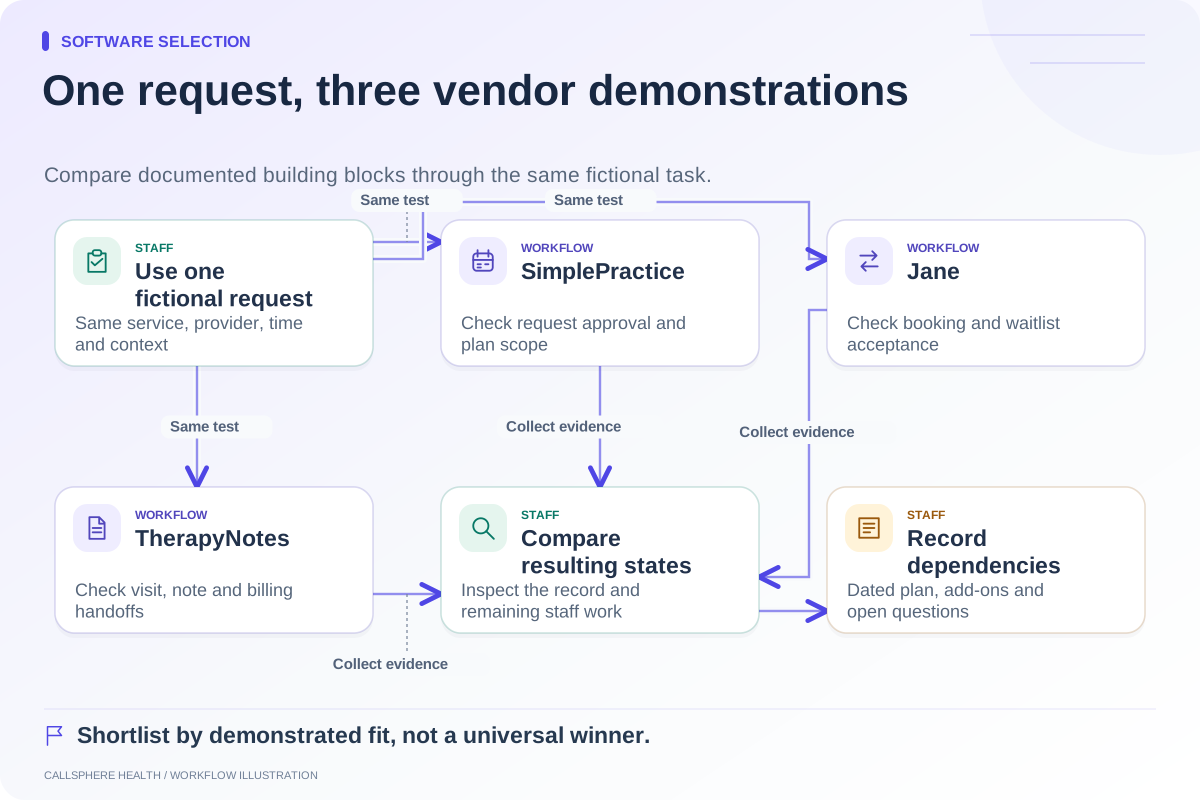
Replace “better front desk” with a statement that includes a trigger, action, and resulting state. For example: “When a fictional new caller asks about evening appointments, the system answers from approved practice information and either creates a supported booking or records a staff-owned follow-up.”
| Requirement | What to inspect |
|---|---|
| Routine administrative answer | Source policy and the answer actually given |
| Available appointment | Provider, visit type, duration, and time zone |
| Completed booking | Appointment record, not just spoken confirmation |
| Unresolved request | Callback details and assigned staff responsibility |
| Existing patient change | Identity check and correct appointment update |
| Intake handoff | The actual form/task state after the booking |
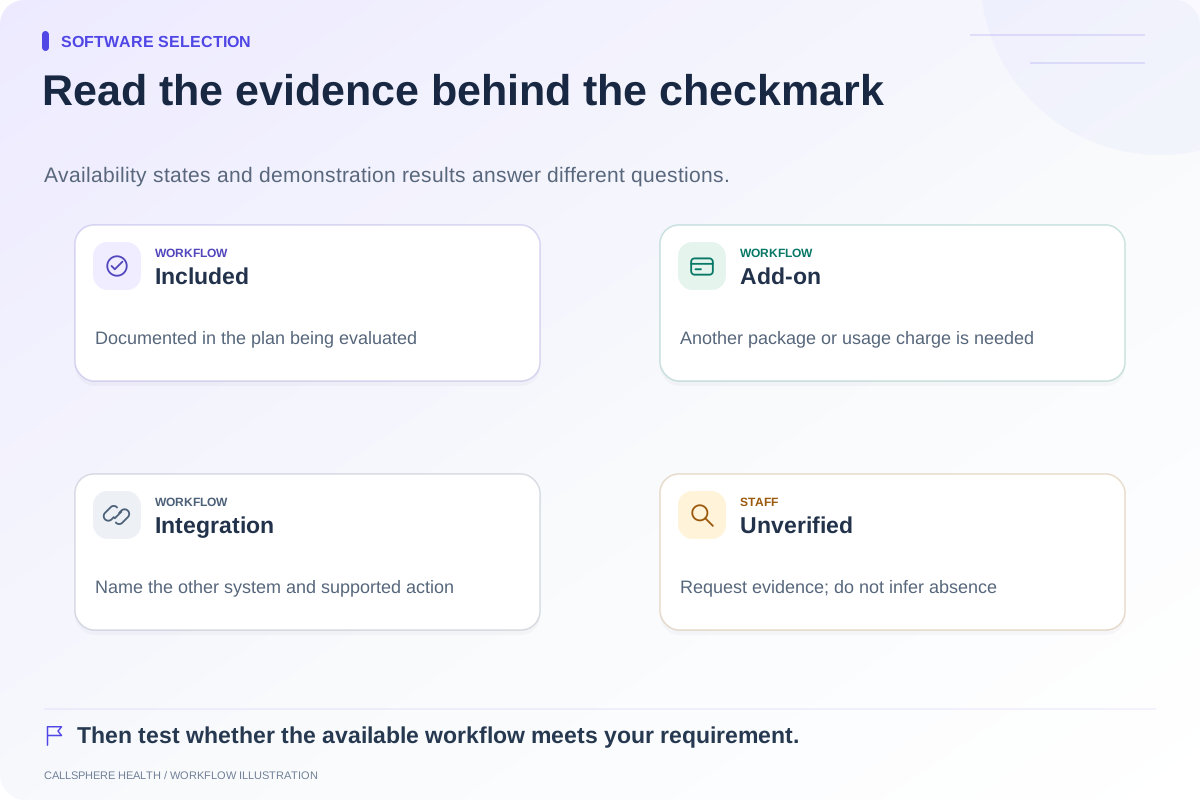
Ask both the current vendor and the candidate vendor how the requirement is satisfied. Label anything not established by documentation or demonstration unverified. Do not treat that label as evidence of absence.
A hypothetical team decision
Pine Example Behavioral Health has three clinicians and one scheduler. The team likes its current documentation workflow. The owner is concerned that routine calls accumulate during lunch and after hours. Before migrating, the team tests a limited inquiry-handling process and measures whether callback work becomes clearer.
If the scheduler can handle the resulting queue and the existing EHR remains effective, a separate front-door arrangement could be enough. If staff still duplicate appointment and intake information across systems, the owner may want to evaluate an integrated platform. The decision follows the unresolved work, not the number of AI features advertised.
Place CallSphere Health's boundaries on the same worksheet
CallSphere Health's AI front desk can answer routine practice questions, check configured availability, create supported appointments, and record callback requests. Verified adults can be assisted with their own supported appointment changes. Staff retain responsibility for clinical decisions, clinician fit, uncertain requests, and review of billing work.
Do not assume that it automatically selects among clinicians using all specialty or insurance criteria. A callback request is not a demonstrated warm transfer. Digital intake workflows exist, but an AI booking should be tested through its specific intake path before treating the whole sequence as complete. These are practical demonstration items in the capability overview.
The reviewed TherapyNotes materials did not establish a native conversational inbound AI receptionist. This guide leaves that question open rather than claiming it is unavailable.
Protect documentation and billing during the evaluation
The TherapyNotes scheduling quick-start explains connections between appointment types and documentation. Ask your clinicians which of those relationships they rely on. Ask your billing lead which statuses and reports must remain usable after a move.
Use fictional records to test equivalent tasks in the candidate system. Include sample exports, staff permissions, unresolved charges, and access to historical documents in the migration discussion. Subscription cost alone does not capture this work.
Review the comparison hub and bring the demo scorecard to a focused call. A defensible decision ends with demonstrated fit, named staff responsibilities, and a short list of genuinely unresolved capabilities.
Browse more guides to software selection.