Require staff approval for a new-patient appointment when the practice has a material decision that software cannot safely resolve from approved administrative rules. Examples include uncertain provider fit, incomplete service eligibility information or an appointment type reserved for staff coordination. Approval should answer a specific question, not exist as an unexplained queue that delays every inquiry.
The goal is to automate the steps that are clear while preserving the decisions that require an authorized person. A practice can collect a preferred time and contact route without promising that the requested clinician or service is confirmed.
Separate the decisions before selecting software
Use this proposed decision table to identify where review belongs. It is not a clinical intake protocol or a legal eligibility policy.
| Question | Administrative handling | Who resolves uncertainty |
|---|---|---|
| Is the requested service offered? | Answer from current practice information | Practice administrator |
| Is the appointment type open to new inquiries? | Apply configured rule | Scheduling owner |
| Is the person authorized to access a record? | Use the approved identity process | Authorized staff |
| Is this clinician clinically appropriate? | Do not infer from a short chat | Practice-designated clinician |
| Are financial details verified? | Collect only the approved next-step information | Billing staff |
| Is the desired time truly available? | Check the authoritative schedule | Scheduling owner if uncertain |
A request can pass several administrative checks and still need professional review. Do not present that intermediate progress as a completed clinical assessment.
Make approval a task with an owner
Specify what the reviewer must inspect, where the request appears and how the requester learns the outcome. Name a backup for staff absence. Without those elements, “approval required” may simply mean that nobody knows who should act next.
Avoid creating a queue whose only instruction is “review for fit.” A reviewer needs a defined practice procedure and the right authority. The scheduling software can carry the task, but it does not invent the practice's clinical decision process.
A hypothetical new-client inquiry
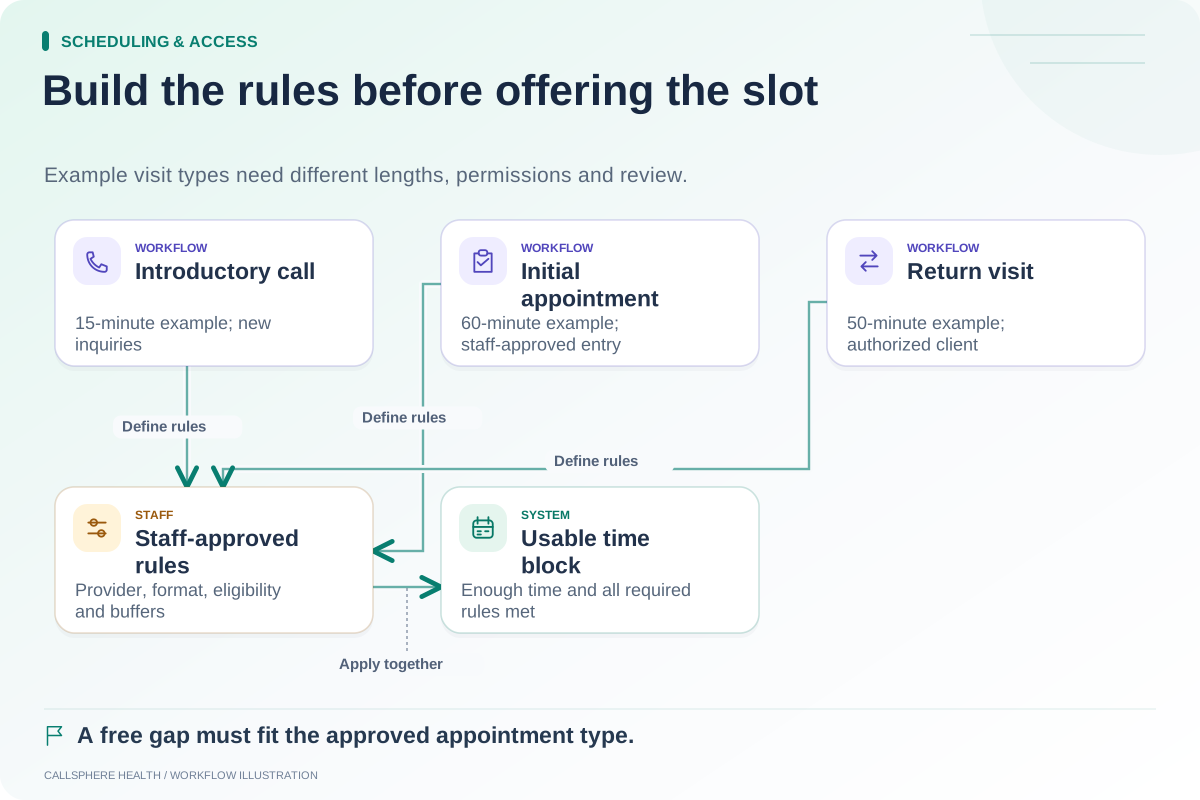
A fictional therapy center allows established clients to request return visits with their assigned clinician. New inquiries first request an introductory call. One prospective client asks the AI receptionist to book an initial therapy appointment directly with a named clinician.
The receptionist can explain the approved new-inquiry process and collect the permitted administrative details. It should not decide that the clinician is a good clinical match or override the consultation step because a calendar gap is visible. Staff review the request and communicate the actual next step.
If the practice later changes this rule, the appointment configuration, public explanation and AI knowledge should change together. Otherwise one channel can continue to promise an outdated route.
Review-based scheduling is a valid product pattern
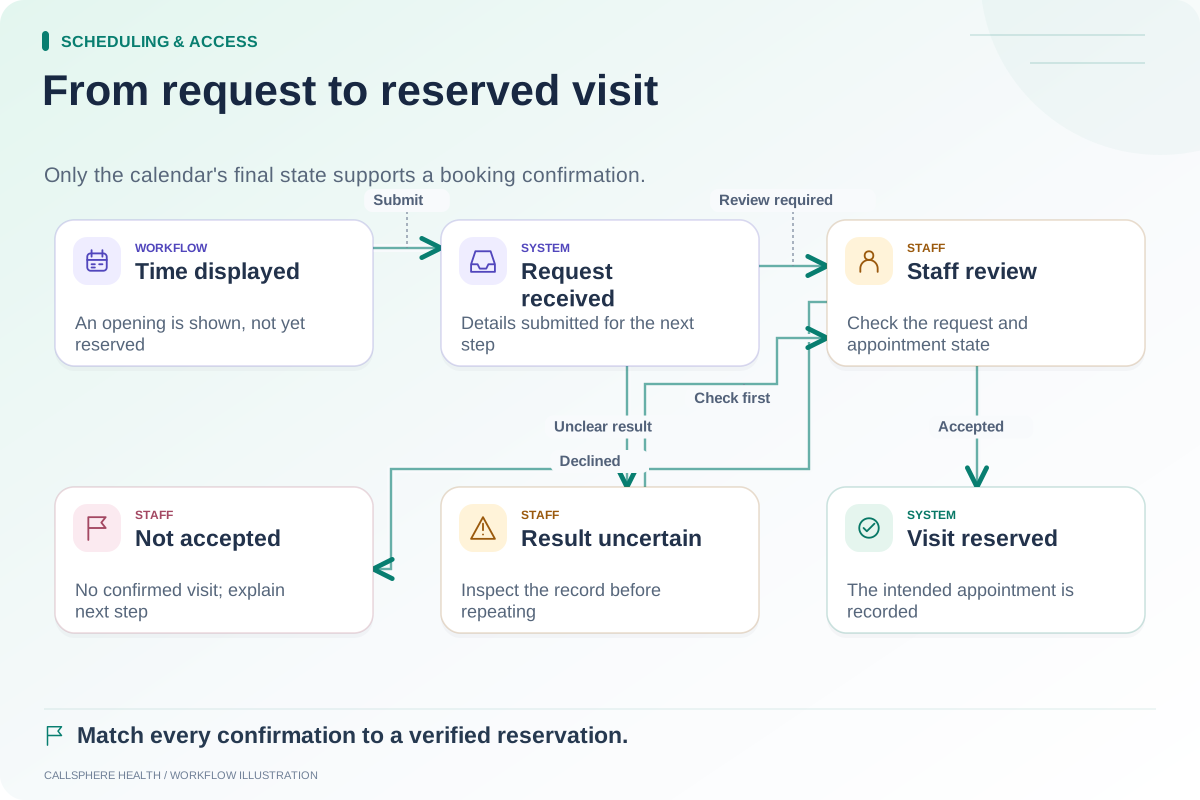
SimplePractice documents an appointment-request widget whose incoming requests can be accepted or declined by the practice. This is a useful example of review being part of online access rather than evidence that online scheduling is missing.
When comparing products, ask which visit types can use each approval model and whether the exact plan supports the intended flow. Do not assume that every product's word “booking” means immediate reservation.
Test the outcome wording
A pending screen should say the request is awaiting review. A declined request should not produce appointment reminders. A confirmed appointment should be visible in the authoritative schedule with the intended time, provider and format.
Use the request-versus-booking guide to evaluate these states. Test a request that needs additional information and one that cannot be accepted, not only the simplest successful case.
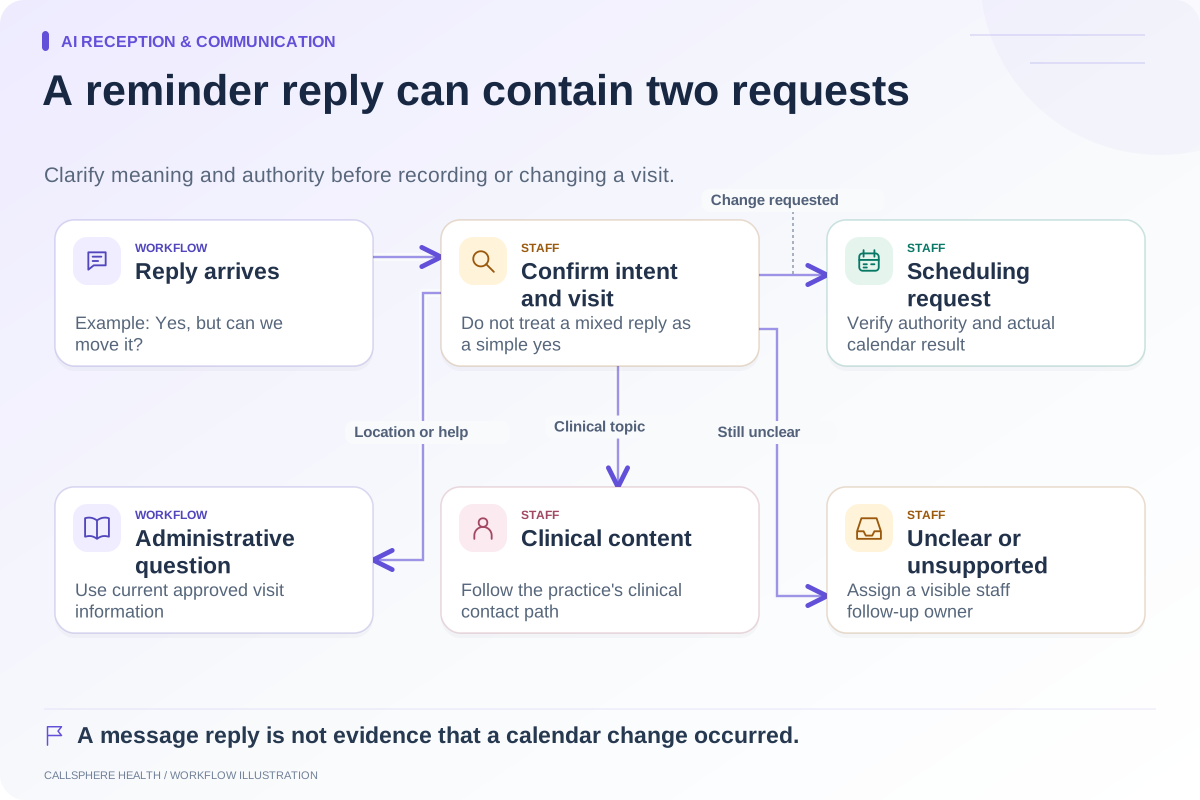
Also check that an approval action cannot silently change a different client's appointment. Authorization and identity remain important even when a staff member is involved.
Use the demo to resolve one uncertain decision
CallSphere Health's platform includes scheduling and intake workflows, while its configured AI tools support administrative booking assistance. Exact clinician matching, new-client reconciliation and every approval variation require evaluation in the intended setup; the capabilities page explains the limits of current evidence.
Bring an appointment-type table and one new-inquiry case that genuinely needs staff review. Ask the demonstrator to show the waiting state, the review action and the final message. Browse Scheduling and access for related acceptance checks.
Sources and product scope checked September 9, 2026.