Measure the operational cost of no-shows using your own appointment statuses, expected collections, recovered capacity, and staff effort. Keep those categories separate. Do not multiply a national-sounding average by every missed visit and call the result proven lost revenue. A scheduled fee, an expected collection, and money actually received are different measures.
This restored article was substantially revised September 9, 2026. It preserves its July 14, 2026 publication date and URL while replacing unsupported no-show rates, reimbursement ranges, and customer-saving claims with a transparent worksheet.
Define the event before calculating
Decide what the report counts as a no-show and how it treats late cancellations, provider cancellations, rescheduled visits, and duplicate records. Use the same definitions across the period being compared. If staff use appointment statuses inconsistently, correct the reporting process before drawing conclusions.
Also identify the denominator. A rate based on scheduled appointments differs from a rate based on completed plus missed visits if other statuses are excluded. State your method beside the result.
Keep four columns instead of one dramatic number
| Measure | What it answers | Main caution |
|---|---|---|
| Unfilled appointment time | How much scheduled capacity went unused? | Time is not automatically collectible revenue |
| Estimated foregone collections | What might this visit have collected under stated assumptions? | Estimate, not a recorded loss |
| Actual fees collected | What money was received under applicable policy? | Do not assume every assessed fee is paid |
| Follow-up staff time | How much administrative work occurred? | Do not count the same time twice |
Your billing and accounting staff should help choose the financial definitions. This is an operational planning method, not reimbursement or accounting advice.
Work a small hypothetical example
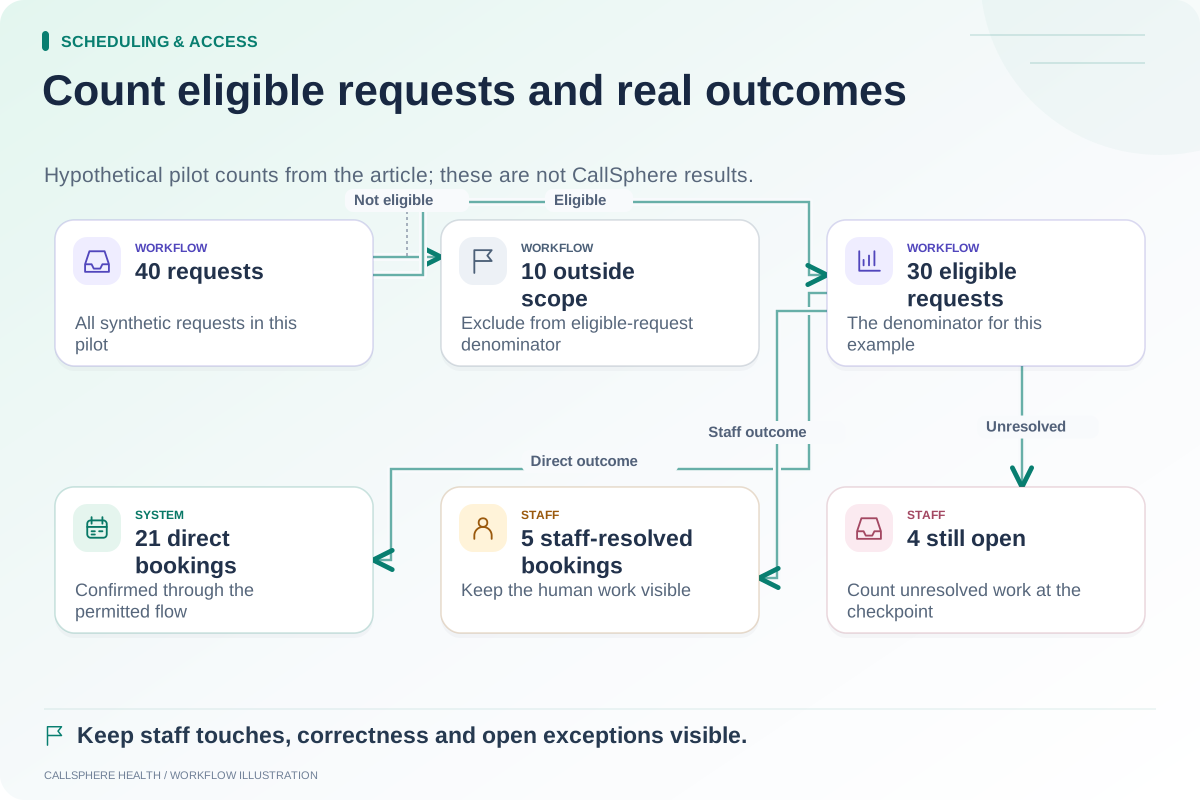
Suppose a fictional practice records ten missed appointments during a chosen week. Two of the openings are filled by another client. The practice therefore identifies eight unfilled slots for that particular capacity measure.
If staff choose a hypothetical expected collection of $100 for each unfilled slot, the estimate is eight times $100, or $800 of possible collections associated with unused capacity. The $100 is invented to demonstrate arithmetic; it is not a typical therapy rate or a CallSphere result.
If the practice actually collects $60 in applicable missed-appointment fees, record that $60 separately. Do not assume assessed but unpaid fees offset anything. If staff spend two hours on follow-up, report the time and its valuation method separately from the revenue estimate.
This worksheet helps explain the situation without claiming the practice would definitely have collected every estimated dollar.
Avoid counting a later visit twice
A client may attend a rescheduled appointment later. Decide what question you are answering: unused capacity during the original period, longer-term collections, or the administrative effort of rescheduling. Those are related but different analyses.
Similarly, an opening filled by another client should be treated consistently in your capacity report. Preserve the original event and the replacement appointment relationship where the system supports it, then have staff reconcile ambiguous cases.
Evaluate reminders and waitlists as workflows
A reminder sent is not proof the client saw it, and a waitlist offer is not a completed replacement booking. Jane's official waitlist guide provides one documented example of a notification-and-acceptance workflow. Source reviewed September 9, 2026. Different vendors and configurations may work differently.
For CallSphere Health, configured reminders, scheduling, and staff follow-up workflows should be tested through their actual service paths. Do not assume instant waitlist backfill, a guaranteed no-show reduction, or a clinical outcome. See the capability overview.
Compare like periods and explain limits
Track the same definitions before and after an operational change. Record practice closures, staffing changes, scheduling mix, and incomplete data that might affect the comparison. An observed change does not prove that one software feature caused it.
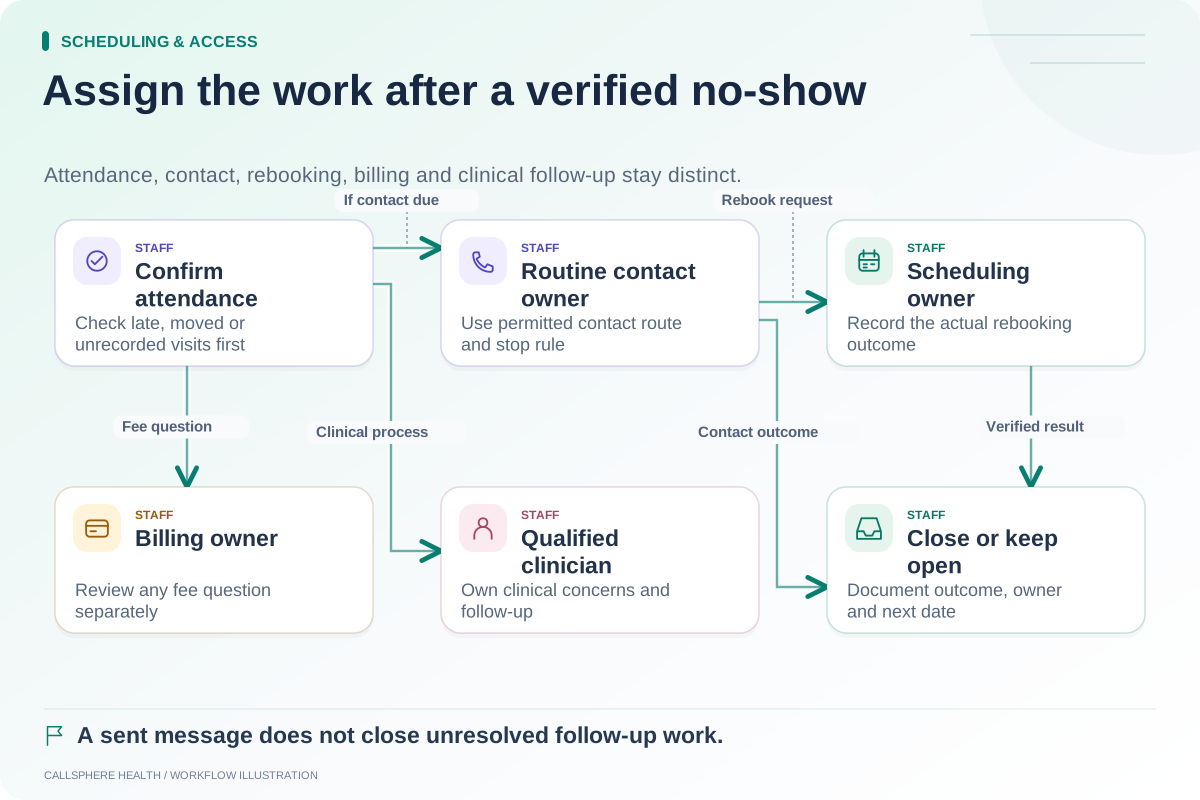
Use the scheduling measurement guide to define events and the no-show follow-up guide to assign staff work. The useful result is a defensible picture of your own capacity and effort, not a universal claim about the cost of an empty appointment.
Browse more practice guides.