A clean software offboarding process removes a departing employee's access and assigns their unfinished work to appropriate people. Disabling a login without checking inboxes, appointments and task ownership can leave the practice with inaccessible or unmonitored work.
Plan the process around the actual departure circumstances and the practice's policies. This guide is an operations checklist, not employment or legal advice. Preserve records and audit history according to approved requirements; removing access is not an instruction to delete clinical or financial records.
Inventory access separately from work ownership
List the systems the employee uses, including the EHR, communication channels, connected services and administrative tools. Determine which accounts are individual and which shared resources they can access. A departure from the EHR does not automatically revoke a separate email or telephony account.
In a separate list, identify assigned work: future appointments, outstanding documentation tasks, billing exceptions, intake questions and callback queues. The person authorized to remove access may not be the person qualified to resolve each task.
Use two coordinated checklists
| Access task | Verification question |
|---|---|
| Disable the individual account at the approved time | Is sign-in denied as intended? |
| Review active sessions where supported | Does the access change affect existing sessions? |
| Remove connected-service access | Are separate systems accounted for? |
| Review shared credentials under policy | Did the employee know a secret that requires action? |
| Preserve the change record | Can the practice identify who performed the access change? |
| Work task | Verification question |
|---|---|
| Reassign administrative queues | Does the new owner see the open items? |
| Review future appointments | Is the responsible provider or staff workflow clear? |
| Route documentation questions | Is an authorized clinical lead involved? |
| Transfer billing exceptions | Can the new biller find the supporting references? |
| Update coverage instructions | Do staff know the current contact route? |
Do not claim a system revokes active sessions until that behavior has been tested or established in current documentation.
Rehearse the handoff before relying on it
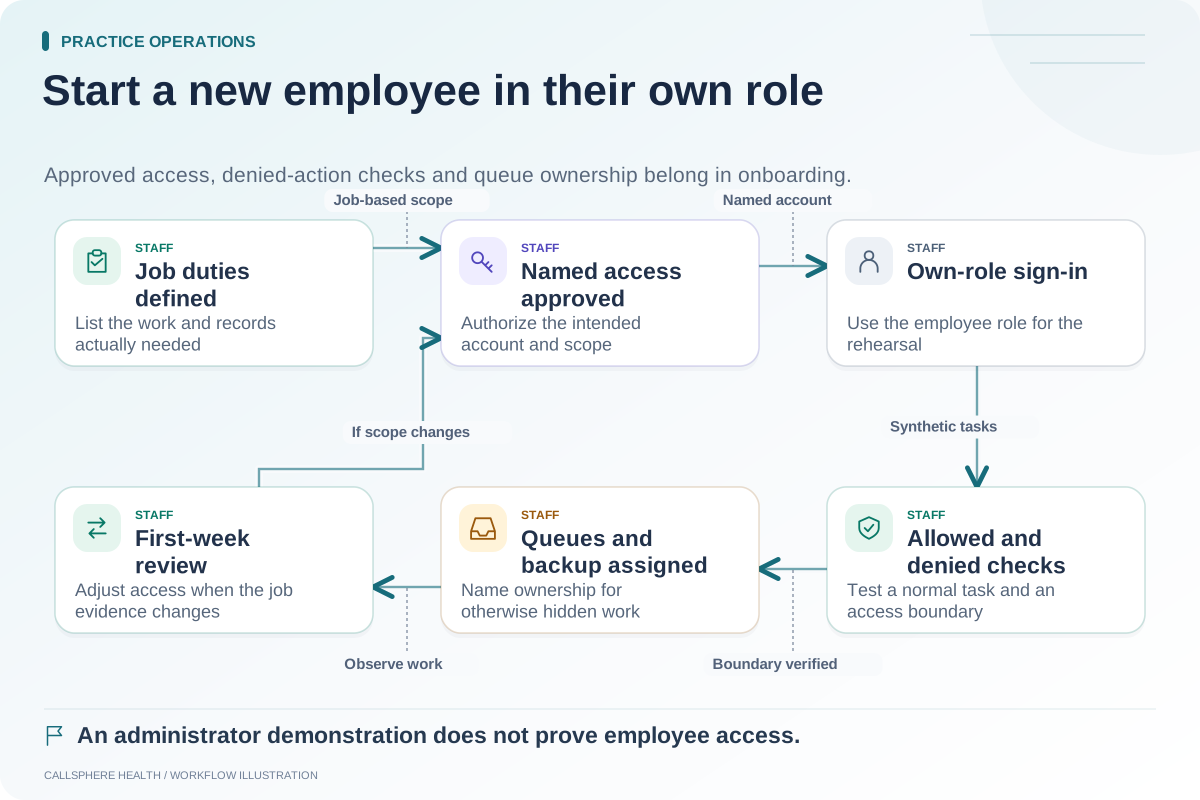
Hypothetical example: A departing intake coordinator has three synthetic open tasks in a training exercise. The manager assigns them to a replacement, then signs in as that replacement to confirm the tasks are visible. The access administrator separately disables the old training account and checks the intended denial behavior.
Both checks matter. A successful account disable does not prove the new owner can see the work, and a successful reassignment does not prove the old account can no longer access it.
Keep clinical responsibility with the appropriate people
An administrator should not sign or rewrite clinical documentation simply to clear the departing employee's queue. Route outstanding clinical work to the authorized clinical lead, who determines the appropriate process. Financial adjustments likewise need the practice's approved authority.
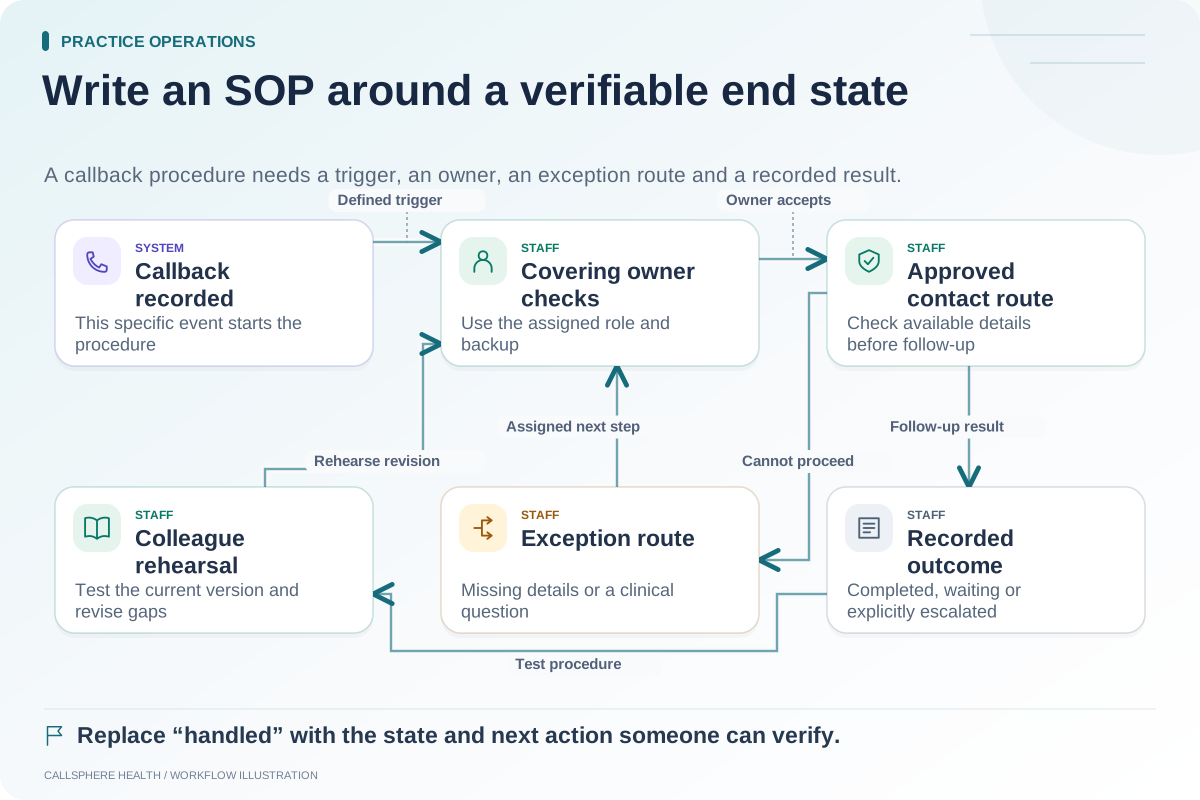
When administrative AI records a callback request, ensure its destination remains valid after staffing changes. A configured contact number or queue can become outdated even when the AI continues answering routine questions correctly.
Record unresolved dependencies
Some access changes involve external vendors or contractual processes. Keep these items open with an owner until the result is verified. “Request sent” and “access removed” are different states. Do not hide a pending third-party action inside a completed offboarding checkbox.
For background, review HHS security guidance, checked September 9, 2026. The proposed paired checklist here is an operational aid.
Use a synthetic demonstration to inspect CallSphere's current role and account behavior, guided by the security review page and capabilities overview. Do not test with a real departing employee's session without appropriate authorization.
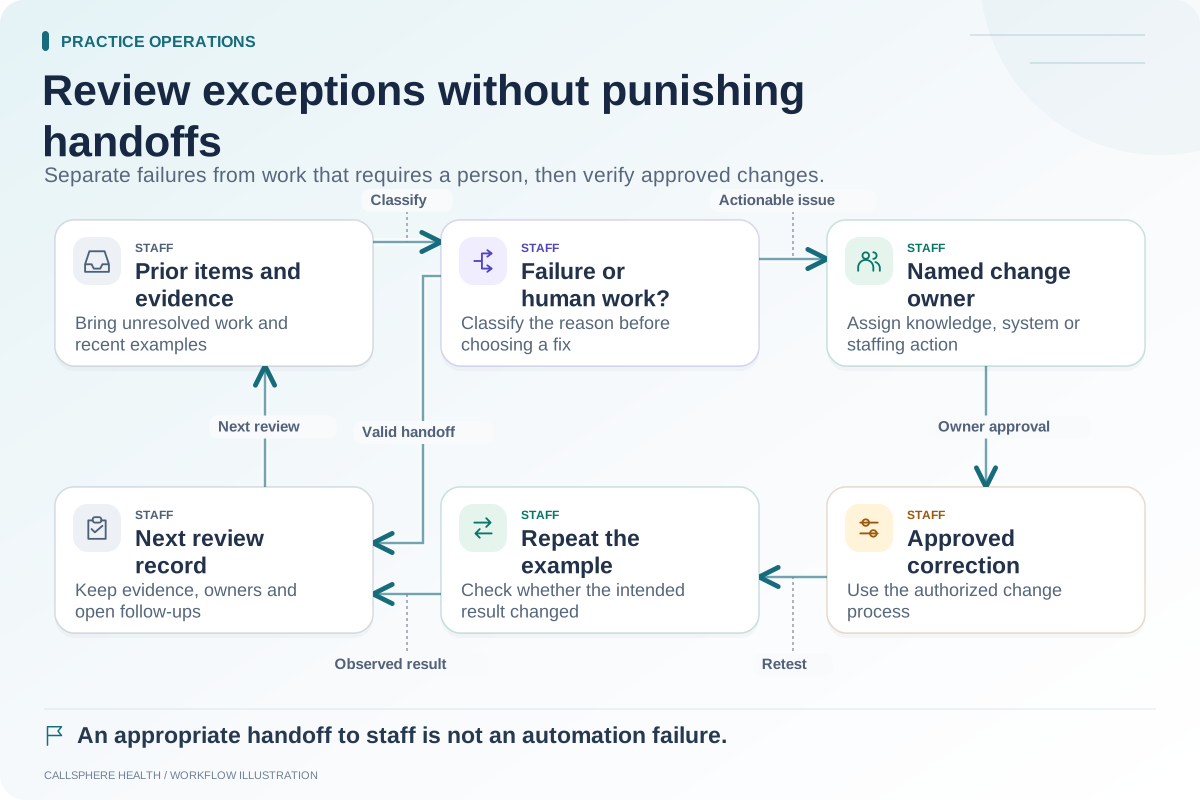
Connect the process with employee onboarding, weekly exception review and the SOP template in the operations library.