Treat a recurring appointment series as a group of related visits with individual exceptions, not as one calendar box copied indefinitely. Before relying on a weekly slot, verify the full series, its end date and what happens when one appointment conflicts with a holiday or clinician absence. The first visit can look correct while a later occurrence is unusable.
Recurring scheduling is an administrative tool. The appropriate frequency and duration of therapy remain clinical decisions. Software should preserve the schedule the practice has approved and make changes understandable to staff and clients.
Define the series before saving it
Record the starting date, local appointment time, recurrence pattern, visit type, provider, location or remote format and end condition. An end condition might be a specific date or a defined number of appointments, depending on the system. Do not assume that “weekly” means forever or that it stops at the end of an authorization period.
If a series needs review before extension, assign an owner and a review trigger. This prevents a software default from becoming an unintended promise of indefinite availability.
Use a series acceptance checklist
The following checks are proposed tests for a controlled demonstration using synthetic appointments.
| Test | What to inspect |
|---|---|
| Create a short series | Every expected date and time exists |
| Change one visit | Other occurrences remain as intended |
| Change future visits | The boundary date is explicit |
| Cancel a holiday occurrence | The rest of the series remains correct |
| Encounter clinician leave | Conflict is visible or handled as configured |
| Reach the end date | No unintended extra occurrence appears |
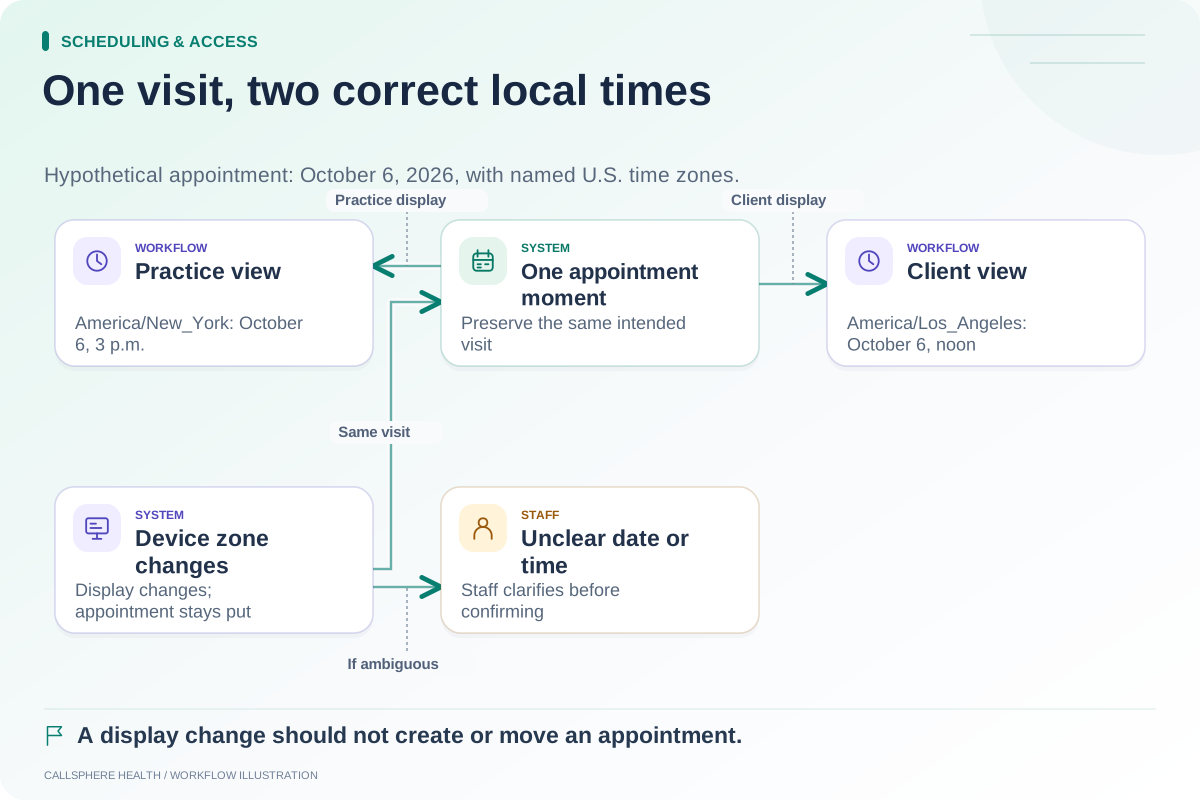
| Cross a clock change | Local appointment meaning remains correct |
Ask the vendor to show the confirmation wording for single-visit and series-wide actions. The two should not share an ambiguous “save changes” flow without explaining their scope.
A hypothetical holiday exception
A fictional practice schedules six Tuesday visits at 3 p.m. One Tuesday is a planned office closure. Staff want to move only that appointment to Wednesday, leaving the other five Tuesdays unchanged.
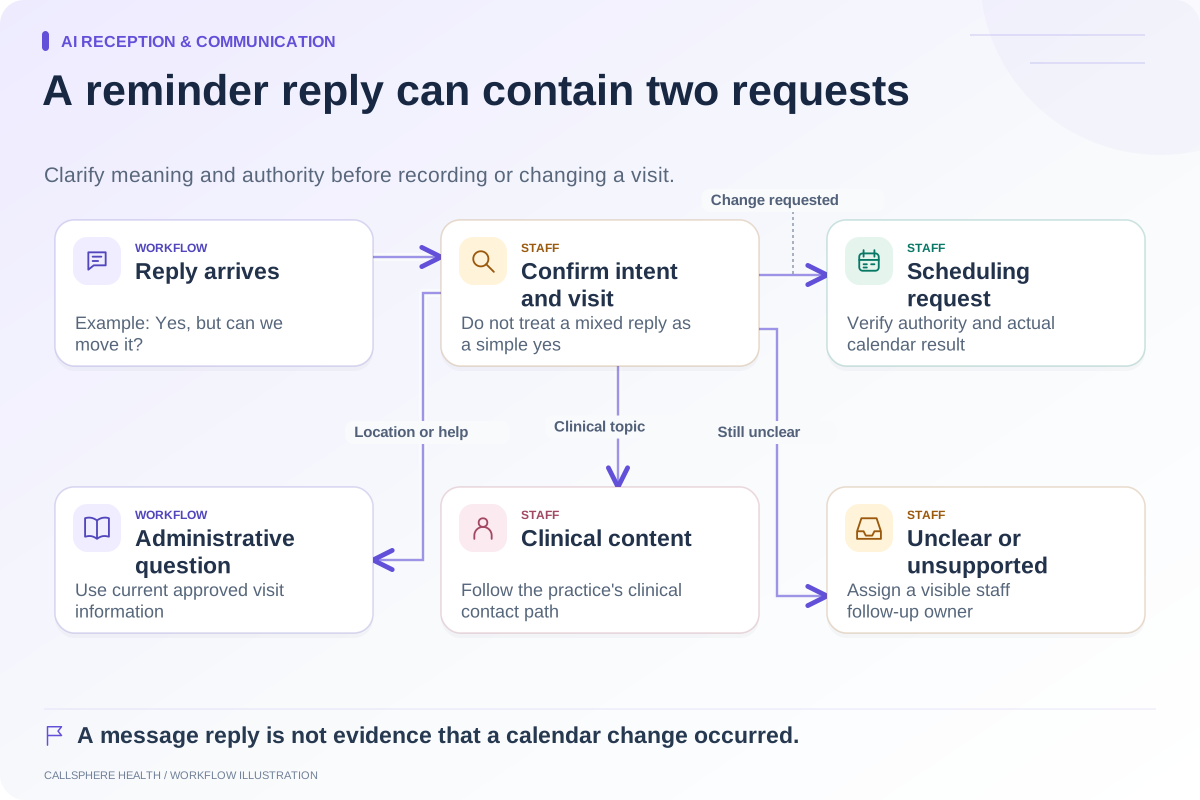
The administrator checks the selected occurrence, moves it through the approved workflow and then reviews the remaining series. The client-facing message identifies the exceptional Wednesday date. It should not imply that all future visits have moved.
If the software instead creates an extra Wednesday appointment while leaving Tuesday active, the task is incomplete. Staff need to reconcile both records before considering the move successful. A visually plausible series count is not enough; inspect the actual dates.
Compare documented series controls fairly
SimplePractice's recurring appointment guide documents management of recurring appointments and extending a series. TherapyNotes' scheduling guide distinguishes canceling one occurrence from canceling future appointments. These are concrete capabilities to evaluate, not reasons to describe established EHRs as recordkeeping-only tools.
Your comparison should test the particular exception the practice encounters. A feature label alone does not establish how existing reminders, intake tasks or billing preparation respond to a series change.
Review downstream work after a series edit
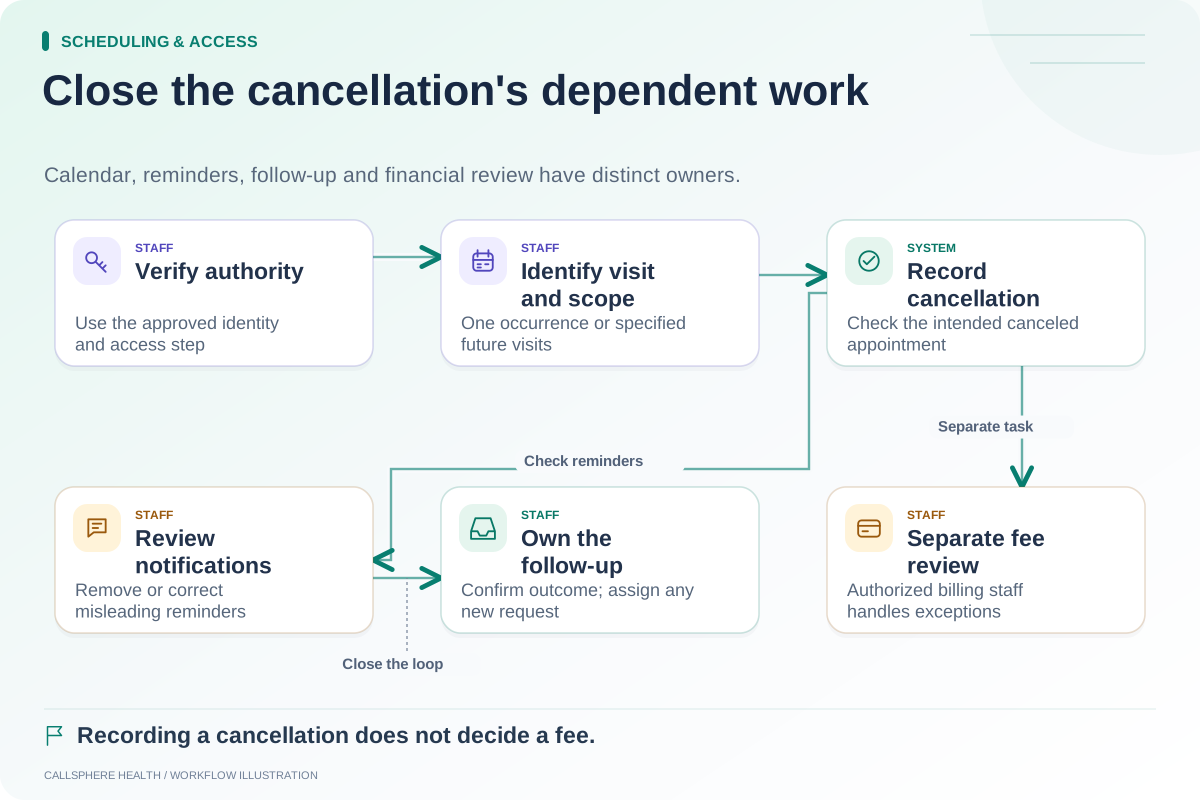
Check whether reminder timing, visit instructions and associated administrative tasks reflect the revised occurrence. A canceled visit should not continue to produce an ordinary appointment reminder. If staff need to contact the client manually, assign that task and confirm its completion.
The cancellation checklist helps track those follow-up steps. For remote visits or clients in different zones, use the time-zone testing matrix to make sure the series preserves the intended local time across relevant dates.
Do not infer that a calendar extension also extends coverage, authorization or clinical approval. Those decisions and records need their own review.
Demonstrate the exception, not only the repeat button
CallSphere Health's platform includes recurring appointment workflows, but the exact rules and connected actions should be checked in your configuration. The capabilities overview distinguishes administrative tools from clinical and financial decisions.
Bring a six-visit synthetic series with a closure, a single reschedule and an end date to a demo. Ask to inspect the resulting appointment list and the instructions a client would receive. More practical evaluation cases are collected in Scheduling and access.
Sources and product scope checked September 9, 2026.