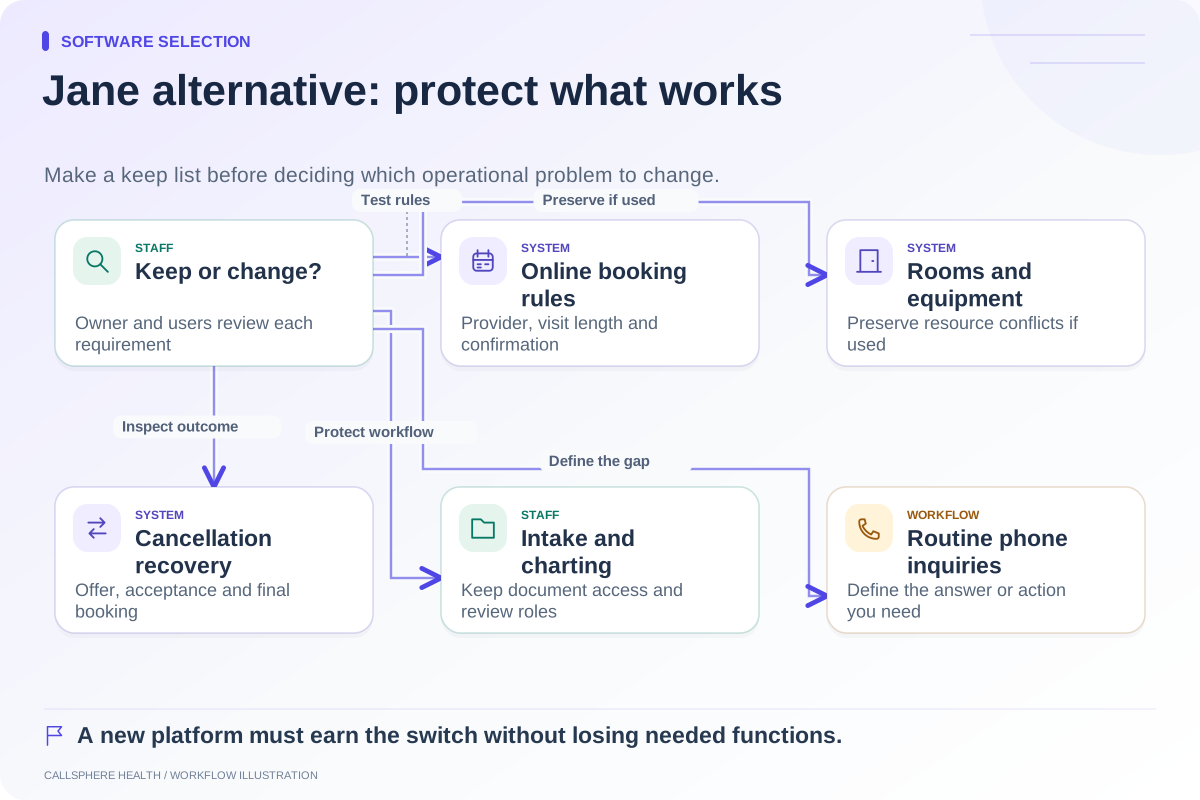
Consider a SimplePractice alternative when a specific workflow in your practice remains difficult after you have checked the current plan and configuration. Start with that workflow, not a claim that SimplePractice only stores records. Its official materials describe scheduling requests, intake, telehealth, billing, communication tools, and optional AI documentation. A replacement should demonstrate a better fit for the work you actually need done.
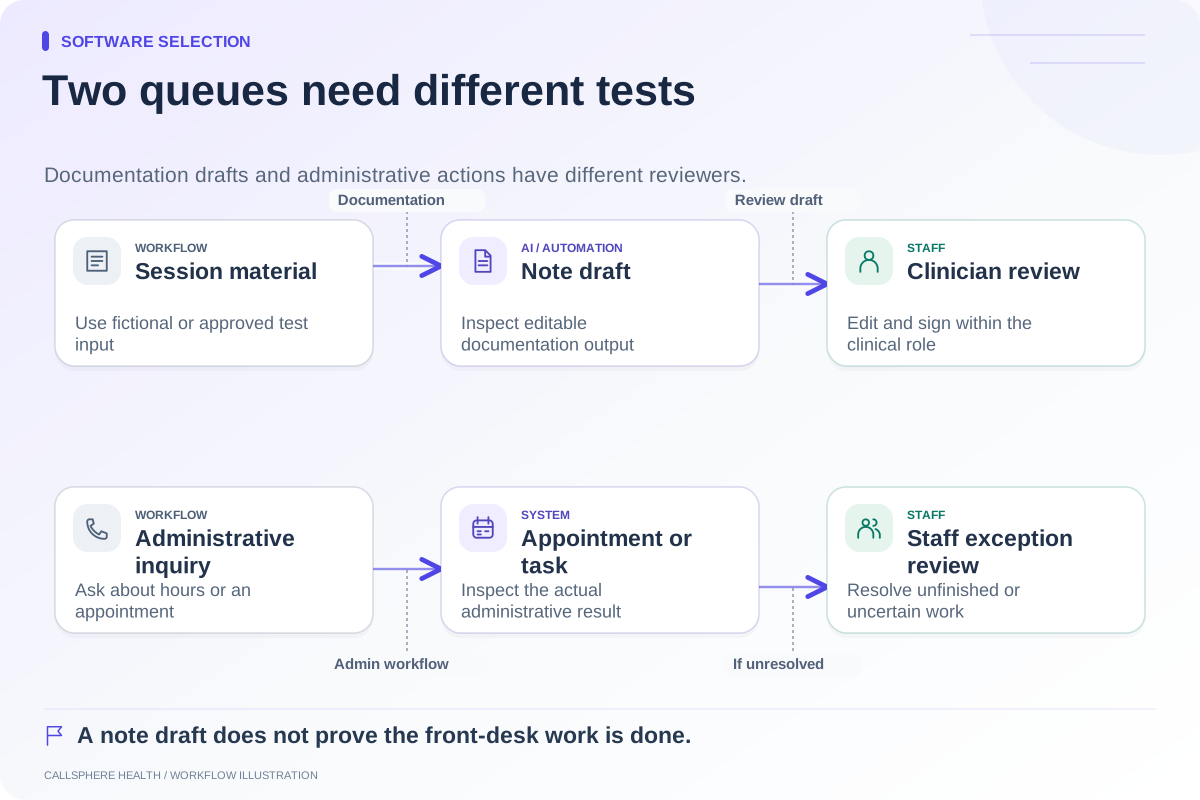
For a front-office evaluation, the useful question is how an inquiry becomes an appointment and an assigned next step. Separate what software completes from what staff accept, verify, or finish.
Establish the current SimplePractice baseline
Current official guidance distinguishes online appointment requests from the external website appointment-request widget. The widget is documented for the Plus plan and sends requests into the account for staff to accept or decline. A request-and-approval model may be desirable when the practice needs to confirm fit before booking. SimplePractice widget guide, reviewed September 9, 2026.
The feature-by-plan guide also documents plan-dependent team and communication functions. Check the exact plan before concluding that a capability is unavailable. The same guide lists Note Taker as an optional add-on; “SimplePractice has no AI” would be inaccurate.
Use a before-and-after handoff table
Make the comparison around observable states. Fill the final two columns during demonstrations rather than relying on a generic feature grid.
| Step | Question to answer | Current setup | Candidate setup |
|---|---|---|---|
| Inquiry | Where does the message arrive? | Record evidence | Record evidence |
| Availability | Is it current and appropriate for this visit type? | Record evidence | Record evidence |
| Appointment | Request, hold, or confirmed booking? | Record evidence | Record evidence |
| Intake | Which task or form is created, and when? | Record evidence | Record evidence |
| Exception | Who follows up if the action cannot finish? | Record evidence | Record evidence |
This makes a tradeoff visible. Immediate booking can be convenient, but an approval queue may better match a practice's intake process. The stronger fit is the one that implements your rules clearly.
A hypothetical reason to keep the current platform
Oak Example Therapy has established portal and billing routines. Staff want every new-patient appointment reviewed before confirmation, and its inquiry workload is manageable. Its first step could be improving request ownership and communication templates rather than changing EHRs. If the selected SimplePractice plan already supports the needed process, migration may add work without resolving a material problem.
A different practice may receive routine inquiries while its administrator is unavailable and want configured AI answers or appointment actions. That is a reason to evaluate front-desk options, including integrated platforms, while preserving evidence of what the existing setup does well.
What to test with CallSphere Health
CallSphere Health offers an EHR and practice-management platform with AI front-desk tools for routine phone and website inquiries. Configured tools can check availability, create supported appointments, assist verified adults with their own appointment changes, and record callback requests.
Ask for a demonstration that uses your intended booking rules. Current evidence does not justify assuming automatic matching across clinician specialties, insurance, age, and modality. Nor should you assume that an AI booking automatically completes the intake sequence. Staff confirm fit, maintain practice information, and handle exceptions. The capability overview describes those boundaries.
We did not establish native conversational inbound calling from the SimplePractice sources reviewed here. That is an unverified comparison item, not a statement that the feature does not exist. Ask the vendor directly for current documentation.
Price the change as well as the subscription
Account for users, AI tools, communication usage, billing charges, setup, and export work. SimplePractice's pricing FAQ includes announced insurance-pricing changes effective October 1, 2026. Date your quote and avoid using temporary promotions as an ongoing baseline. Research was checked September 9, 2026.
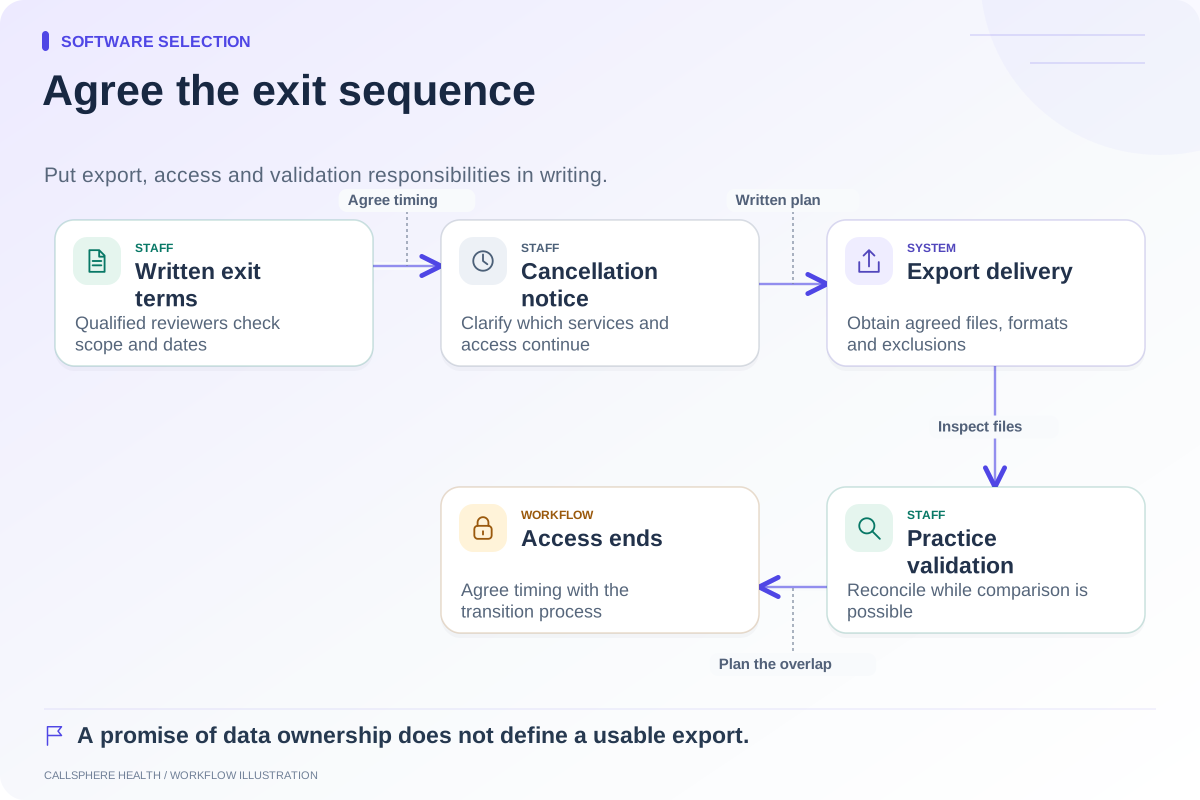
Before switching, validate sample exports and assign staff to test calendar, intake, documentation, and billing workflows. Use the demo scorecard alongside the comparison hub. A focused demonstration should resolve your specific front-office problem before any migration decision.
Browse more guides to software selection.