A waitlist offer tells someone that an opening may be available; it does not automatically create an appointment. The acceptance step must explain whether the time is held, who can claim it and what happens when the offer expires or another person books first. Without those rules, a helpful notification can create several people who believe they have the same slot.
Decide the offer policy before selecting an automation setting. A practice might contact one person at a time, provide a defined group with temporary access or ask staff to review responses. Each model can work, but the wording and calendar behavior must agree.
Define the offer lifecycle
Use these proposed states when mapping the workflow. Your software may use different labels.
| State | Meaning for the recipient |
|---|---|
| Candidate identified | No offer or appointment yet |
| Offer sent | A time is being presented under stated rules |
| Access window active | Any temporary hold or priority applies |
| Acceptance attempted | Availability and eligibility still need checking |
| Booking confirmed | The appointment exists in the schedule |
| Offer expired | The original invitation no longer establishes access |
| Slot taken | No appointment was created for this recipient |
Keep the confirmed-booking message separate from the notification. “A time has opened” is useful information; “Your appointment is confirmed” is a stronger claim requiring a real reservation.
Learn from documented product differences
Jane's waitlist notification guide describes configurable exclusive access and manual or automatic notifications, with plan conditions. That is substantive waitlist functionality. Compare the precise offer and acceptance behavior instead of claiming that another product simply lacks automation.
Check current plan, channel and appointment-type restrictions during purchase. A feature that supports individual appointments may not behave identically for a class or a multi-client session.
A hypothetical competing acceptance
A fictional counseling center releases a Thursday opening and notifies three eligible waitlist contacts under an approved shared-offer policy. The message says that booking is subject to availability. Two people try to accept close together.
The first successful reservation receives a confirmation. The other person receives an accurate unavailable response and an appropriate next step. Neither should be told that clicking the notification guarantees the visit. Staff then check that the waitlist entries reflect the actual outcomes rather than removing everyone who received the offer.
This example does not recommend a particular priority policy. Practices should define fair, appropriate access rules and clinical considerations through their own approved procedures.
Decide what expiration changes
An expired invitation should not continue to promise priority access. Test the link after the stated period and after the slot has been booked. If the interface still displays the old time, it should verify current availability before accepting an appointment action.
Also test a person who responds by phone instead of using the link. Staff need to see whether the offer remains active, whether the slot is held and whether someone else has already booked. A timestamp on the original notification is not enough to establish current availability.
Connect cancellation without skipping verification
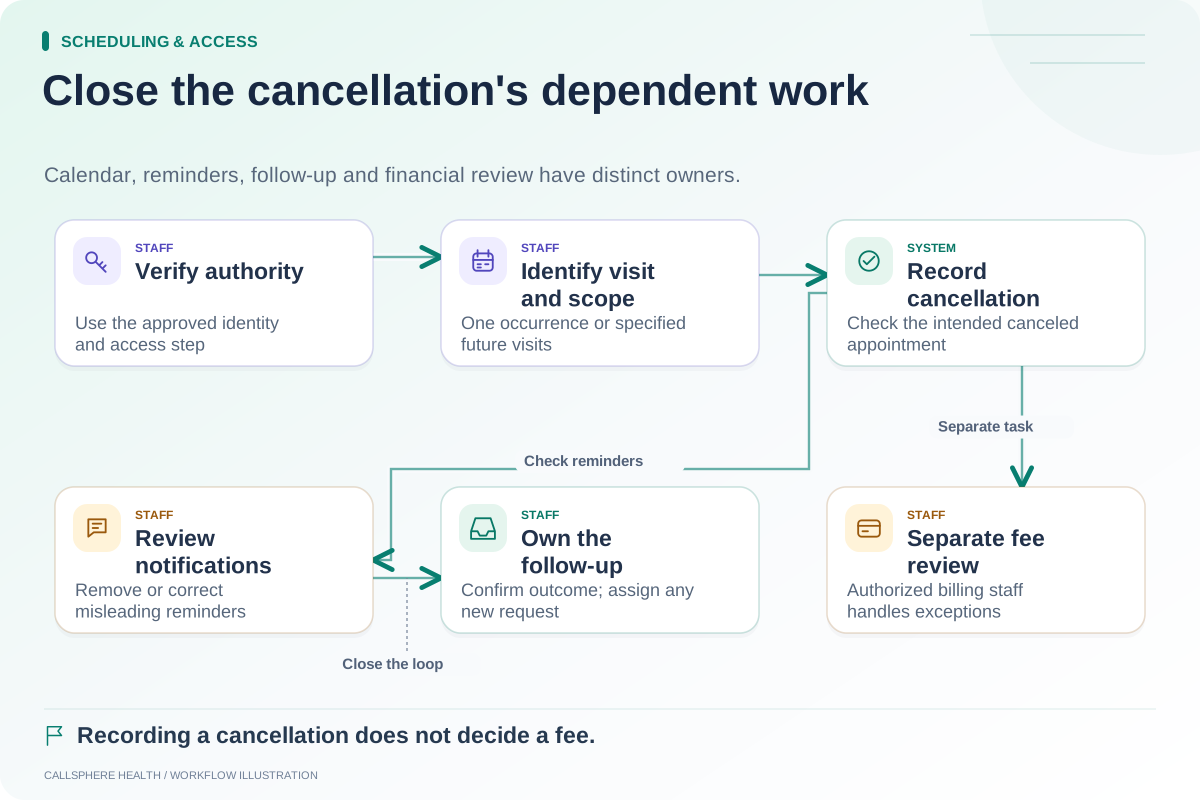
A cancellation may create a possible opening, but the practice should verify the released appointment state before issuing offers. Check that provider availability, location and visit type still permit a replacement. The cancellation checklist helps close that first loop.
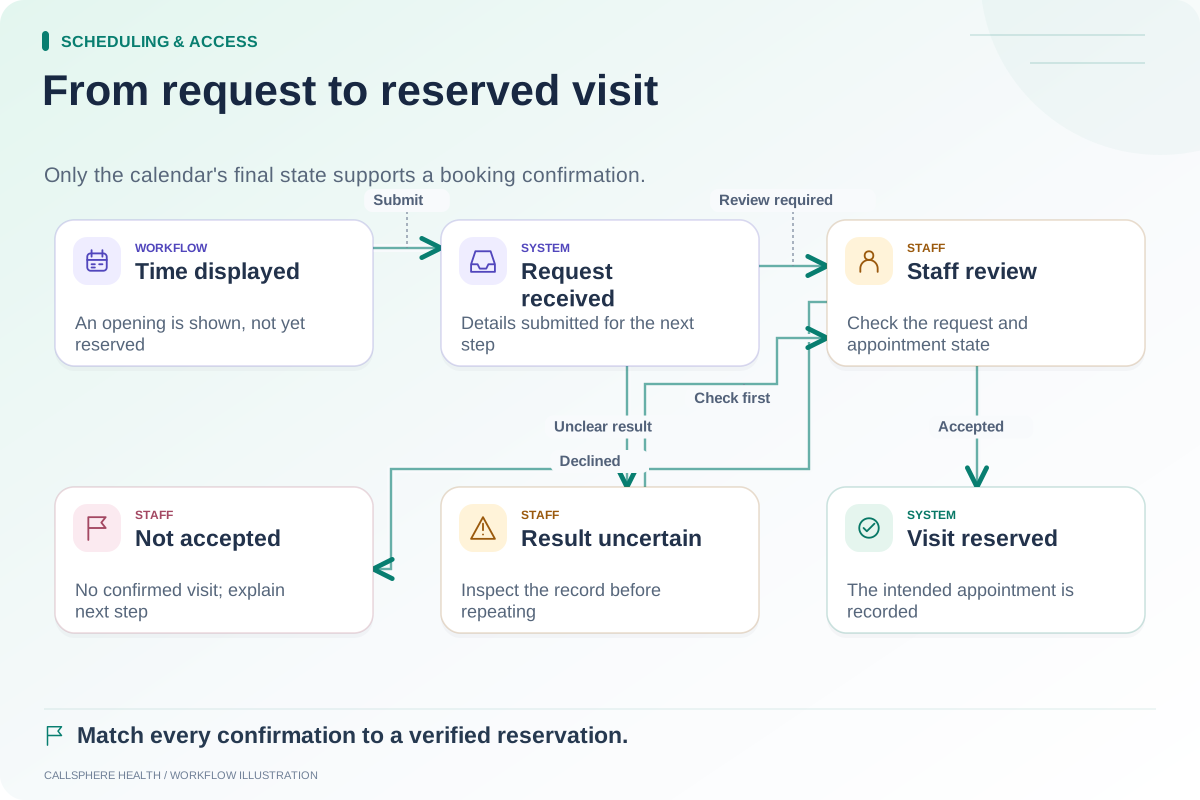
After acceptance, confirm the actual date, time zone, format and provider. Follow any required intake or approval steps. The request-versus-booking guide gives examples of accurate wording when acceptance creates a request rather than an immediate reservation.
Ask for the losing and expired cases in a demo
CallSphere Health's platform includes waitlist and scheduling workflows, but its presence does not prove a particular automatic offer policy or channel is configured. Review capabilities and require a demonstration of the actual offer, acceptance, conflict and expiration behavior your practice needs.
Use synthetic contacts and disabled delivery during testing. Ask to inspect the final calendar and waitlist state, not just the notification design. More practical booking checks are available in Scheduling and access.
Sources and product scope checked September 9, 2026.